




-
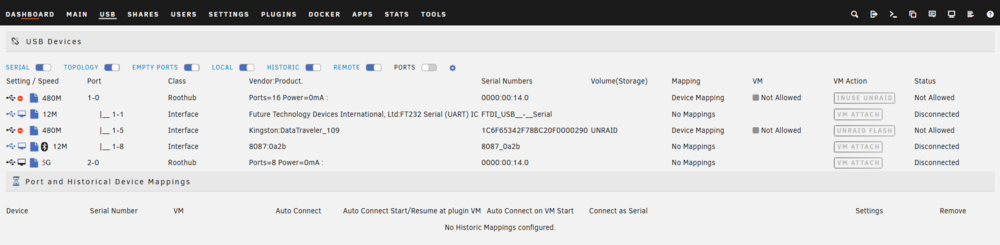
Hello ! Having truble trying to connect this UPS on my server. Its an MICROSOL STAY 700 USB It does appears to connect on USB (FUTURE TECHNOLOGY DEVICES INTERNATIONAL) And the Driver could be "solis" But i have on idea how to setup the NUT config to detect the UPS.

-
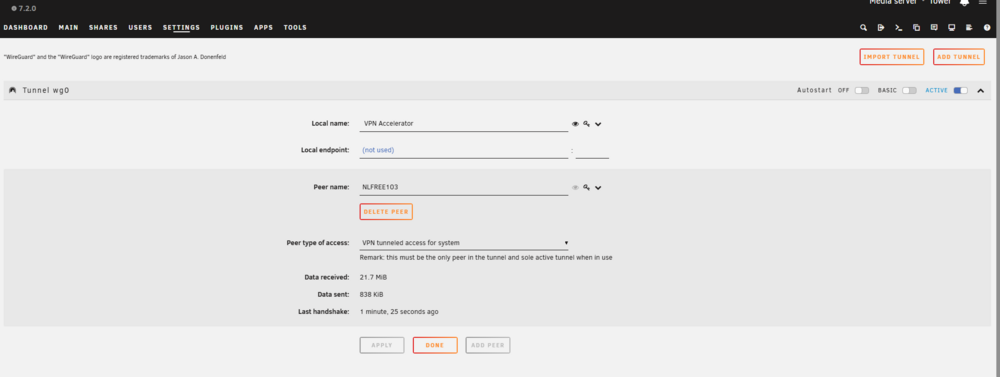
Dear lord.. It did work with Proton VPN and Wireguard. managed to install Community apps and other stuff. I have no idea what i have done and even if this is secure. So, is this an ISP problem? How can i report this to the ISP? What address is the UNRAID trying to call ?
-
So. VPN, same thing. Fresh install with version 7.1.4 System time is right. DNS is 1.1.1.1 and 8.8.8.8 or ISP DNS One thing that i see that is kinda different on this mobo is that it does have 2 LAN ports, plus WIFI. BIOS setting OnBoard LAN Controller, even if i go DISABLED, UNRAID still detects both LAN adapters and WIFI. (EDIT: NETWORK STACK on BIOS is disabled too. ) edit. did managed to disable onboard LAN but id does disables all of them. edit 2. attached new diagnostics. tower-diagnostics-20251029-2258.zip
-
i did tryed on two different USB disks. One 2.0 Sandisk 8GB and one Kingston 3.0 16gb. Both clean installs and did migrate my UNRAID key. I can try again today. Yes i am from Brazil! I did imagine something like that. One of the solutions that i found on the forum was to download this file https://raw.githubusercontent.com/Squidly271/community.applications/master/archive/community.applications-2024.07.06-x86_64-1.txz And i was getting a Error 429 (i think) - Too many Requests, etc.. Now the link is working fine at least on this connection that i am currently (work) I have an active account on Nord VPN. Will try to route the UNRAID wifi through my phone with VPN active. I´ll reply when i give it a go tonight.
-
me and a friend managed to install the community apps and it did show up on the GUi But now, lots of the apps are showing the same error. plugin: installing: gpustat.plg Executing hook script: pre_plugin_checks plugin: downloading: gpustat.plg ... plugin: gpustat.plg download failure: Invalid URL / Server error response Executing hook script: post_plugin_checks plugin: installing: tailscale.plg Executing hook script: pre_plugin_checks plugin: downloading: tailscale.plg ... plugin: tailscale.plg download failure: Invalid URL / Server error response Executing hook script: post_plugin_checks
-
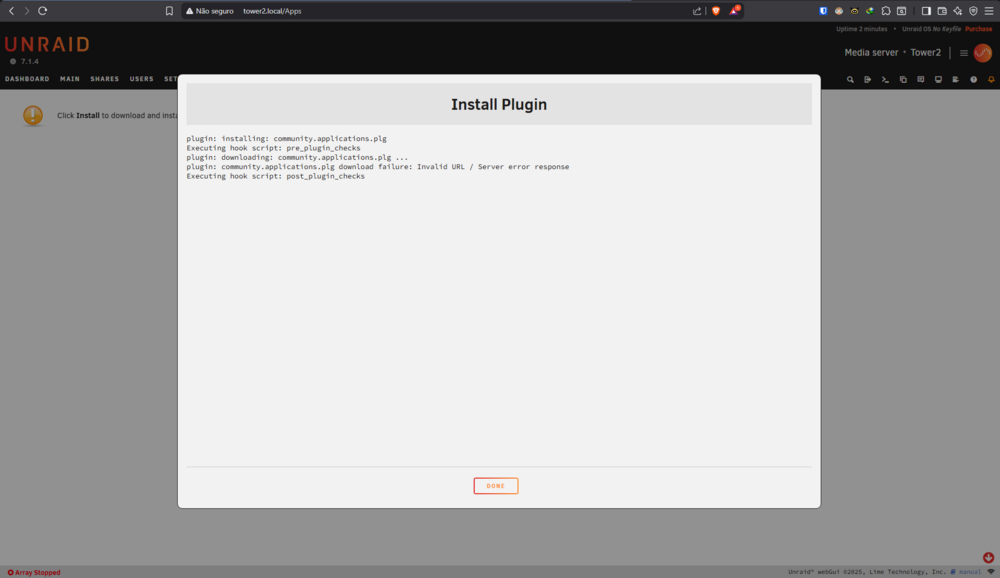
Been browsing the forum for a while and failed to do any progress. Geting this error when trying to install community apps. plugin: installing: community.applications.plg Executing hook script: pre_plugin_checks plugin: downloading: community.applications.plg ... plugin: community.applications.plg download failure: Invalid URL / Server error response Executing hook script: post_plugin_checks The DNS is set for 1.1.1.1 and 8.8.8.8 I can ping the both DNSs on unraid terminal. ps. im a noob. just upgraded my basic license to pro and just installed UNRAID after a fwe years offline. tower-diagnostics-20251028-2111.zip
-
I'm up! Cheers!

View in the app
A better way to browse. Learn more.


