





Airfirewall
Members
-
Joined
-
Last visited
Everything posted by Airfirewall
-
yea started up my spare server to check and seen that the options were were there in 6.12.4 but guess were removed at a later release. I ended up not using spin down later so didn't notice the change.
-
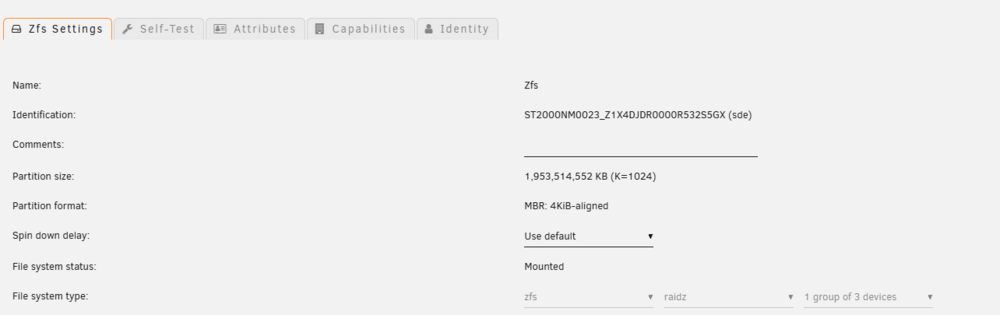
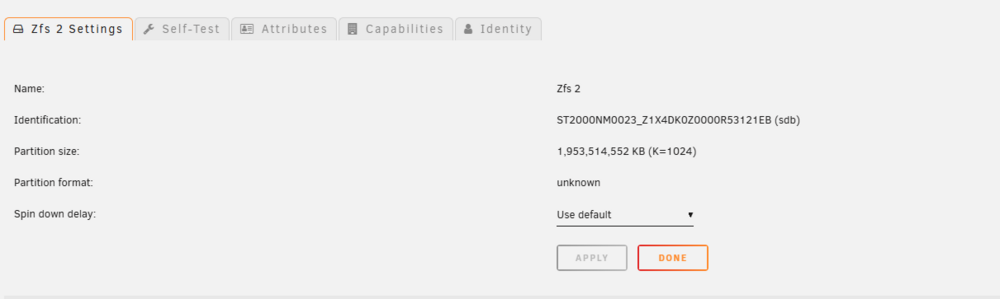
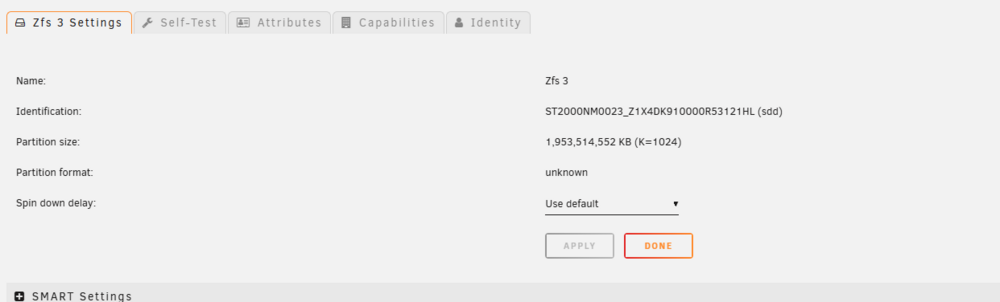
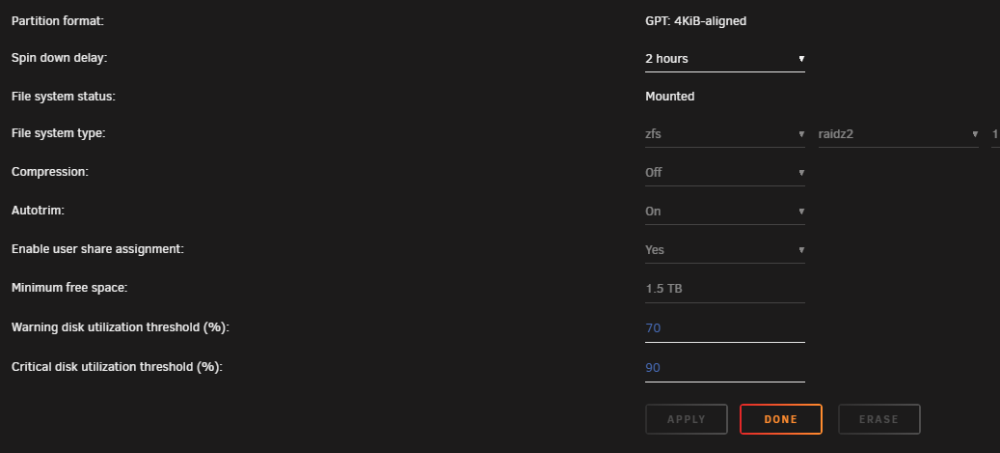
I did end up fixing. I had to go to each drive and set the spin down. I guess I only set it on the 1 figuring it would go to the whole pool.
-
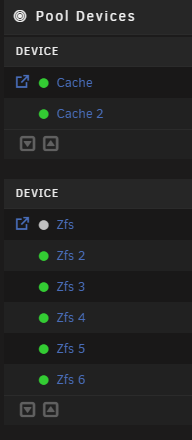
I cant get all of the ZFS disks to spin down automatically. Only the first disk spins down and stays active. I can spin them down manually and they stay spin down until I use them but they don't spin down by themselves. Saw some forums that ZFS Master plugin kept them active but I removed that awhile ago and it still not working. Is there a setting I am missing to apply spin down to all disks on a ZFS pool?
-
Having "Show Version in Sidebar:" set to false causes the webgui fail to load, shows "something went wrong..." after login in with administrator.


