Skip to content
View in the app

A better way to browse. Learn more.

Unraid

A full-screen app on your home screen with push notifications, badges and more.

To install this app on iOS and iPadOS
  1. Tap the Share icon in Safari
  2. Scroll the menu and tap Add to Home Screen.
  3. Tap Add in the top-right corner.
To install this app on Android
  1. Tap the 3-dot menu (⋮) in the top-right corner of the browser.
  2. Tap Add to Home screen or Install app.
  3. Confirm by tapping Install.

dextercf

Members
  • Joined

  • Last visited

  1. So this error keeps coming back and I don't know why. Anyone able to help out? diagnostics 111224.zip
  2. How about an update on this, with larger images? Would be cool to see.
  3. dextercf replied to dextercf's topic in Lounge
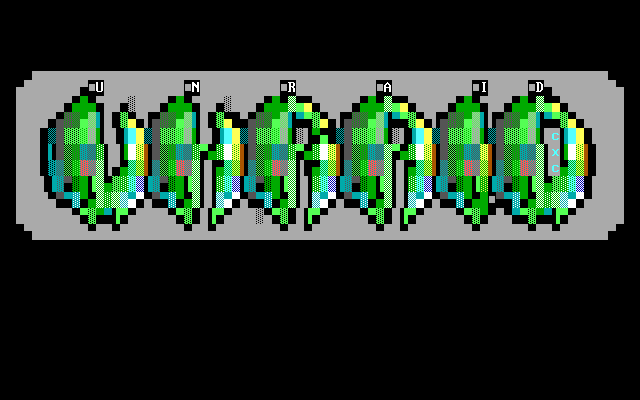
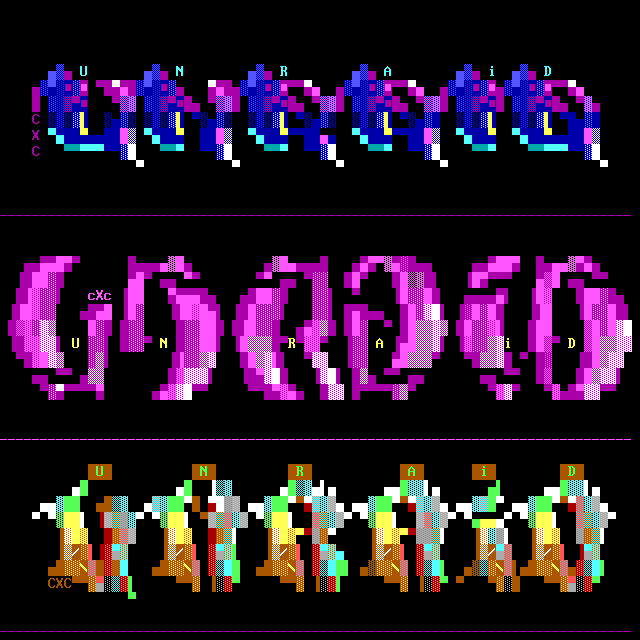
    CoaXCable did another logo. Added the original .ans and a rendered .png to the post.
  4. dextercf posted a topic in Lounge
    So this ANSI artist drew a few Unraid logos on request. I wanted something to go on the top-bar, and he delievered. Thanks to CoaXCable for drawing these retro logos. He made another one for us: (Original .ans attached) cxc_unraid_logos2021_final.ans.ans cxc_unraid_net2021_banner.ans.ans
  5. "Denne språkpakken er et arbeid i gang" <- 😆
Account

Navigation

Search

Search

Configure browser push notifications

Chrome (Android)
  1. Tap the lock icon next to the address bar.
  2. Tap Permissions → Notifications.
  3. Adjust your preference.
Chrome (Desktop)
  1. Click the padlock icon in the address bar.
  2. Select Site settings.
  3. Find Notifications and adjust your preference.