




.jpeg.bb99577061db9096de0ffdfdaa21a704.jpeg)
poweredbyporkers
Members
-
Joined
-
Last visited
-
Diagnostics. Seems to me like it's something to do with this given it immediately follows looking at the script log which I know is a trigger. Feb 26 14:43:23 DAPHNE emhttpd: cmd: /usr/local/emhttp/plugins/user.scripts/showLog.php drive_temp_script Feb 26 14:46:36 DAPHNE kernel: block nvme0n1: the capability attribute has been deprecated. Feb 26 14:46:36 DAPHNE kernel: mpt3sas 0000:04:00.0: invalid VPD tag 0x00 (size 0) at offset 0; assume missing optional EEPROM Feb 26 14:46:36 DAPHNE kernel: r8169 0000:05:00.0: invalid VPD tag 0x00 (size 0) at offset 0; assume missing optional EEPROM daphne-diagnostics-20250226-1503.zip
-
It also won't let me download diagnostics, so I'll have to wait for it to come back then I'll post them
-
Only happens on dashboard and main tabs, everything works as usual it's just I can't see any devices or CPU usage etc. When it goes blank I see the same in Windows Chrome, Windows Firefox, macOS Safari and iOS Safari so I don't think it's cache related. It tends to happen after I've viewed a log for one of my user scripts and from time to time after I change a docker containers settings, very odd. and if I try to view the log when it's happening
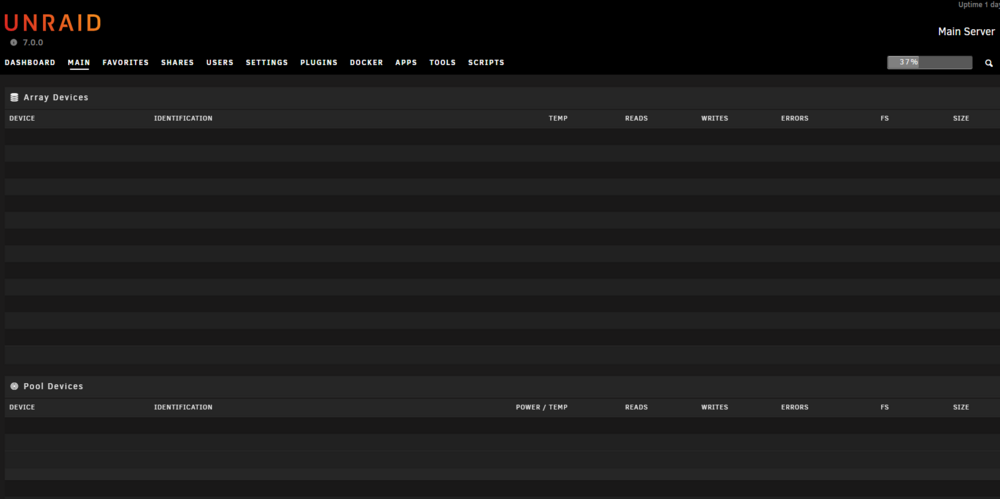
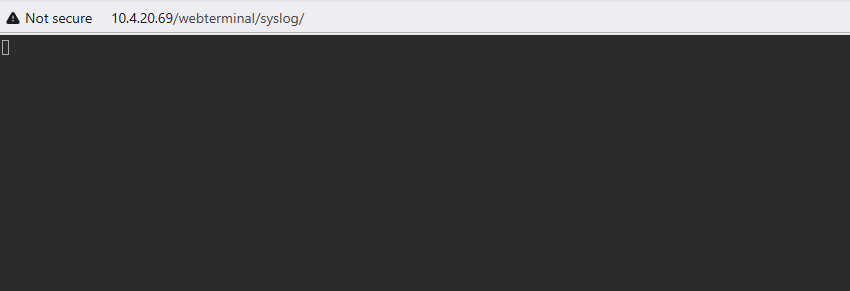
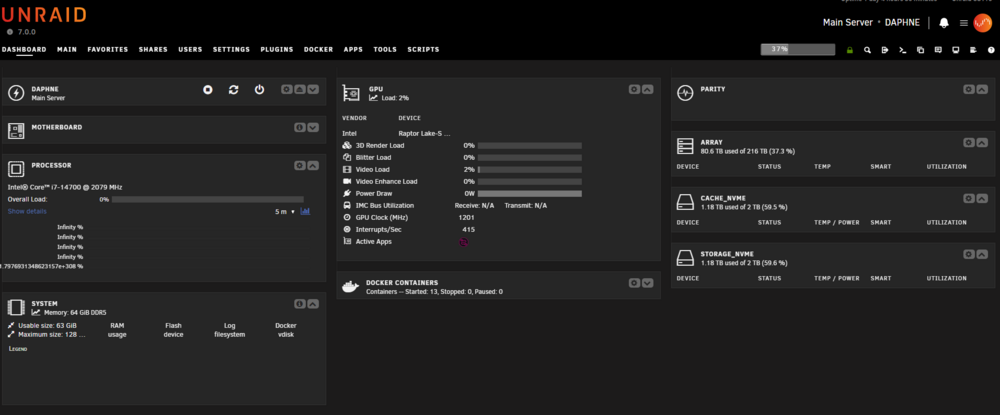
-
I moved my cache from btrfs to zfs when moving to 7.0.0 last week and didn't realize I had to destroy the dataset before I could delete the folder! My bad, sorry.
-
I tried cli and DFM, cli gives the error while DFM just sits there for a second then closes the delete screen and the folder is untouched without an error message
-
Tried that, made no difference
-
poweredbyporkers changed their profile photo
-
Removed the docker container via the docker tab and, as I've always done, went into the appdata folder to clean out the folder to be given the message rm: cannot remove '<folder>': Device or resource busy It deletes all the child folders but fails on the parent
-
Did you get anywhere with this? I'm in exactly the same issue and this support forum is next to impossible to traverse given many containers are discussed in one thread.
.thumb.jpeg.49f968af52d6b35f4766eff2a95fd42e.jpeg)


