Hyperion
Members
-
Joined
-
Last visited
-
tower-diagnostics-20220117-1659.zip
-
Hi all, i have the problem that when i want to upload files to a unraid share the process is not executed. the upload window appears but nothing happens except that after a few minutes an error message appears. The file is still on the server, but only with a size of 3mb. I currently have the Unraid version: 6.10.0-rc2 but the error existed even before the update. This error appears on multiple smb (windows) clients. i mostly use a vpn connection via wireguard or zerotier-one. booth of this methods worked once. I tried to upload small images and this worked fine but if i want upload larger files it failes.
-
Hello, is there a methode to acess the gameserver-console? like in minecraft the web-console or with screen
-
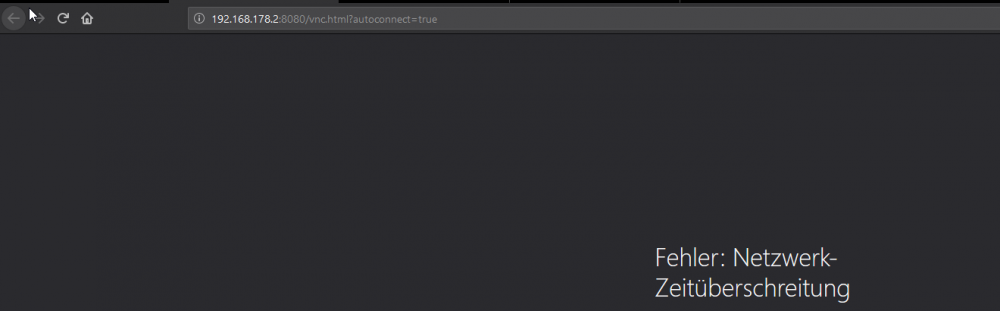
Still no connection any ideas whats wrong with the network?
-
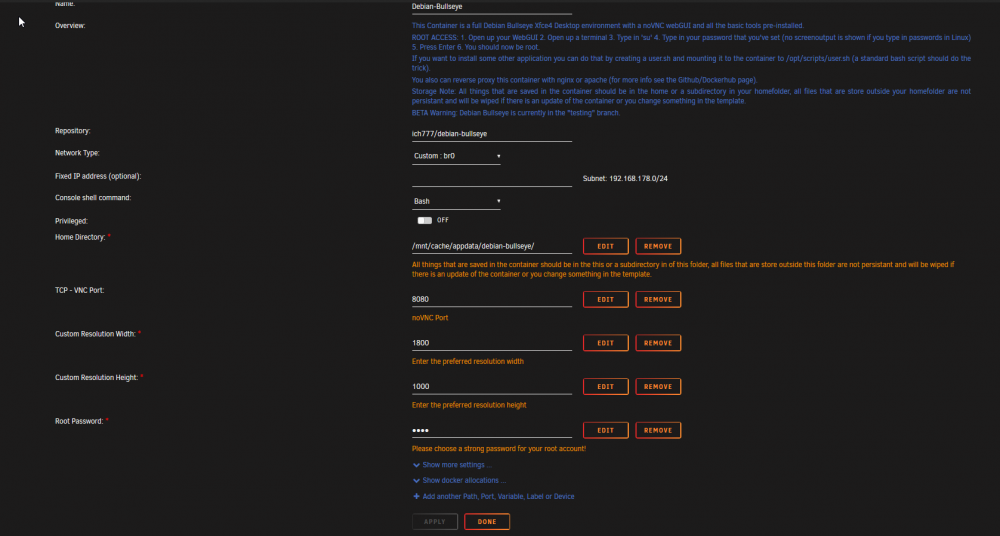
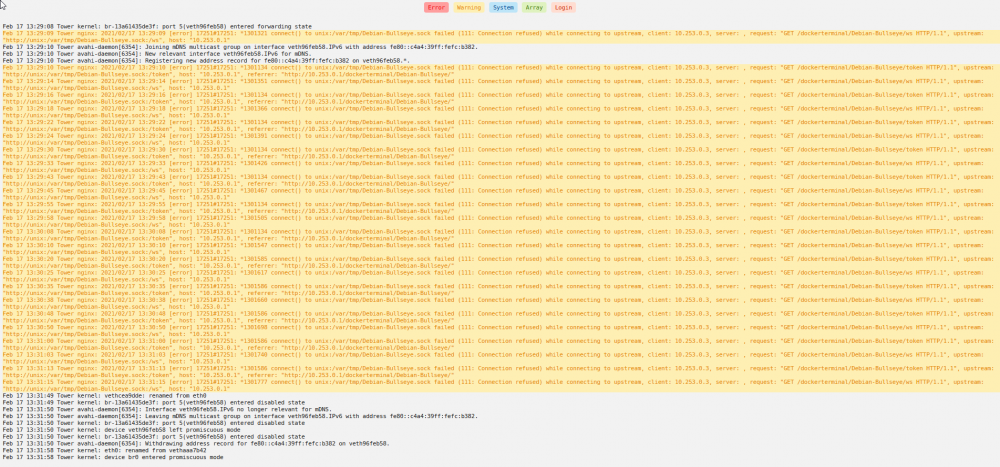
I have set a custom ip. I connect via wireguard, so this is the 10.253.0.3 address in the server log. If i have set the fixed ip-address i got the same issue and iu get also the same issue if i try to connect fron the exact same network.
-
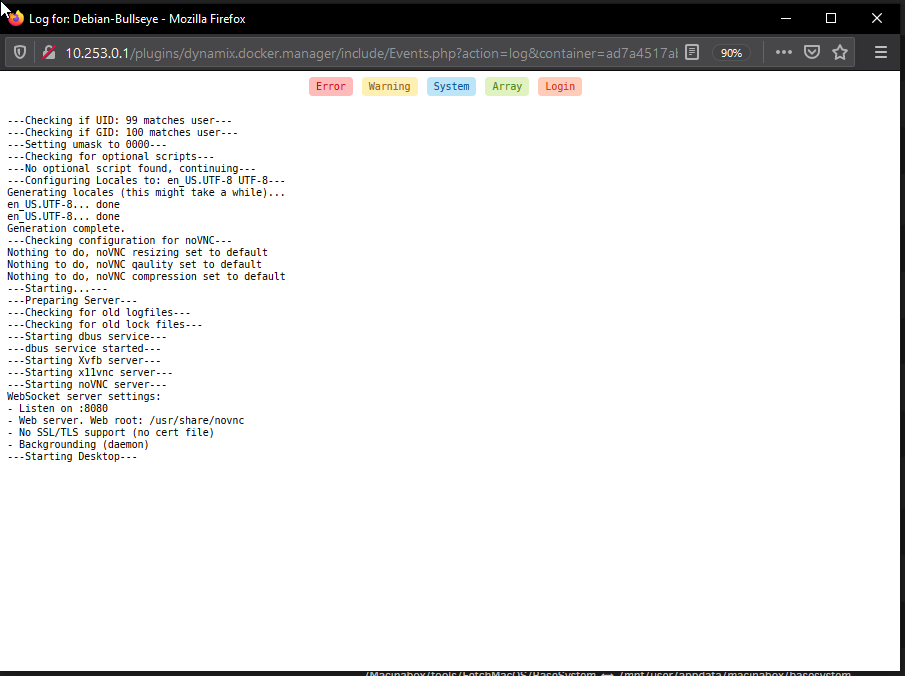
The only error i get is no connection to the web-interface, the console itselfe works fine
-
Hi i cant connect to the debian-bullseye webinterface, has anyone an idea?