





Mihael
Members
-
Joined
-
After installing the latest Unraid version, I couldn't start the Plex container anymore. Initially, I thought it might be due to the settings, so I removed the graphics card ID (GUID) from the settings and saved it. However, the app disappeared suddenly, and even a re-installation didn't work. I can see that there are orphaned container images. Is there a way to recover the containers, or is there another method to reinstall Plex cleanly? Ideally, I'd like to get my "old" Plex back. Thank you for your help. diagnostics-20230911-1520.zip

-
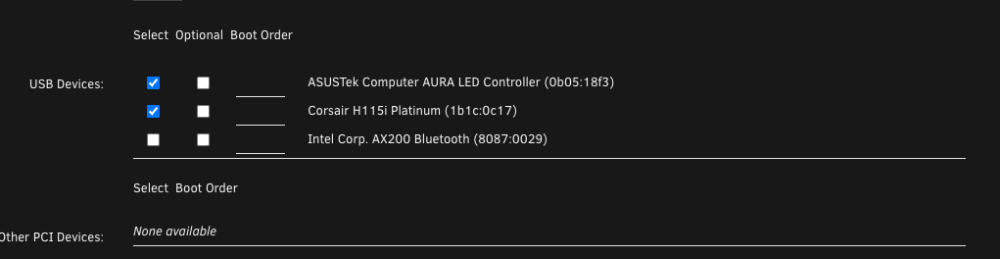
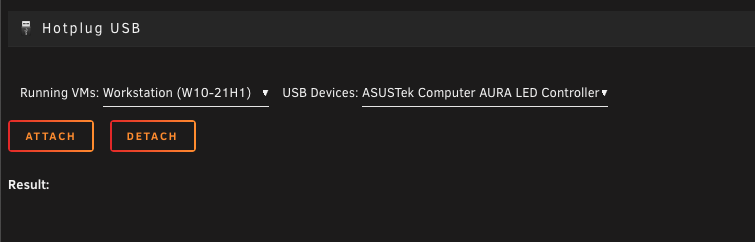
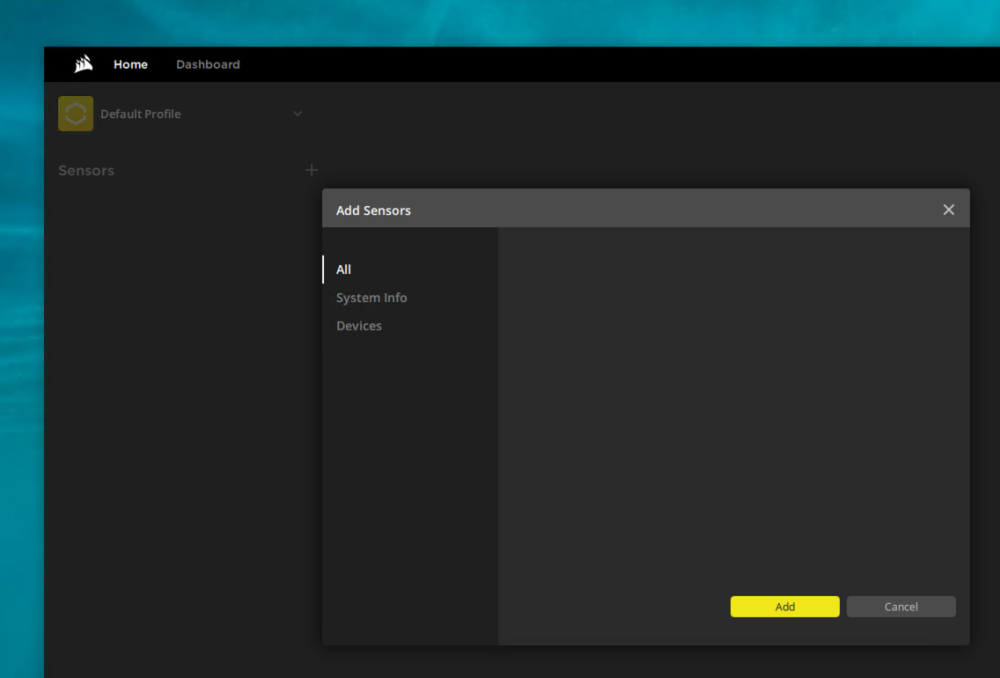
Is there an option to control the FAN speed of my CPU watercooler? - Corsair H115i RGB Platinum I see the Corsair H115i RGB Platinum in the VM settings, but when I activate it, I can't see it in Windows. I installed also the libvirt hotplug plugin but nothing is happening. The iCue software on my Windows VM doesn't detect the Corsair H115i RGB. Does anyone have a similar setup? If this is not feasible with Unraid. Can anyone recommend a hardware controller where I can control the CPU water cooler fans externally? Thanks!
-
I missed the "link". It worked out now, thanks!
-
Hello, I updated my UnRaid to the latest 6.9+ Version. I'm getting the following warning: vfio-pci.ids or xen-pciback.hide found within syslinux.cfg. For best results on Unraid 6.9+, it is recommended to remove those methods of isolating devices for use within a VM and instead utilize the options within Tools - System Devices. See HERE for more details What exactly do I have to deactivate so that I no longer receive this message? In the forums I find various information, but none of them helped me. Thank you!

-
It's cheap for a 4- port. The question is does it work properly?! Anyway, I don't have space in my case for two more HDDs. All 10 Slots are occupied. Thank you anyway.
-
https://www.amazon.com/dp/B07Y92RDKH/ref=psdc_284718_t3_B07ST9CPND This one works stable. I'm happy with it.
-
Thank you very much! Somehow I missed the 2.0 ... I will try this one -> https://www.amazon.com/dp/B07Y92RDKH/ref=psdc_284718_t3_B07ST9CPND Thanks!
-
These cards would fit or did I misunderstand something? https://www.amazon.de/Port-SATA-Controller-Express-Schnittstellenkarte/dp/B00BUC3N74
-
Hi I have a ROG Strix X570-E Motherboard and all 8-Sata Ports are in use. My 3 x PCIe 4.0 x4 Slots are not available. There are two PCIe 4.0 x1 Slots which I can use. Which card would you recommend, I would like to connect additional 2-4 Sata hard drives? Thank you!


