





Vance
Members
-
Joined
-
Last visited
-
This did it for me! No reverting to a previous version. No recovering an old backup config file. I simply stopped Radarr, renamed the log.db file to log.old, and restarted the docker. Thanks!
-
I'm getting the same thing. My libraries are gone. I don't see Server options in Settings. Solutions about claiming your server seem to refer to servers that are hosted on Plex, not the ones on my machine, but it's kind of going over my head.
-
Since the 9th, everything is failing post-processing. Prior to that I had no issues and I don't think I changed anything. I tried updating videosort to see if that fixed the issue with no luck. Any suggestions? I've trimmed the log from the 7th, when I know it was working until now. supervisord.log
-
OMG! That's it!!! Thank you so much!!!
-
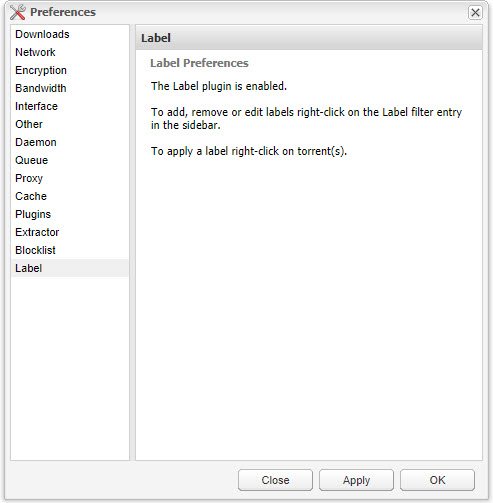
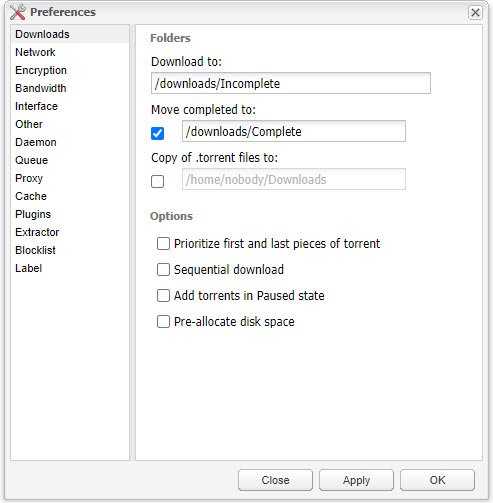
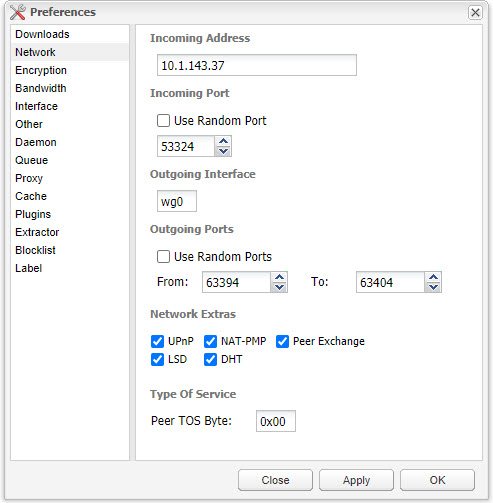
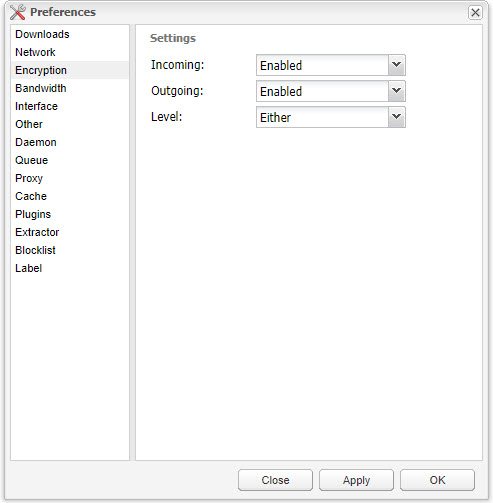
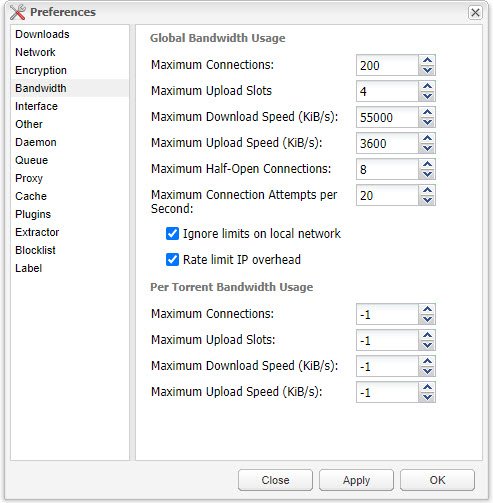
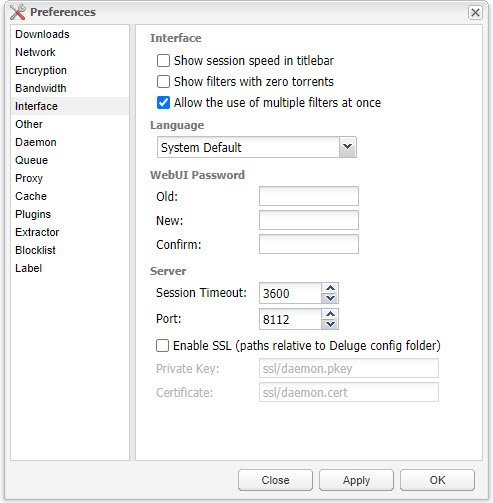
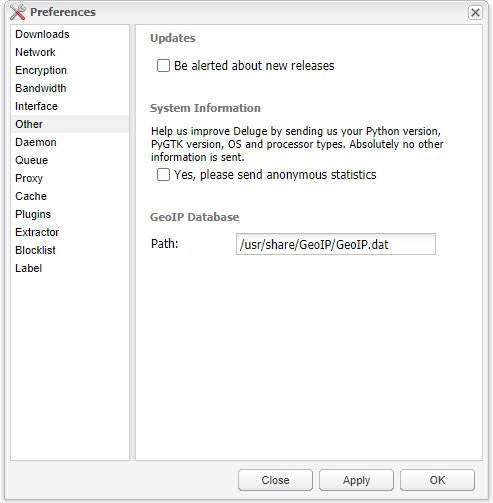
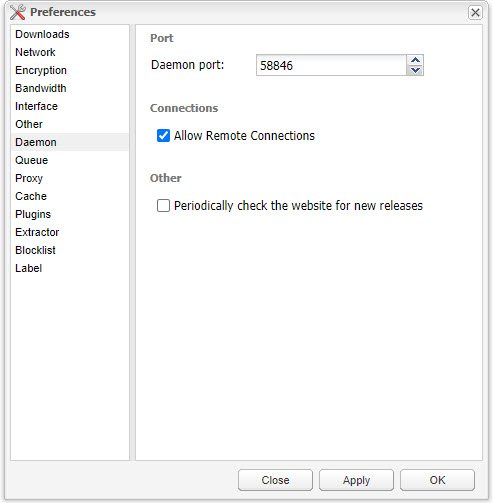
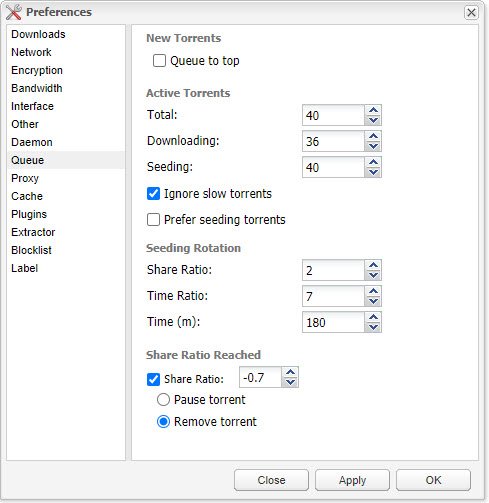
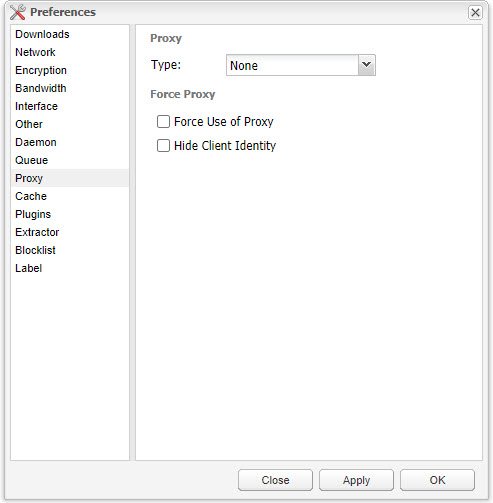
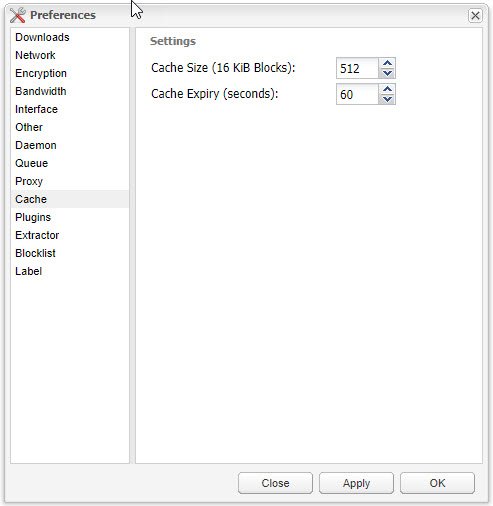
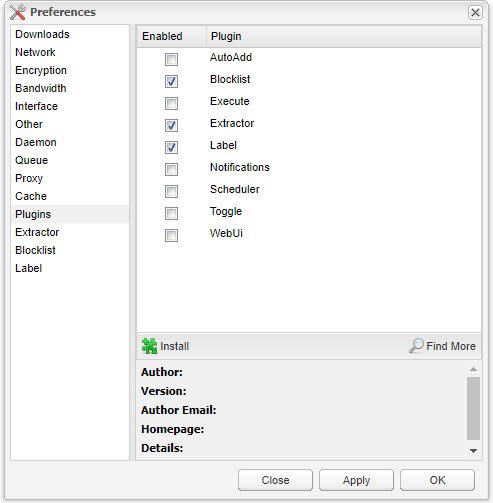
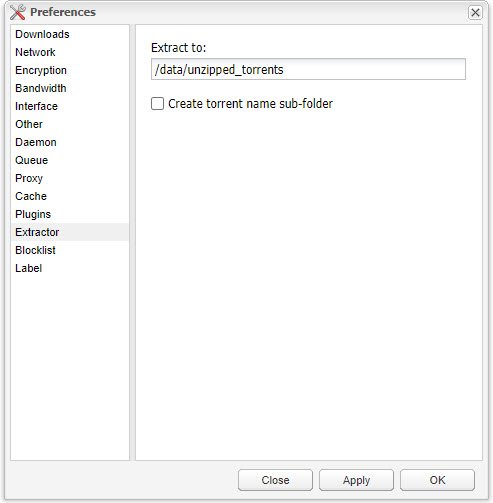
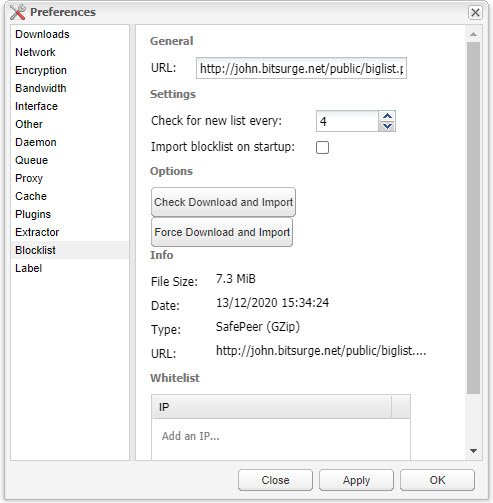
Oops! Sorry about that. Here are all the preferences from inside Deluge.
-
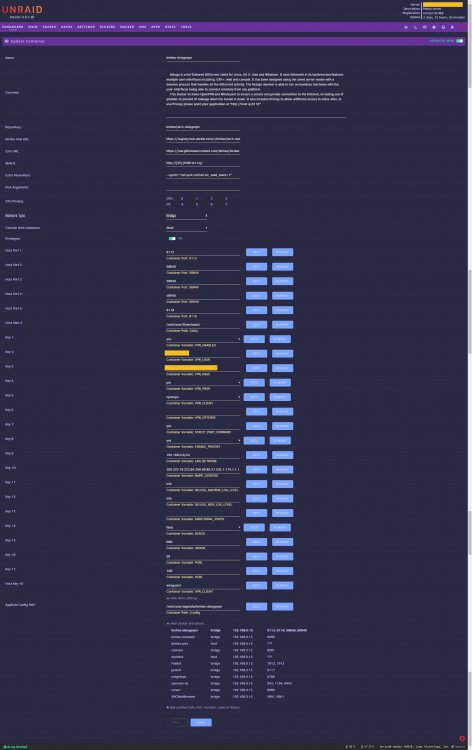
I use the gui interface, so I don't use a run command. Here's a the log and a screenshot of my advanced settings and redacted log. supervisord_redacted.log
-
Vance changed their profile photo
-
Does anyone else have any suggestions for my downloads not working? I've switched over to wireguard with no change in results. I haven't done qbittorrent because I don't quite understand what that does or how it might fix the issue. I see other people with this problem but can't seem to find a fix.
-
See in the pic where it's on advanced settings? Yes. I tweaked wg0.conf, deleted the old one, and then copied the new one over.
-
Well, that didn't work either. I even tried a couple of different endpoints on this side of the pond as well in addition to amsterdam. Transfer rates go up then come right back down. I also use NZBGet and that works like a champ, so I don't suspect a PIA issue.
-
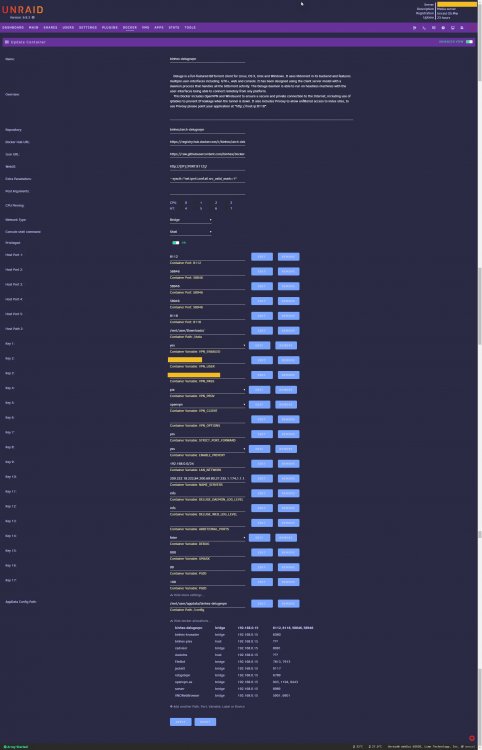
Do you mean sliding the Privileged button to green? If so, it's already there. I guess I can move on to the next step. Thanks! Here are the rest of my settings in case someone can spot a problem.
-
I pulling my hair out here. It seems that I've been having the same issue as several others in here in that Deluge will start downloading but speeds drop off to zero within a matter of seconds. I'm trying to apply the Wireguard fix but I can't make heads or tails of the first step (A21 from binhex's awesome guide): Change Docker parameter from --cap-add=NET_ADMIN to --privileged=true (WireGuard requires privileged permissions). I don't see that option in the docker parameters and I can't find a file that has that line in it. I think I could handle the rest. Here's my log if that helps troubleshoot. By the way, thank you very much, binhex, for all your great work! I use several of your dockers. supervisord-no pwds.log



