





VassilisA
Members
-
Joined
-
Last visited
-
Success! So, the server is up and running again. I created a new flash drive using Unraid USB Creator, copied the config folder to it from my original flash drive. After the server booted up I was able to assign my lisense to the GUID of the new flash drive and everything looks great. Thank you all for you help. Really appreciate it ! Vassilis
-
Well you are right to be surprised! I just checked again and this Winows can read the flash drive. It gave me a message that it found a problem and the drive needs to be repaired. With your experience do you suggest I attempt a repair ? On a separate note I think the safest procedure would be to create a new flash drive using Unraid's USB Creator, overwrite the config folder from the opiginal flash drive and attempt a boot with that. Right ? And one more question. As I understand it the license is linked to the GUID of the specific flash drive. I have the the original email by Limetech, from when I bought the pro license for Unraid. How do I go about moving that lecense to the new flash drive? Thanks for your time... Vassilis
-
Thanks for helping. The procedure you are suggesting (ie starting from scratch) is fairly straightforward, but I really don't want to start recreating all my docker containers (30+) from scratch if it can be avoided. I am trying to find out, since I have the original flash disk which is readable in Linux, if there is a way of creating an image of it in a new flash disk, including all my current settings and customizations, and bring the server back up without all this hassle of starting over. Or at the minimum create a new flash drive with the USB creator and copy over all my configuratios from my original flash drive. Any ideas?
-
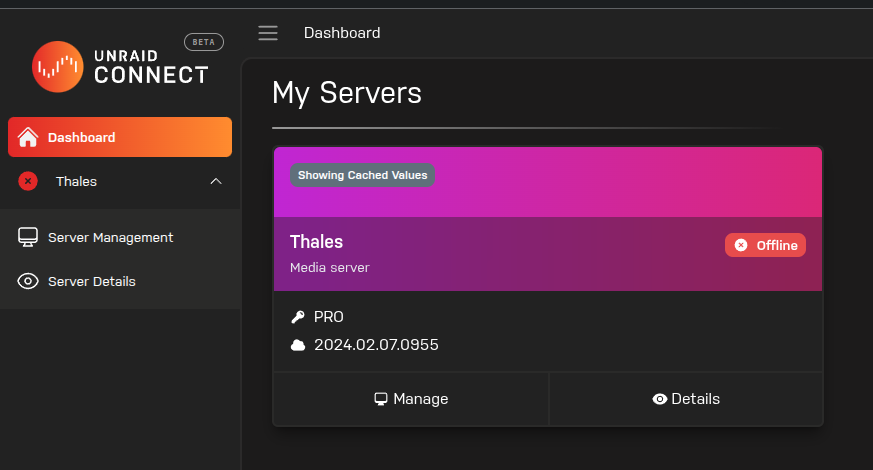
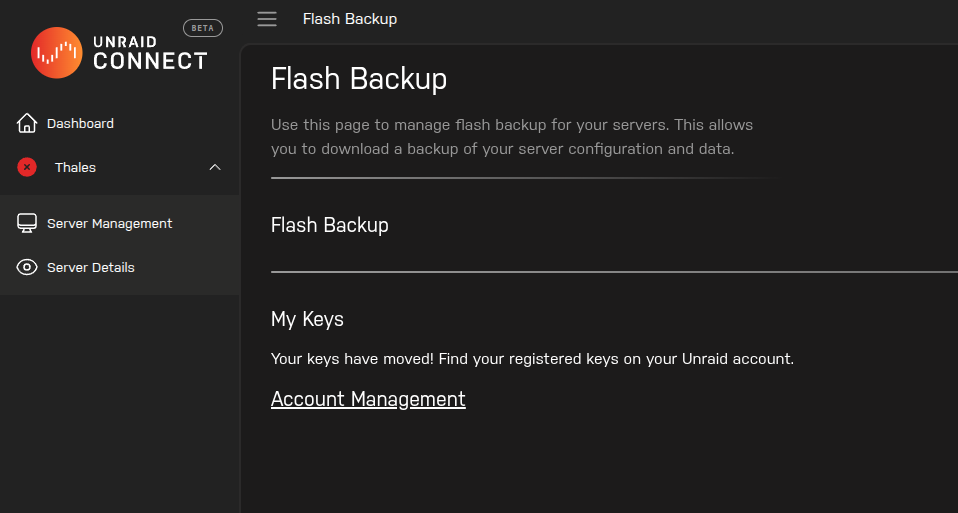
Hi all, My flash drive has failed and the my unraid server cannot boot. The problem is that I don't have a backup and my situation is a bit complicated. Normally I have the My Servers plugin keep a flash backup on connect.myunraid.net. A couple of months ago I downloaded unraid for a test server and I connected it to my account to get a trial key, which I ended up not using. The problem starts from the fact that somehow procedure messed up both my accounts at conect.myunraid.net and account.myunraid.net. On the first site I see my server (as offline) by there is no flash backup. When I click the link to get my key on the second site it shows that I have no license keys! Now when I tried my flash disk on a windows pc it doesn't recognize it giving me a message that the usb drive I inserted had a problem and it doesn't even show on disk management tool of windows. When I insert it on an arch linux machine it gives me a message that but I can mount it,read it and browse its contents in file manager. I've found several posts describing the procedure of recreating my flash disk from windows and/or from the web ui of unraid but nothing that's even close to my situation. I am asking for your help to establish the correct procedure of imaging my failed flash disk (32gb) to another flash disk (128gb) with the correct key in order to be able to recover my server. Thanking you in advance, Vassilis


-
I will try that. I am almost ready to freak out since I realized I have no backup. I had set up my account at connect.myunraid.net to keep a copy of my flash drive. A couple of months ago I downloaded a trial of unraid for a test server that I ended up not using. Somehow this created a huge mess that I just realized. On connect.myunraid.net my server is present (as down) but there is no flash backup and no key because apprently these have been move to account.unraid.net which shows that I don't even have a key! I suspect that when I registered the trial version somehow everything got mixed up and I think that I will be able to find my key, but I am afraid my flash backup has been lost ....
-
The flash drive looks like it is detected since it appears in the boot options and is the default (only one) boot option. So it seems that the problem lies with the flash drive itself.
-
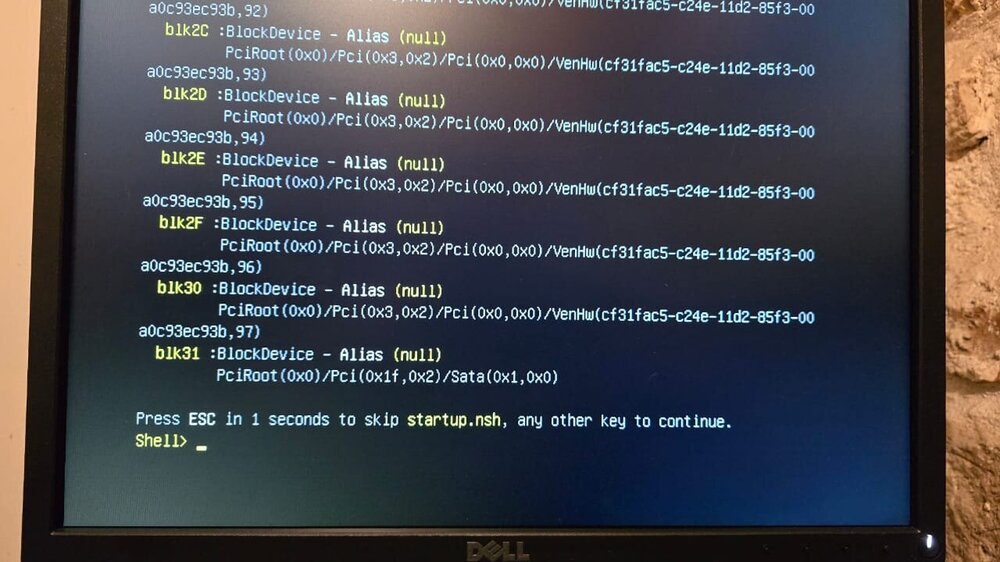
Hi all, I woke up this morning finding my unraid server unresposive. The web ui was not accessible. I could ping the server but when I tried to connect to it through ssh it gave me a message saying that connection was refused on port 22. I also had no console. Through IPMI I reset the system and then it could not boot! During the boot procedure the HBA was recognizing all my HDD's but always ends up in this state. Since the HBA sees all disks, and assuming that even if there was a problem with the HBA the server would boot but without being able to see the disks, I assume that there is a problem with the USB boot drive. What do you think ? Thanking you in advance for you help... Vassilis
-
After a little bit more digging I noticed that the when I try to join the domain (hosted by a VM on the same unraid server) the whole VM Manager restarts and cpu usage jumps at 90% for 2-3 minutes ....
-
I have a rather extensive homelab with a couple Windows 10 machines acting mainly as Home Theater PC's. I had a VMware host where a windows server. among other windows vm's, resided, exclusively for user and access management for the windows 10 machines. Since I setup an Unraid server I started moving most of my servers and services to Unraid dockers and vm's. At the end the VMware server was used only for the windows server 2016 vm. So, since I had enough resources on my Unraid server, I decided to move, and upgrade at the same time, the windows server 2022 to a vm in Unraid. Brand new clean installation of Windows Server 2022 with only the domain controller role setup. The windows machines use SMB to access the Unraid shares, so the unraid server has SMB enabled (active directory). Whenever I try to join the domain for the SMB to work (from Unraid) the windows server reboots ! No messages in Event Viewer or something pointing to the source of the problem. Other than when I try to join the domain from Unraid the windows server is stable as a rock. I was on 6.11.5 and after 5-6 tries I managed to join the domain. I upgraded to 6.12.0 last night and after that, besides my 10-15 tries, whenever I try to join the domain the windows server restarts ... Any ideas about the source of this problem? Has anybody had any similar issues?
-
@ JorgeB : This line in the go file is because of this I will remove it and check for the problem again. Thanks for noticing. @ Squid : It worked like a charm. Thanks a lot for your help.
-
@ JorgeB : I have no idea what this line does. It might be a leftover from an effort I made a couple of weeks back to restore the web ui, which I found in the forum. @ Squid : That worked! But does that mean that I cannot reenable ssl?
-
I have a monitor connected but it is no use without the web ui. The server finished booting with no apparent problem. Attached you will find the diagnostics file. thales-diagnostics-20230308-1625.zip
-
For the past month I had lost the web interface of my Unraid server. All shares and docker containers were working normally. Today I decided to reboot the server, hoping that I would get the interface back. When it came back up I still don't have a web interface, but making the situation worse no shares and docker containers exist on the LAN. I still get access to the server through ssh though. Any ideas about how to proceed? Any help will be much appreciated....


