Phatjz
Members
-
Joined
-
Last visited
Everything posted by Phatjz
-
Flashdrive has 13gb free space and have 64gb ram
-
Unraid runs perfectly fine but can't seem to pass this point when upgrading. plugin: updating: unRAIDServer.plg plugin: downloading: https://unraid-dl.sfo2.cdn.digitaloceanspaces.com/stable/unRAIDServer-6.10.0-x86_64.zip ... done plugin: downloading: https://unraid-dl.sfo2.cdn.digitaloceanspaces.com/stable/unRAIDServer-6.10.0-x86_64.md5 ... done writing flash device - please wait... Archive: /tmp/unRAIDServer.zip inflating: /boot/unRAIDServer/bzfirmware inflating: /boot/unRAIDServer/bzfirmware.sha256 inflating: /boot/unRAIDServer/bzimage inflating: /boot/unRAIDServer/bzimage.sha256 inflating: /boot/unRAIDServer/bzmodules inflating: /boot/unRAIDServer/bzmodules.sha256
-
i have the same issue - unraid works perfectly fine but doesn't get past this point when trying to update. plugin: updating: unRAIDServer.plg plugin: downloading: https://unraid-dl.sfo2.cdn.digitaloceanspaces.com/stable/unRAIDServer-6.10.0-x86_64.zip ... done plugin: downloading: https://unraid-dl.sfo2.cdn.digitaloceanspaces.com/stable/unRAIDServer-6.10.0-x86_64.md5 ... done writing flash device - please wait... Archive: /tmp/unRAIDServer.zip inflating: /boot/unRAIDServer/bzfirmware inflating: /boot/unRAIDServer/bzfirmware.sha256 inflating: /boot/unRAIDServer/bzimage inflating: /boot/unRAIDServer/bzimage.sha256 inflating: /boot/unRAIDServer/bzmodules inflating: /boot/unRAIDServer/bzmodules.sha256
-
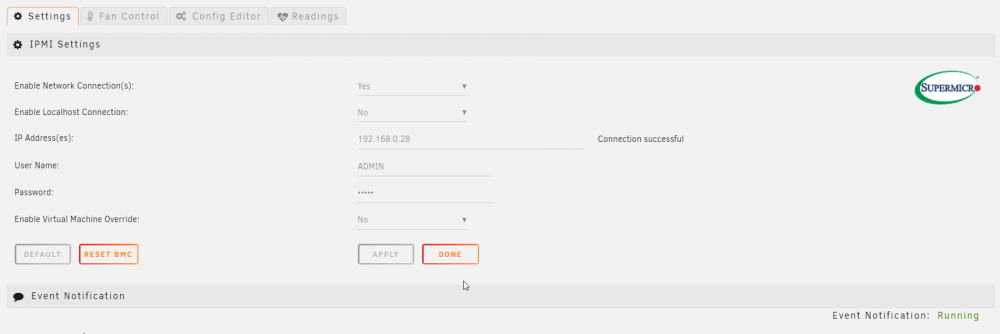
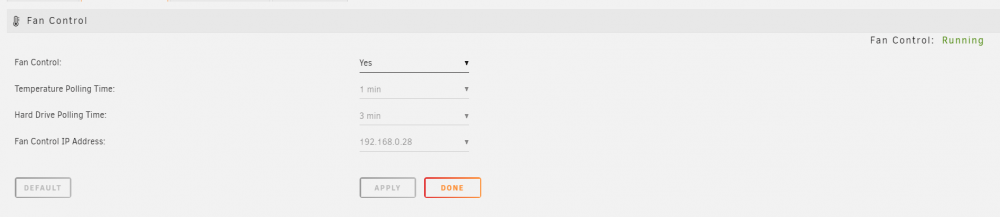
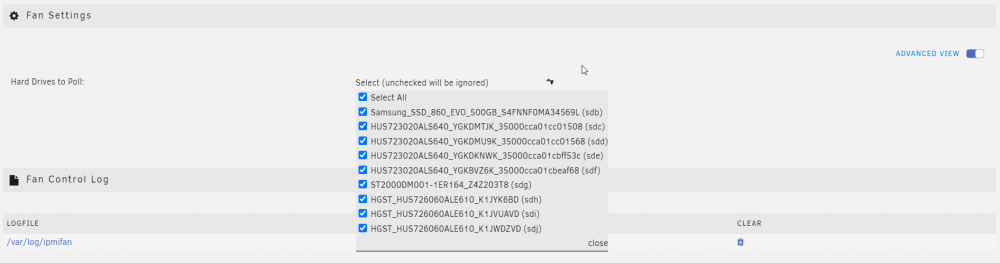
Howdy All, Where do i start i have a super micro currently using IPMI i had the fan speed control working then out of no were once i booted up the server the options have dissapeared and i can't control the fans and it's not showing my cpu temps, if anyone could assist would be great, Only sensor showing is HDD Temp