





jvlarc
Members
-
Joined
-
Last visited
-
I believe I've attempted that previously without success, but I'll give it another try to be absolutely certain. I'll provide an update once I've tested it.
-
Have tried this countless times, still doesn't solve the issue sadly
-
Hi Unraid Community, I am currently encountering an issue with my office Unraid server for the past few months and I would really appreciate your advice and suggestions. Server Setup Running Unraid OS 7.0.0-rc.1 (Trying different versions to try and fix the issue, same issue even for stable or before) Shares configured for team collaboration (mixed OS clients: Windows & macOS) Nextcloud AIO deployed via Docker The Issues Unraid Share Permission Problems Users are able to access the Unraid shares but can only read and cannot write to the shared folders. This happens intermittently despite the correct SMB share settings (Public/Private with appropriate user permissions). Nextcloud Folder Lock Issues Some external folders added via SMB in Nextcloud become locked/unavailable for users. The only temporary fix I’ve found so far is enabling NetBIOS (under SMB settings). However, this is not ideal, and I’d prefer a more permanent resolution. Troubleshooting Steps Taken So Far Verified share permissions under SMB Settings and checked individual user access rights. Ensured the folder ownership (using chown) and permissions (chmod) are set correctly. Enabled NetBIOS under SMB settings (which temporarily resolves the issue, but I want to avoid relying on it as it also disables my Tailscale) Checked logs but couldn’t identify any clear error messages. Scoured the forums countless times but still haven’t found a solution that works. Additional Context What works for my user account doesn’t seem to work for others, and it’s causing my business partner a lot of frustration. He is even contemplating buying a Synology NAS to replace the Unraid server altogether as this issue has been ongoing for the past few months. I’m at my wit’s end and considering restarting the system with a fresh Unraid install (while keeping my data and databases intact) as a last resort. The strange thing is, I have a similar Unraid server at home and have never experienced these issues. This problem seems exclusive to my office setup, but it’s becoming a huge headache. Questions What could be causing the users to have intermittent read-only access to the shares? Why would enabling NetBIOS temporarily resolve folder locks in Nextcloud? Is there a better solution? Are there any specific SMB or Nextcloud settings I should double-check to ensure proper write access? Could this be a network or permissions-related issue unique to the office environment? Any guidance or similar experiences would be much appreciated! I have attached the diagnostics files here Thank you in advance for your help. tower-diagnostics-20241217-1530.zip
-
I found the solution: it seems I had disabled bridging for some reason when it showed up using "Fix Common Problems" during the transfer, which caused the VM to not obtain the correct IP address.
-
Regarding this post, I'm experiencing issues with my Home Assistant VM. I deleted the entire libvirt.img file, then recreated and restored the VM_meta using the appdata backup plugin. I also recreated the VM and pointed it to my Hassio disk folder. Everything appears to start normally, but the IP or local address provided doesn't work, and it still shows as offline on my router. How can I fix this? It's been down for a few days, and my wife has been urging me to get Home Assistant working again (which, I suppose, is a good sign that she relies on it, haha). Thank you!
-
Thanks @JorgeB, It looks like wiping everything was the right move. My Docker containers are back up and running. Now, on to the VM...
-
Thanks, @JorgeB I've tried that several times, but the issue still persists. I suppose the only thing I haven't tried yet is deleting the entire appdata folder and restoring from backup. Is that correct? Also, regarding the VM issue: it shows as started through VNC, but the IP address doesn't work, and HA's local DNS also fails. I tried changing the default network source from virbr0 to br1, but no luck. Do you have any other suggestions?
-
Hello unRAID experts I'm in need of assistance with my unRAID server. About 1 week ago, I attempted to move my ZFS cache pool (2x 500GB SSD) to my BTRFS cache pool (1x 128GB, 1x 1TB). During this process, after all four SSDs were in the BTRFS cache pool, one of my M.2 SSDs (1TB) failed. Removing it from the cache pool rendered the entire pool unmountable, so I had to reinstall it and retransfer everything back into my array. Unfortunately, some data got stuck in the cache pool. I tried using unBALANCE to move the data, but it didn't work well. Then, I manually moved data out of the cache using MC and file manager. Since then, I've been experiencing major issues with my server and am now seeking expert help. I managed to reconfigure the BTRFS cache pool with the three SSDs (1x 128GB, 2x 500GB SSDs), but something seems corrupted. Some of my Docker containers still run, while others restart as if like new or are completely inaccessible. My Home Assistant VM doesn't work, although VNC shows it as started. I have the Backup/Restore Appdata plugin and tried using it to restore my data, but it didn't help. I would greatly appreciate any advice or assistance to resolve these issues. Thank you!
-
Ok so I didn’t nuke my entire appdata but deleting plex appdata seem to stop the crashes, it’s been up, but still gets disconnection and reconnection after some time, looking at the log files, it kept showing ports block and then unblocked constantly could it be some issue with my reverse proxy setting?
-
Gotcha, let me try, but will update in 2 weeks time, thank you as always for the help @JorgeB Also is there a chance that I've got some corrupted appdata somewhere? Should I nuke the whole app data and restart?
-
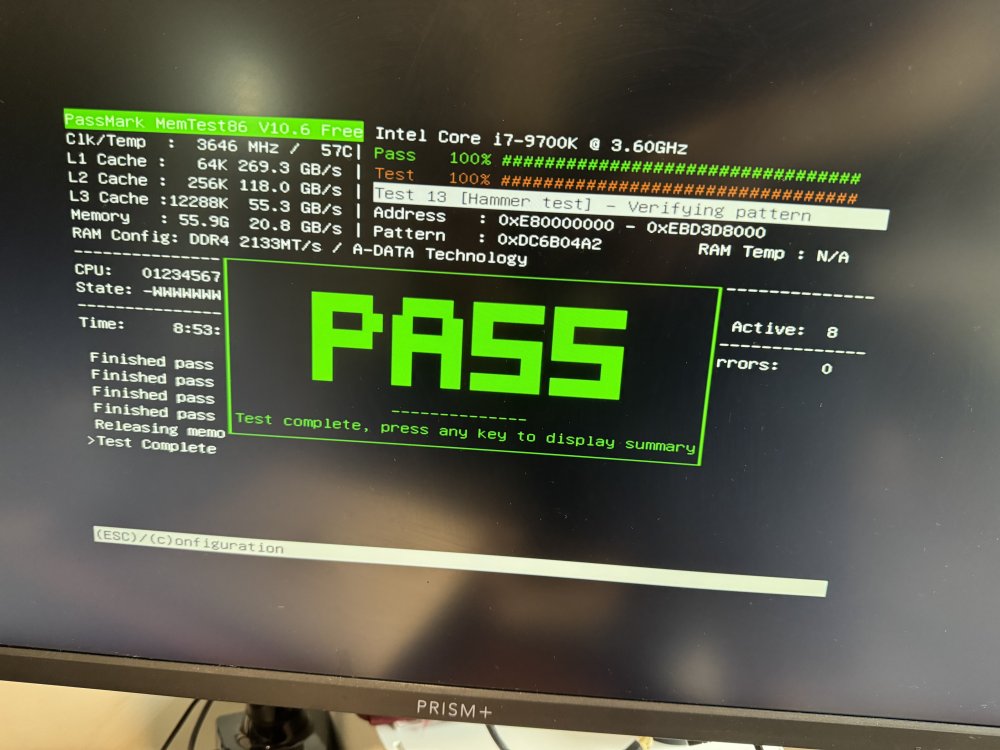
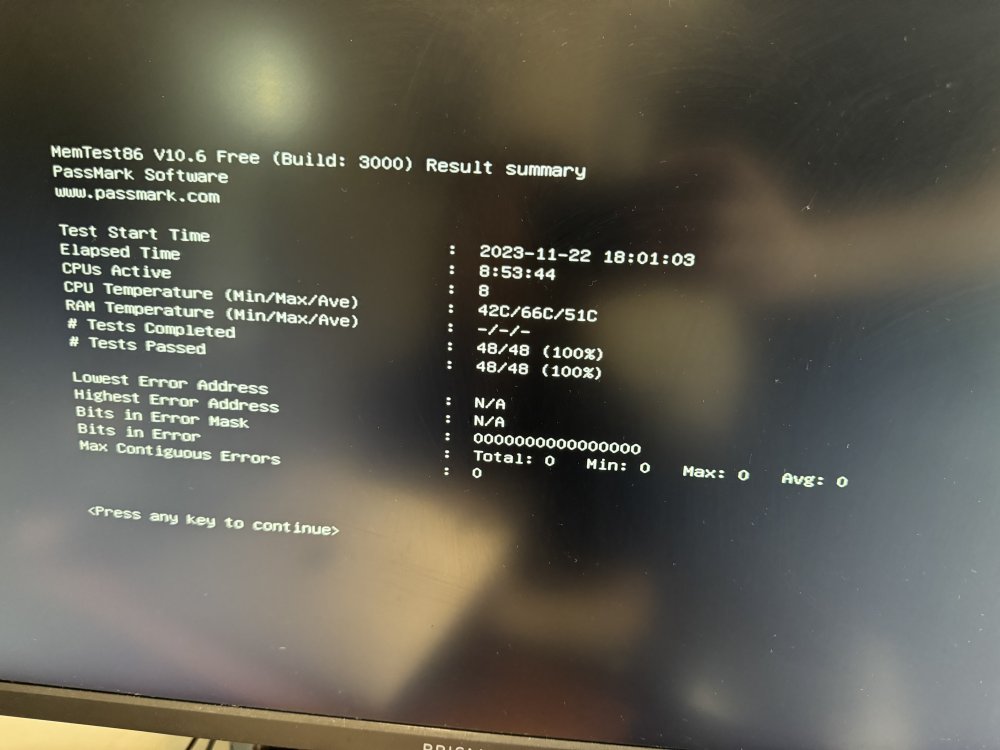
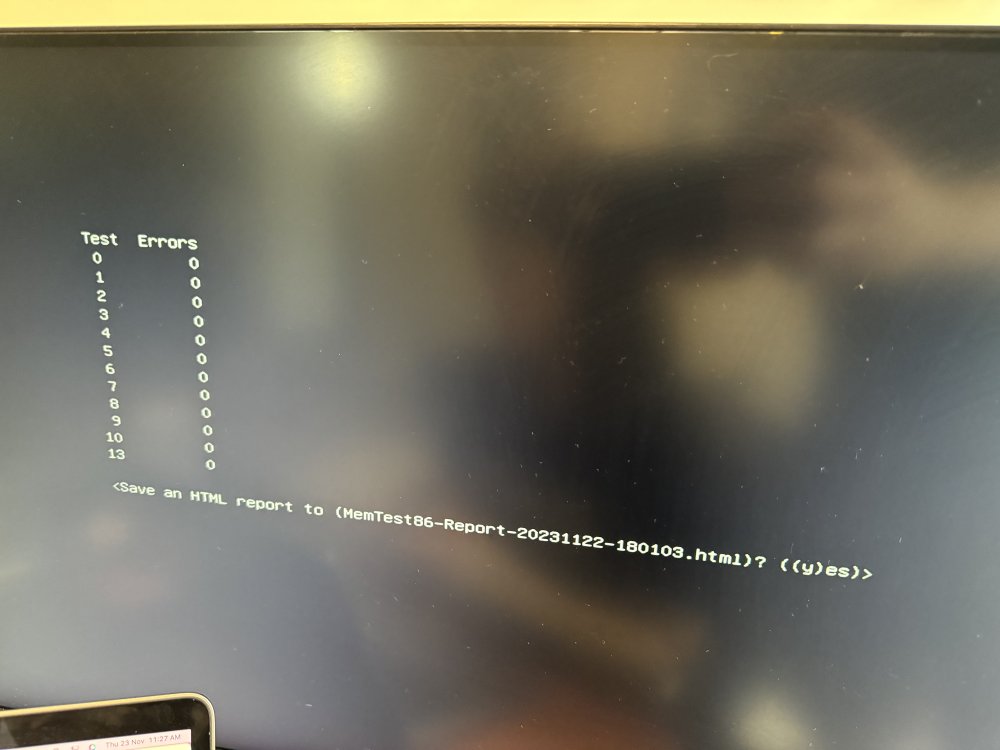
Quick update as I was running a parity check for the past 2 days and it had 666 errors corrected, did the same thing and deleted docker folder, but still getting the same issue of dockers crashing and becoming unavailable. Ran the memtest last night and completed this morning without any errors too What else should I do?
-
I actually did a memtest a few weeks ago with 3 passes, but recently switched over my cache to ZFS, also just booted into safe mode and checked with 'zpool status -x' and found the corrupted data which was a movie file, deleted and now it says no error and now am able to properly delete the docker directory. However the problem still persist. Will run a memtest now and update.
-
Here's the latest diags as the containers have crashed/blocked which doesn't allow me to run the containers tower-diagnostics-20231120-1609.zip
-
Just checked my ZFS pool and I seem to get an error message, am trying to do a scrub now to fix the error Have tried to delete and recreate docker directory and it crashes about a few mins in tower-diagnostics-20231120-1316.zip
-
Sorry, I do mean the docker directory, was on mobile earlier, will try to re-delete and install again



