





romainromss
Members
-
Joined
-
Last visited
Everything posted by romainromss
-
Hello to all, I need your help I followed the spaceinvader one tutorial to install big sur. I have a big problem with this installation mac os doesn't recognize my cpu an i7 9700k, I replaced my info platform by an iMac19.1 but for nothing I think that's why I can't install docker on macos. thank you very much !
-
Effectivement c'est mes addons sur firefox qui font n'imp
-
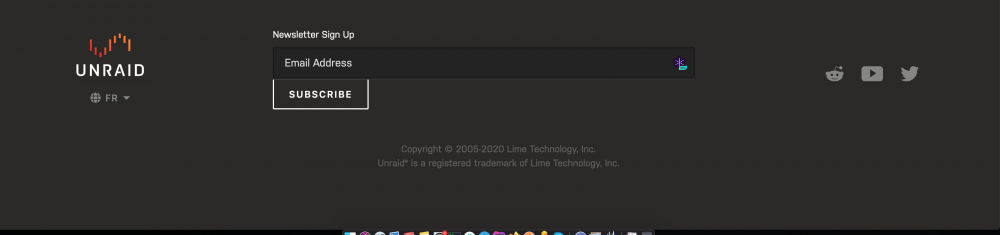
Dans le footer c'est la position normal du bouton subscribe ?
-
Hello, Génial !!!! Du coup, comme l'a dit ChatNoir quelques petites fautes. Est ce que vous voulez un retour sur ça ? Ahhh j'avais pas tout lu chatnoir le fait @ChatNoirsi jamais tu as besoin d'aide n'hésite pas.
-
Merci ChatNoir de ton accueil :) pour l'instant, c'est un début compliqué sur les vms. Mais pour le reste ça semble top !
-
Hello à tous, Je suis Romain, j'ai 29ans, développeur web. Passionné de nouvelles technologies , et d'informatique. Je vais enfin démarrer mon serveur unraid. J'avais auparavant un nas qnap trop lent au quotidien pour moi

