





Fremulon
Members
-
Joined
-
Last visited
-
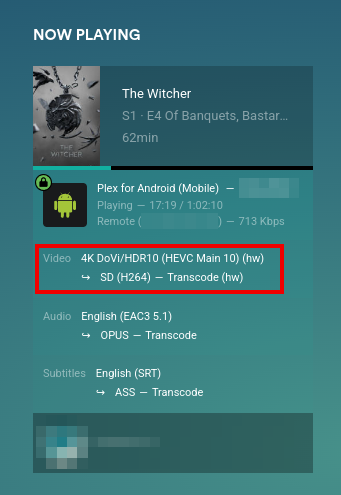
The repo got updated again! It should be built automatically, so you can pull the latest images frequently, looks perfect! You don't even need to build it yourself. Here is a docker-compose example I use on my unraid server: version: "3.7" services: plex: image: ghcr.io/skjnldsv/docker-plex:master restart: unless-stopped container_name: plex ports: # Default access - target: 32400 published: 32400 mode: host # Webtools # - 33400:33400 # Plex home theatre control # - 3005:3005/tcp # gdm discovery - 32410:32410/udp - 32412:32412/udp - 32413:32413/udp - 32414:32414/udp environment: - TZ=Europe/Berlin - VERSION=docker # Unraid nobody/users - PGID=100 - PUID=99 devices: - /dev/dri:/dev/dri volumes: - ./config:/config - /mnt/user/storage/Series:/tv - /mnt/user/storage/Musics:/musics - /mnt/user/storage/Movies:/movies # Using unraid cache transcode share - /mnt/cache/transcode:/transcode
-
Hey! Is there no way to just restart the service?
-
It also applies to me. 6.8.3. I get stale file handle all the time and have to restart my docker containers
