MuNaught
Members
-
Joined
-
Last visited
-
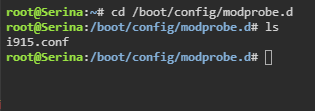
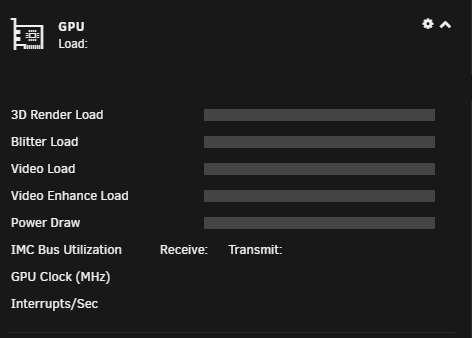
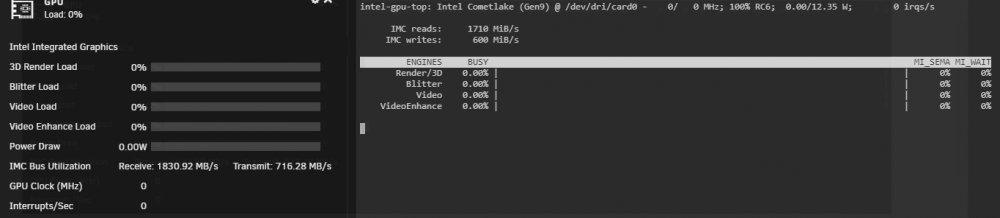
Problem solved. I'm documenting this in case someone runs into the same issue. The last 2 lines had already been removed from the go file. touch /boot/config/modprobe.d/i915.conf worked, and I've rebooted since just to be safe, but the graphics card was still not working with Intel GPU Top nor GPU Statistics. I then noticed that my Windows VM was set to iGPU. I stopped the VM, changed this to VNC and re-started the VM. Boom. Everything is working. So there you go, if you're having a similar problem, make sure your VMs aren't using the iGPU.


-
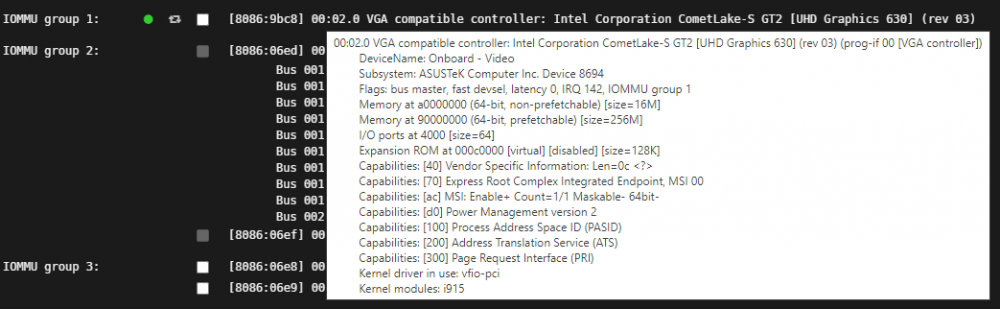
Thanks for the tip. I took a look at cragr's post, but my \etc\modprobe.d folder does not have any of those "blacklist" files. It's an empty directory. I also don't have any of the directories \flash\config\modprobe.d\ to create an empty i915.config file, and am unable to create these directories in Krusader. Any ideas? Here's what I have listed in Tools > System Devices if this is any help.
-
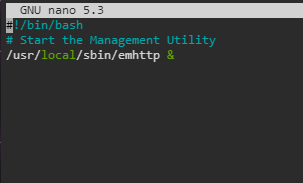
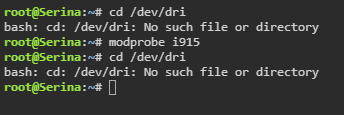
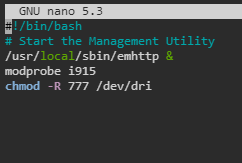
Running an i5-10400 (Intel 630 graphics) and having an issue. This was all working perfectly fine, flawlessly in fact, about a week ago on 6.9.1, and then today out of nowhere suddenly transcode stopped working in Plex, I tried restarting the Plex container and it failed due to /dev/dri not existing. So I went and checked /dev/dri and the directory no longer existed. The server had not rebooted since sometime prior to setting up hardware transcoding, so I decided to pick this time to upgrade to Unraid 6.9.2. Issue remained after update. I then thought maybe integrated CPU graphics had somehow become disabled in the BIOS, but no such luck, it was on. Then thought maybe the Intel GPU TOP app was causing a conflict, so I uninstalled it and rebooted, no dice. Problem remains. This is my go file, but I don't think it matters since modprobe i915 doesn't seem to be functional. I'm plum out of ideas. Thoughts on next steps?
-
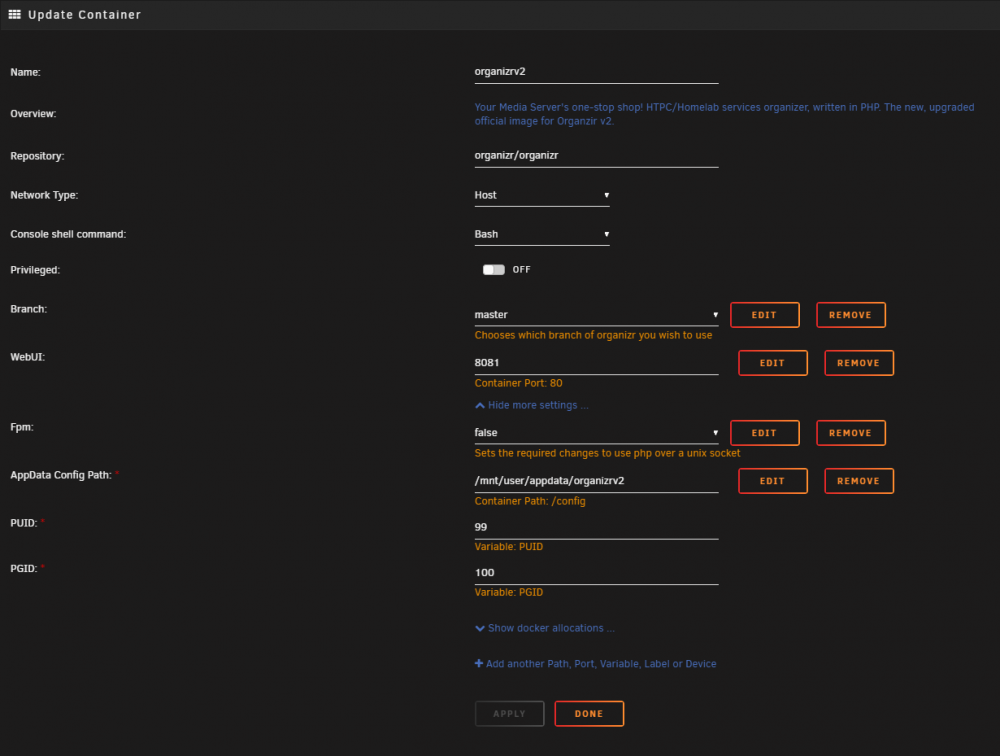
I want to change the default ports from 80 and 443, but cannot find them. Changing the WebUI port doesn't seem to be doing anything. Any suggestions on how/where to change them?