





rainfactor
Members
-
Joined
-
Last visited
-
Not bad. Was waiting to dust off my old SqueezebOx radio. RadioNet plugin seems to be empty though, doesn't connect or show any radio stations. Guessing its a WIP plugin? Thank you
-
Hello, I have had recently few power outages that turned off and on (uncleanly) my server a couple of times resulting now in the array trying to start and not being able to do so. Array starting - Mounting disks is all I get So far I have done the following: I have started the array in maintenance mode and ran xfs repair (-L and regular) on each of my disks but the problem persists, If anyone can have a glance at my diag file(s) and tell me what am I missing I would really appreciate it Thank you Diagnostics.zip
-
Thank you for the fix. I am still unable to log in. Seeing this comes "as is" I thank the dev anyways who put time into this and make it available. I was mostly curious to try this in order to compare with Photoprism which seems to be acting up(for me anyways) Thank you again
-
Sorry to be late to the party but what was the fix for the initial screen? Can't seem to get past the login page Thank you
-
Like someone mentioned there seems to be a weird logging issue. I have backed up my config from my UDM pro, installed the Docker image but then after restoring the backup I can no longer log in. "Invalid username and pass". I am using the exact local user and pass that my UDM Pro is using I deleted and recreated the container few times. Not sure what the issue is. Can anyone point me to what am I doing wrong? Thank you
-
Any chance to update this Airsonic image to v11? Thank you
-
I have followed to the dot the install guide from here: https://github.com/tubearchivist/tubearchivist/blob/master/docs/Installation.md However.... I just found my issue I am using Brave as the default browser and that was the issue. I installed Chrome with the same config and is working perfectly THANK YOU!!!
-
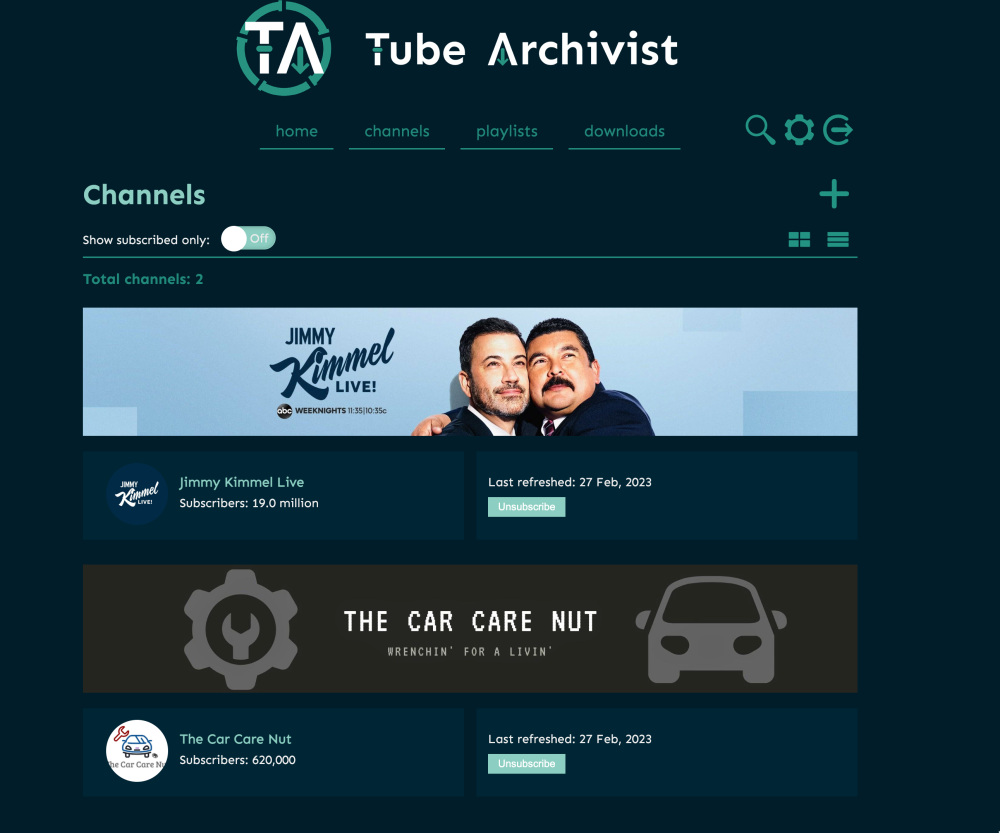
I added 2 random channels and if I click on any of them it says there are no videos but I tried with a lot of other channels. Rescan spins and spins but never finds anything.
-
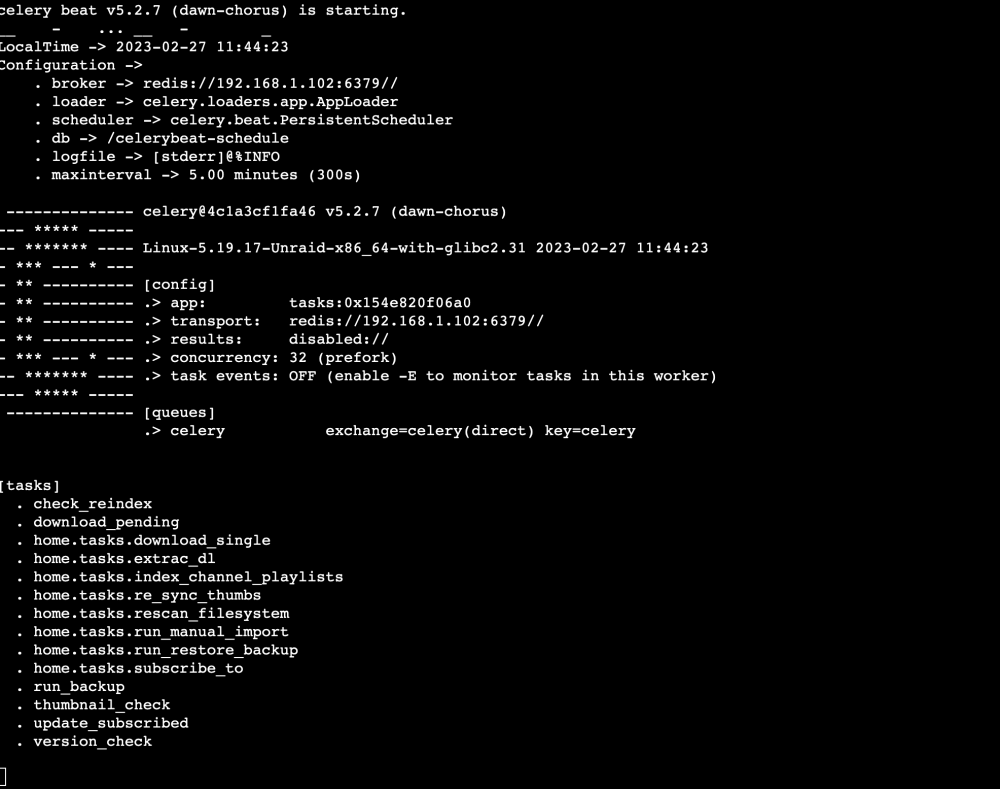
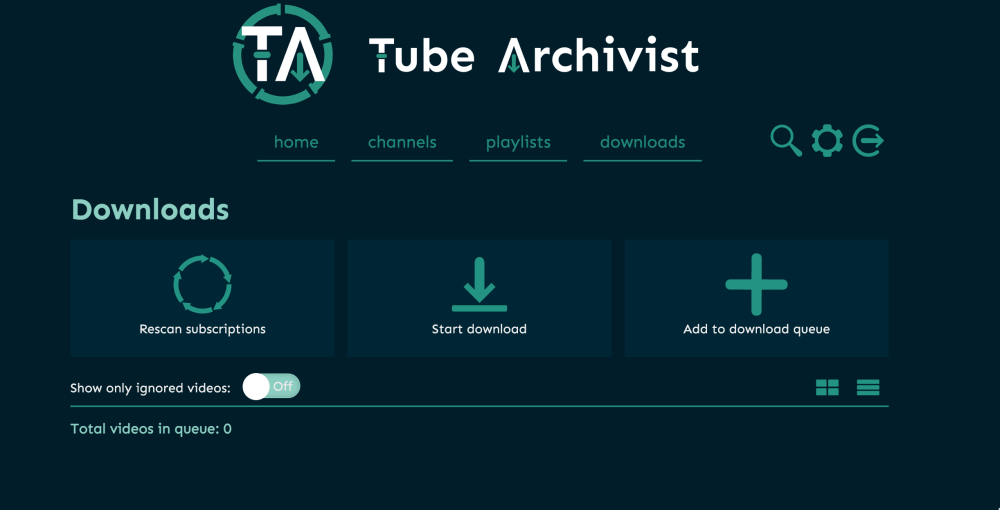
Apologize for the lack of info. Essentially after I added 2 subscriptions i have tesdrove it and went to the downloads tab and hit rescan subscriptions. I was under the impression it would be scanning the 2 channels I have added and presented me with a list of of videos it found (regardless of the scheduler). The rescan spins for a while but it stops and never finds anything. I might have done something wrong. I have restarted the container(s) a couple of times and made sure there was no error in the logs Thank you
-
Hey guys I installed Tube Archivist I added 2 channels but when it scans it stops after few moments and never finds anything The channels are being displayed under subscription and totally have videos, There are no errors in the logs What am I doing wrong
-
Figured it out
-
Hello, Forgive me for being thick but cannot find for the life of me the /home/${user}/iCloud/ I'm on 13.1 Mac Os and my structure is rather different Can I point this to a different folder of my choice? I have. /Users/$user/ and some stuff but not the folder structure implied above My /home is empty. Is /home the actual root of the drive or is it the folder /home ? Can anyone have mercy and point me to where I should be creating this .mounted file I truly appreciate it!
-
Thanks to everyone that responded. I managed to get rid of it Thank you guys!!
-
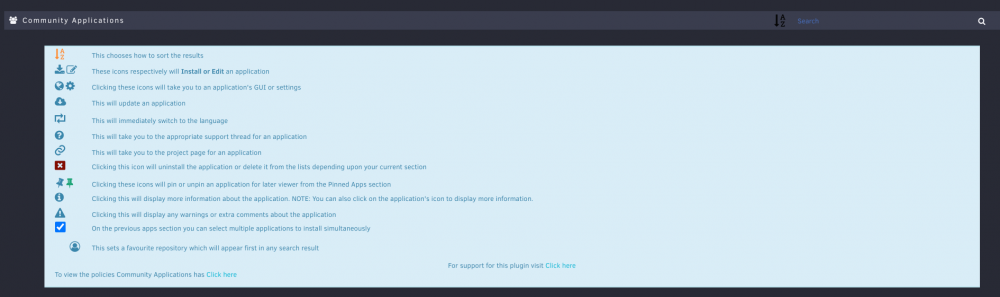
Hey guys. I have been away from the community for a while, turned on my server the other day and I updated it All good and nice but I got something that bothers me How do I get rid of the (see below) ?? I have these huge tooltips?! that cover all my screen. Is there a way to disable them? I apologize in advance if this was an obvious answer and didn't do my homework. Thank you
-
Awesome job! Thank you! Works like a charm



