





mrkvchm
Members
-
Joined
-
Last visited
-
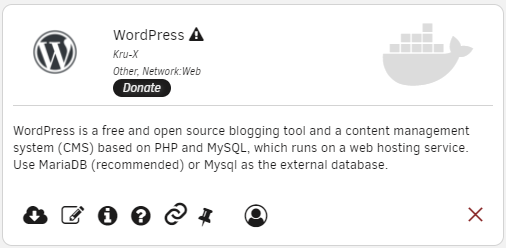
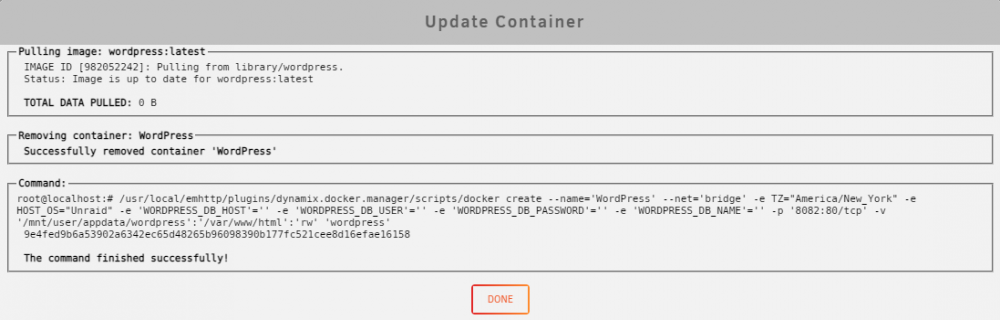
Hello, I'm having a funny issue where the WordPress docker container always wants to update even though there is no update available. This happens when I'm looking under Apps -> Installed Apps but not when I'm looking under Docker in Unraid.

-
Thanks for the reply! One thing I just noticed is that the dockers that are appearing under "previous apps" even though they are still installed are all ones that come from official dockerhub repos with an underscore in the url. For example, https://hub.docker.com/_/wordpress/ or https://hub.docker.com/_/httpd/. In fact, I edited my my-whatever.xml file to include "library/" in the <repository> tag and it solved the problem! It now shows up under "installed apps" like it should! Definitely seems like a bug, but perhaps that will help narrow it down. The one in particular that was giving me incorrect metadata was https://hub.docker.com/_/php/ To reproduce: try installing php and httpd from dockerhub through CA, and try installing WordPress (the one that shows up when you search WordPress in CA). See if they show up under "installed apps" or "previous apps" and see what metadata appears. Then try adding "library/" to my-php.xml and see how that changes the result.
-
I'm having an issue with CA when I try to add my own docker container. I added a container from a blank template. When I do this, CA adds an item to "previous apps" even though the app is still installed, and with incorrect metadata. (Snipped because this was mostly not helpful information. I do think I narrowed it down a bit though. See my next post below)
-
As I was looking at using this plugin, it gave me a warning about many files that are owned by a user other than "nobody". I looked into it and discovered that all the files I've added to my array from my Windows machine is owned by the username of my unraid user that I used to log in to the share via smb... Have I configured something incorrectly? Should everything be owned by nobody?

