





Boo3
Members
-
Joined
-
Last visited
-
Its still doing it sorry for the late response😬
-
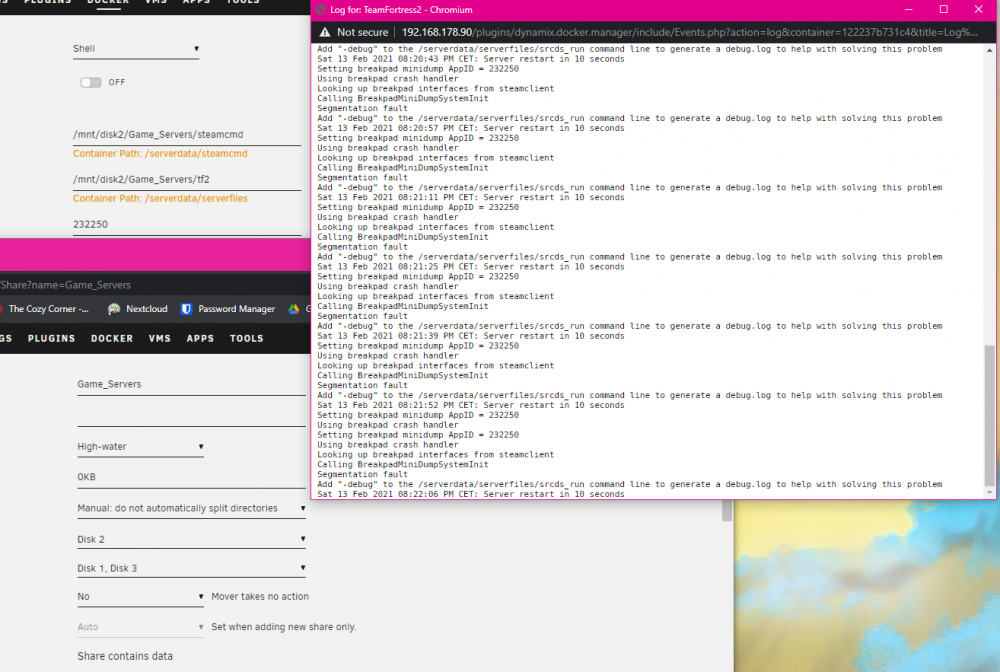
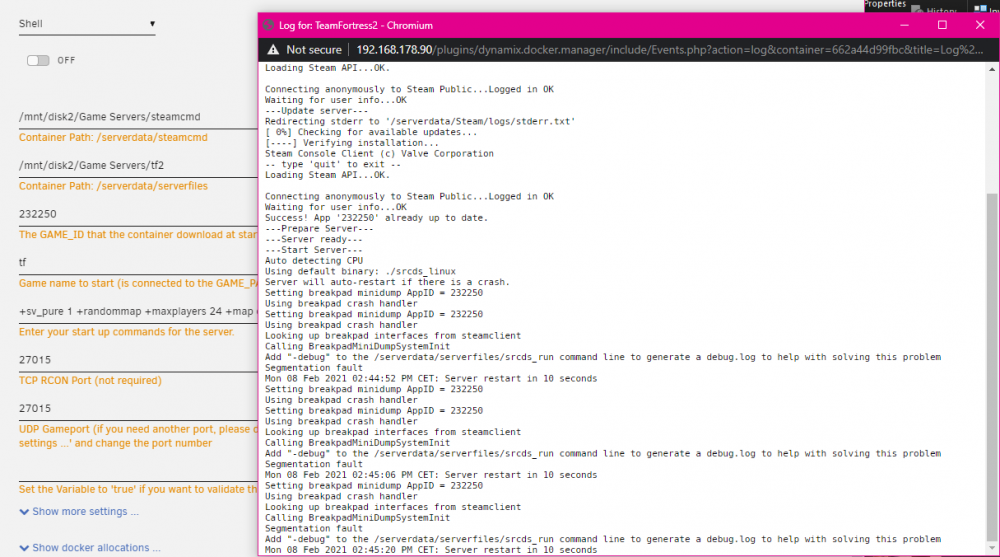
I can't get the tf2 server running its says segmentation fault and crashes any idea what im doing wrong? I dont have a cache drive and that share can only write to disk 2. So it doesn't split up.
-
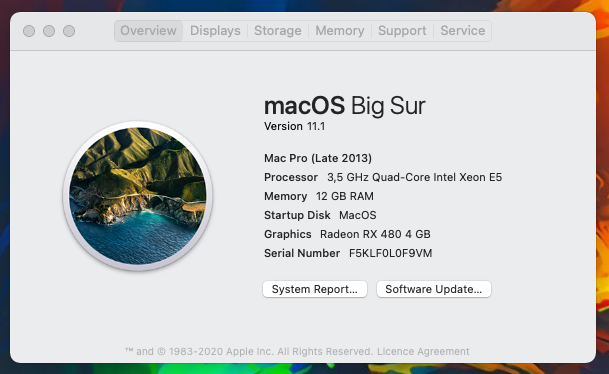
I was able to install catalina and then update it to big sur and everything works, i don't know why.
-
An update, i fixed my Old High Sierra vm to use the amd card and it works with no problems, so it might be a problem with big sur installation which is wierd because the vnc was working fine, im gonna try to install catalina next.
-
Yes i dumped it with the newly released script and i also downloaded one. I tried them both but nothing happed. For a test i passed it through to my windows vm and there it worked i was able to boot into windows.
-
Nope no tianocore screen. Also im guessing i have the updated version, i deleted everything and downloaded it all again with macinabox.
-
I tried to do it, but i still have a black screen? Also i dont think the card has a problem because i passed it through windows successfully.
-
I have a problem with the gpu passthrough in Big Sur, i was using a gtx 1060 on high sierra, for a wihile and i decided to buy an amd card because I read that you need one to use a newer version. I've gotten a Sapphire RX 480 4G but when i try to pass it through i have a black screen and nothing happens. I dont even see the open core boot screen. Is there something i did wrong?


