





DrMucki
Members
-
Joined
-
Last visited
-
-
Danke. Habe mir jetzt ein automatisches Backup Tool installiert (appdata Backup, das macht auch das Flash Drive mit)
-
Hab den Stick, da er ja anscheinend nicht ansprechbar war, rausgezogen. Am Mac war er lesbar. Also schnell nen Backup gemacht, wieder in den Server, reboot… und siehe da alles geht wieder…. warum , keine Ahnung. Ich mach jetzt erstmal Backup danke
-
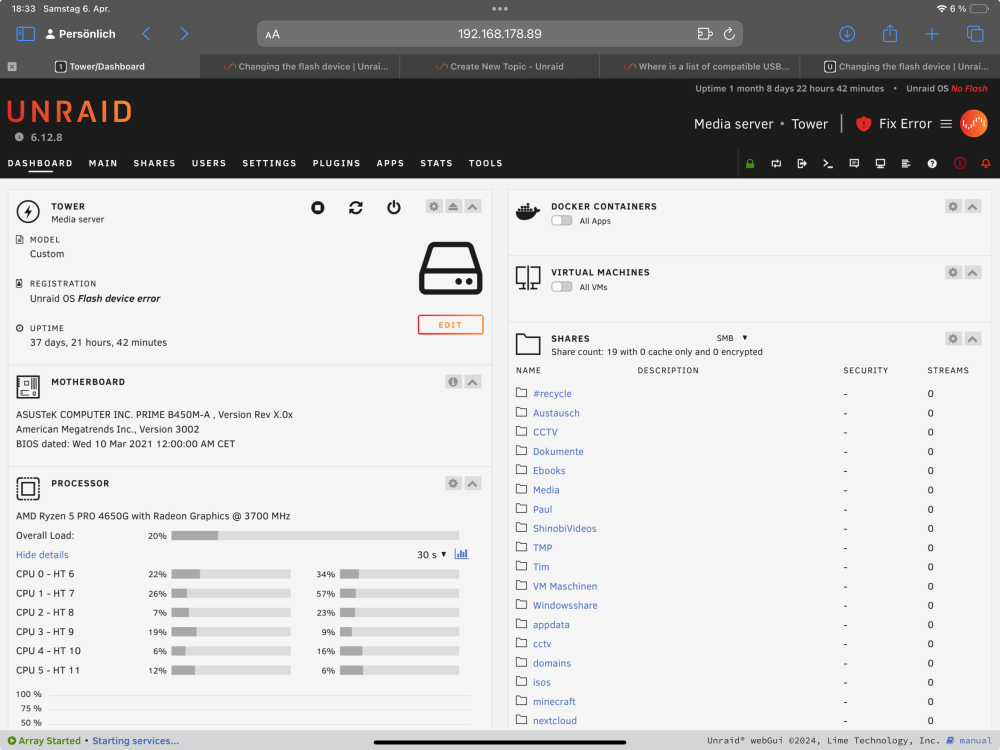
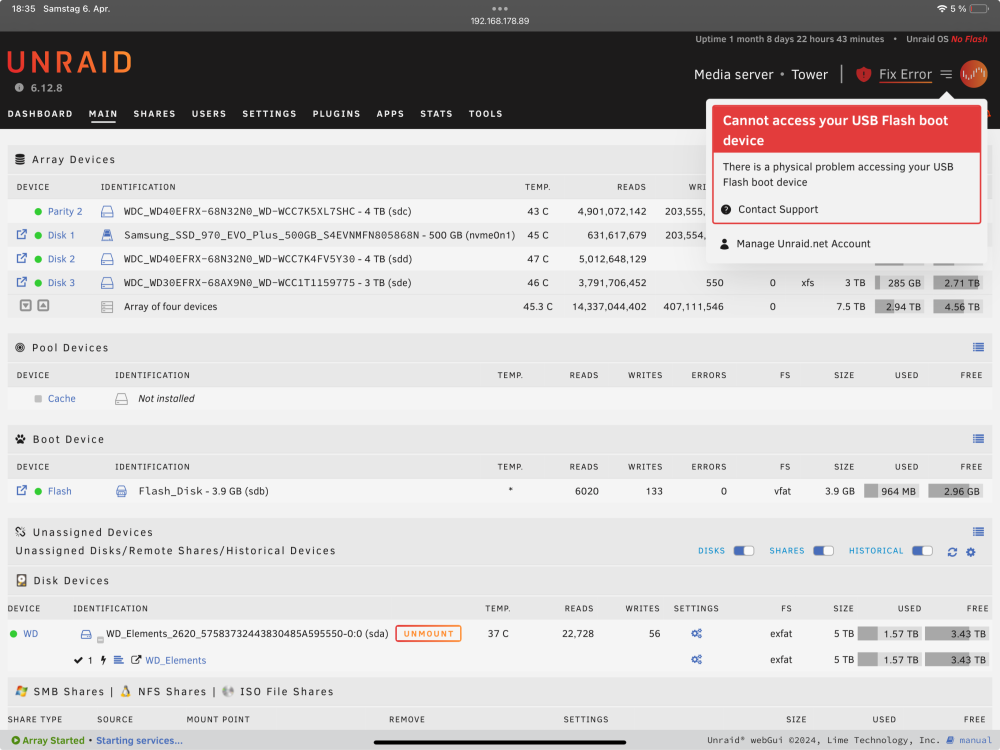
Hallo, ich habe gerade gemerkt, dass ich ein Problem mit meinem Flash Drive habe. Grosses Ausrufezeichen mit dem Hinweis. Flash device error. auf Main: REGISTRATION Unraid OS Flash device error unter Apps komm ich gar nicht mehr. ein Backup scheint nicht zu funktionieren, aber er zeigt mir das Flash Drive noch an. der Server läuft noch, Reboot traue ich nicht…. Flash backup klappt nicht.. Zugriff nur von iPad aus möglich, vom Mac aus bekomme ich immer einen http 500 error.. Hat jemand einen Tipp, wie ich das wieder hinbekomme? Ich habe nochmal die Diagnose files hinzugefügt. wäre super wenn einer einen Tipp hat. vielen lieben Dank schon mal tower-diagnostics-20240406-1802.zip
-
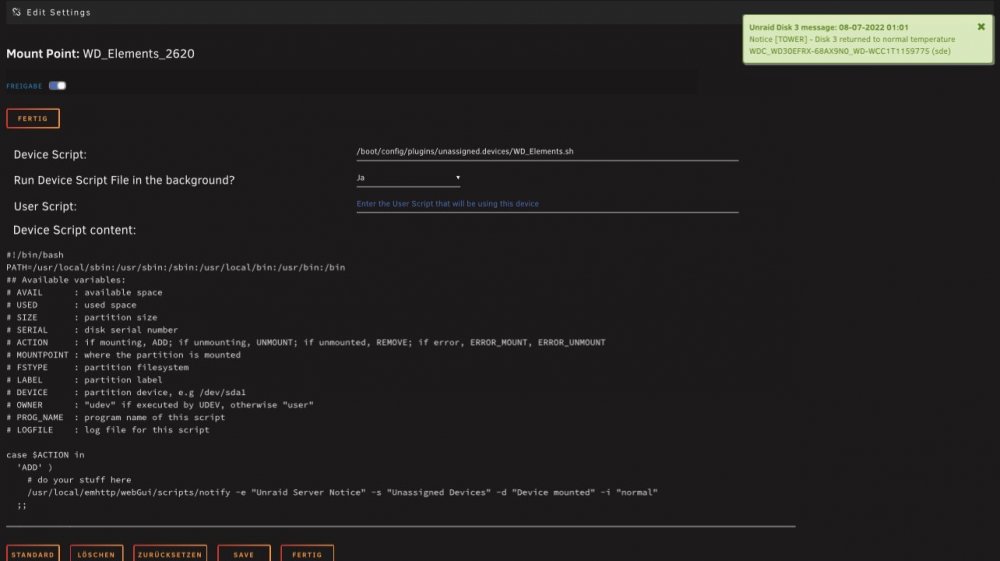
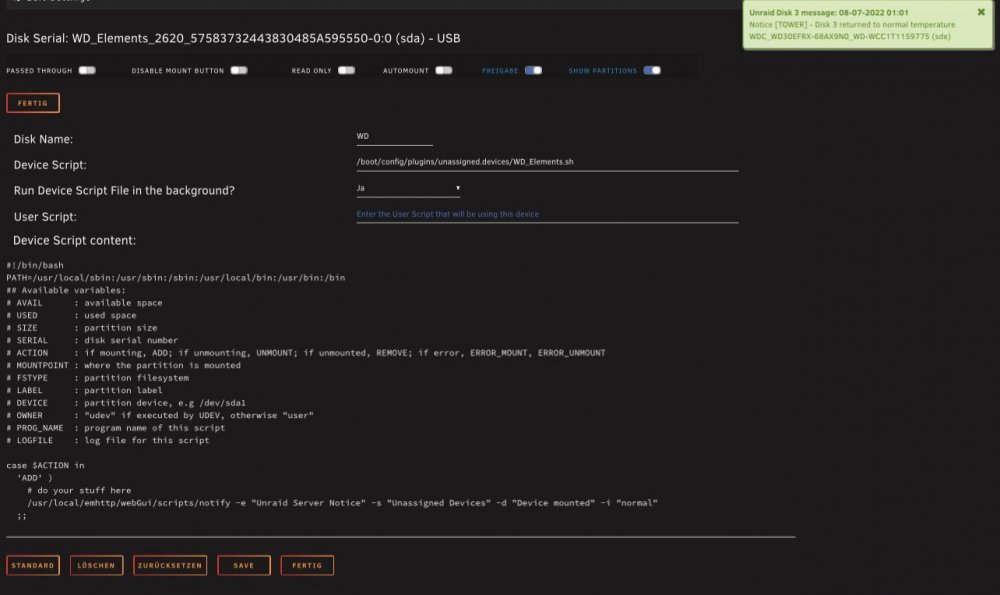
Hier sind die Einstellungen….
-
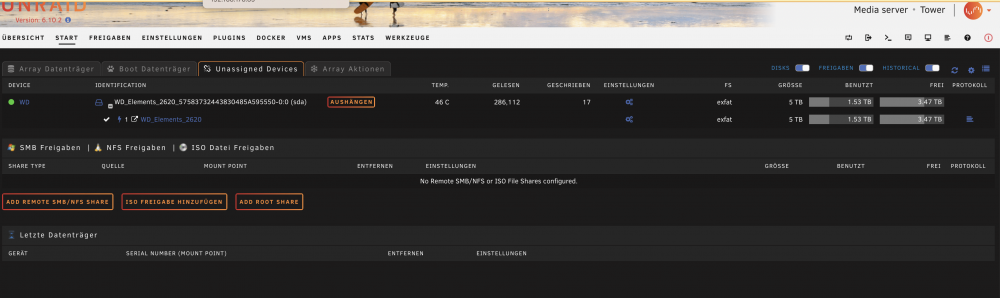
Hallo zusammen ich hab das gleiche Problem, komme aber nicht weiter (OS 6.10.2). Das device (eine USB HDD) wird remounted unter /mnt/disks/WD_Elements_2620 , darunter kann ich auch die Datenfreigabe durchsuchen, aber einen SMB share bekomme ich nicht hin. Es steht auch nur einmal "Mount" da und zwar bei dem Device, nicht aber bei der wohl automatisch gemounteten partition (Exfat) was mache ich falsch?
-
sorry for the question... but how to change the bios within Unraid for the vm... it only gives me OVMF...
-
Thanks a lot. I will give it a try and will post the results here. How did you manage to extract the vbios? Can you explain it to us here. A step by step how to could be useful, even for those who come will find this post here
-
It is a headless system... there is no Mouse/keyboard or even a monitor.... Just SSH and web....I will give it a try with the monitor within the next days.. I have to completely remove the system. which is within a server rack... but not today anymore and with this I can go the latest bios as well
-
Yeah that is right. i have a ASUS PRIME A520M-K. Unraid gives the following Infos: ASUSTeK COMPUTER INC. PRIME A520M-K, Version Rev X.0x American Megatrends Inc., Version 1401 BIOS dated: Fri 04 Dec 2020 12:00:00 AM CET I know that there is a newer bios but I did not install it so far
-
Thank you. I am just trying to get it to work with your bios... What I did so far... Set up a Win 10 VM which is working with VNC or with a AMD GPU. For the AMD GPU and the iGPU Part and their sound part are both bound to VFIO.. First tried the VNC --> Working with all resolutions tried my GPU with my extracted Vbios... working perfectly changed to AMD Renoir with your bios... first I got an error in the log file. Started it with no changes a second time... no Errors are shown.. and yeah Splashtop connects... windows login screen is coming up (ugly resolution, black and white). You can log onto it and it takes ages to show a screen. Ok its color but the resolution.... and there it comes it very very laggy on keyboard or even. mouse inputs . I was not able to interact with the machine at all.... May be you can tell me how you extracted the bios... I will give it a try on mine 4650g...
-
I would really appreciate your APU Vbios for the 4650.. can you post it here of send it to me via PN... on which unraid version are you? Did you get it to passthrough for windows VM or even with macinabox? how did you manage to get it? I tried to use the tool of Spaceinvader one, but that did not work...
-
4650g doesn’t work so far. I added a AMD GPU... but that only works in windows so far
-
Ok once again: here the solution: but as I told before: use the search function or click on my name, than you will see my posts...there is the solution... copied it for you here.... because me was helped as well here.. The problem is, that when you switch back from gpu to VNC add using the Macinabox helper script, the bus from the vnc is not set correctly. To fix it do the following: After switching back from Gpu to VNC and running the helper script, go to your vm setting of your vm and Open the XML view (right corner there is a switch Form view). scroll nearly to the end. You have to change the XML in this part: </graphics> <video> <model type='qxl' ram='65536' vram='65536' vgamem='16384' heads='1' primary='yes'/> <address type='pci' domain='0x0000' bus='0x06' slot='0x01' function='0x0'/> for me worked CHANGED to bus='0x00' slot='0x02' function='0x0' </video> but you must not run the Helper script afterwards.
-
I think I answered the question with the issue switching back to VNC several times here, when the display says: guest Display not initialized... the script changes the bus for the video in vnc the wrong way. You have to set it back manually in the xml after you run the script. if you want to know exactly how, please just use the search function within this forum please. I do not have it here now... Marc


