






MalH67
Members
-
Joined
-
Thanks for clearing that up, wasn't sure if the name change would affect getting future updates. 👍
-
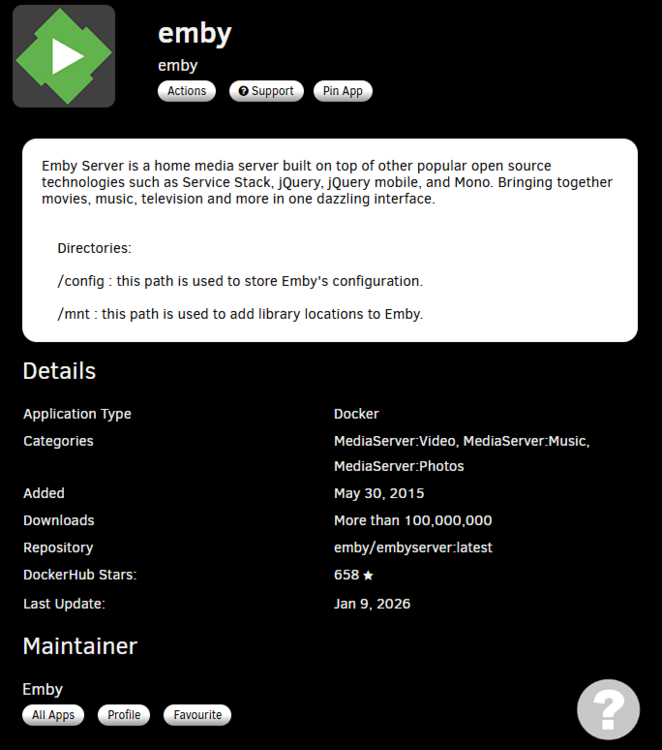
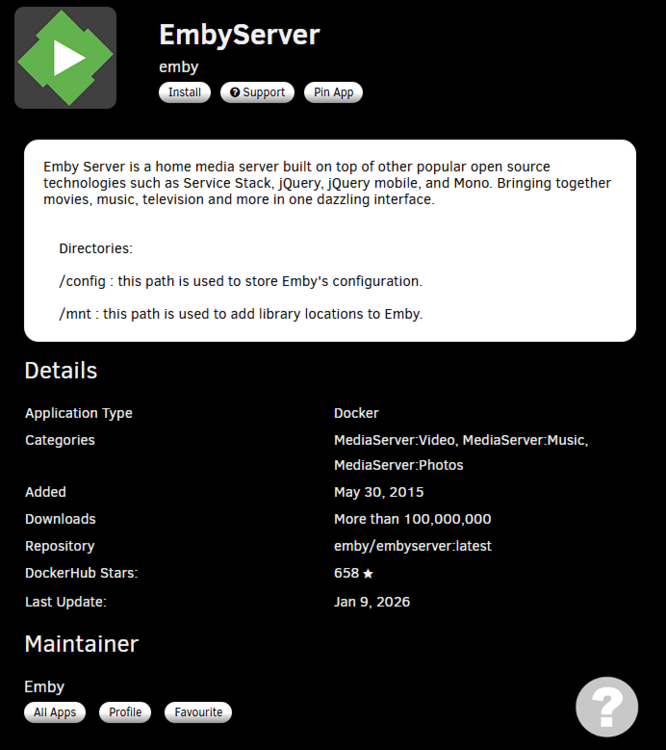
Hi all ... I have Emby installed on my unraid server and very happy with it but when browsing the CA store it only shows EmbyServer instead of emby that I have running as the official version (I know there's a version from linuxserver called emby but that's a different repository). Info page looks identical for both, should I be switching to the EmbyServer image? Thanks
-
Trying to get Lazylibrarian-calibre to work with Prowlarr but adding it as an application in Prowlarr fails the connection test. In Prowlarr trying to add LazyLibrarian in apps fails with error "Unable to send test message. Object reference not set to an instance of an object." In the logs for Prowlarr it shows this each time a test is attempted "[Error] LazyLibrarianV1Proxy: Unable to complete application test [v2.0.5.5160] System.NullReferenceException: Object reference not set to an instance of an object. at NzbDrone.Core.Applications.LazyLibrarian.LazyLibrarianV1Proxy.TestConnection(LazyLibrarianSettings settings) in ./Prowlarr.Core/Applications/LazyLibrarian/LazyLibrarianV1Proxy.cs:line 154 [Warn] ProwlarrErrorPipeline: Invalid request Validation failed: -- : Unable to send test message. Object reference not set to an instance of an object." Both are installed on my Unraid server, Prowlarr adds Sonarr, Radarr and Lidarr in the apps section without any problems. I've tried removing and re-installing both dockers but nothing seems to help. If I've missed out any info please let me know, thanks

