DITS
Members
-
Joined
-
Last visited
-
I don't know who you are. I don't know what you wanted when you created nerdpack. If you're looking for donations, I can tell you I don't have money... but what I do have are a very particular set of skills. Skills I have acquired over a very long career... I will look for you, I will find you... and I will buy you many beers. Thank you for creating nerdpack it is an AWESOME resource!!! If we ever run into to one another at a bar, beers are on me! Great work and thanks again.
-
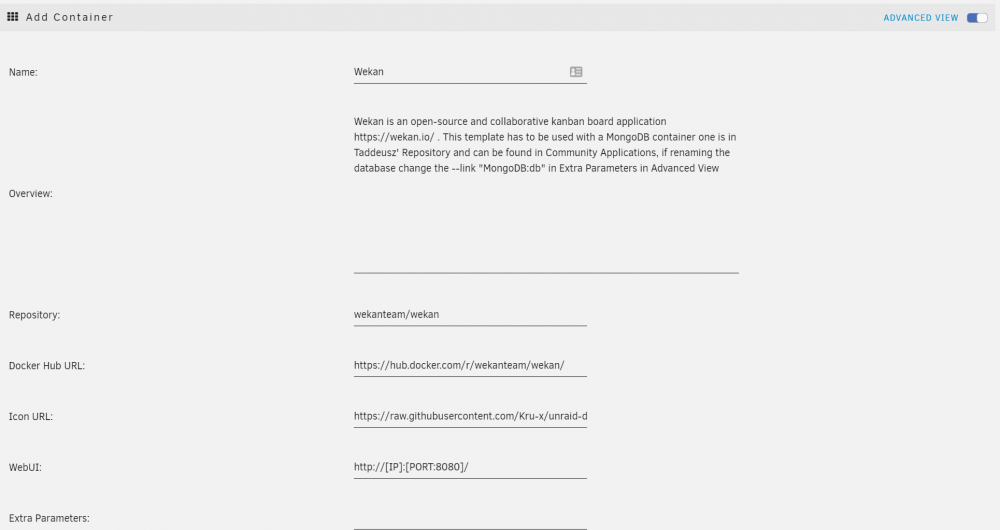
Hi everyone, I am totally new to this and if you get an install error, ensure you delete the "orphan" docker container under Docker Containers; see first picture. After you delete it, go to apps, search for Wekan, and toggle the advanced view slide. Then delete --link "MongoDB db" I hope it helps someone to get the last picture.