ikiya13
Members
-
Joined
-
Last visited
-
I replaced the PSU, and so far so good for a couple of weeks now. I'll update this thread if anything does wrong. Thanks again!
-
Can you help me learn more about how you figured that out? I knew that these kinds of errors could be connection related, so I already replaced my HBA and data cables, but how does power play a role here, especially since the system had already been on for a couple of days with no issue, then something crops up midway? For context, all of this started a couple of months ago with two unclean shutdowns after the prime95 blend test locked up my machine. I ran memtest overnight and saw no issues. System also would not lock up on the small fft test. These errors all began after this.
-
Well, the rebuild went fine, then I started and stopped the array a couple of times for a different reason, and now the same disk is giving errors. Any thoughts? Diagnostics attached. rashserver-diagnostics-20250207-2053.zip
-
You're amazing - thank you! I'll update this thread (hopefully don't have to) if I get errors along the way.
-
Thanks for the response Here you go. Disk 7 is still in a disabled state, I suppose since it was throwing errors before I rebooted? rashserver-diagnostics-20250206-0730.zip
-
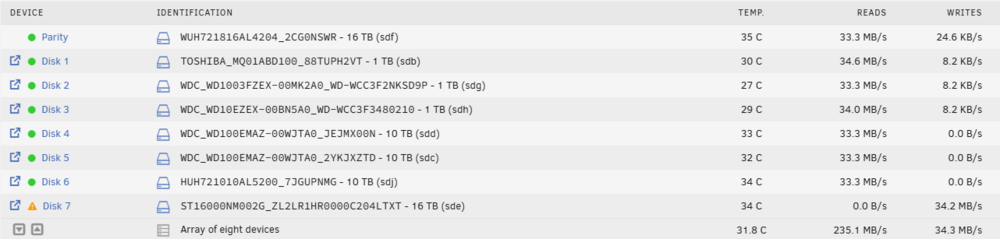
I've been having a rough time replacing a failing drive in my Unraid array, and now I can't even get a parity rebuild to start. Hoping someone here can help. Background I had a failing drive (Disk 7) that was giving read errors, so I precleared a replacement drive in advance. I had been having on and off problems with this drives, so I had also replaced my HBA and cables to isolate the issue. When I stopped the array, unassigned the bad drive, assigned the precleared replacement, and started the array, it immediately began throwing errors on the new drive. I did not remove the old drive, I simply unassigned it and assigned the new drive to the slot. I then shut down the system, but ran into another issue: I used the shutdown option in the UI, which showed "the system is powered down," and the display that the system was connected to was blank (not sure if it had been blank for a while since it's connected to my TV on a different input). However, the fans were still spinning, and the system never fully shut off. I had to hold the power button to force it off. Current Issue After rebooting, I tried to start the parity rebuild, but Unraid no longer recognizes that it needs to rebuild anything. When I assign the new drive to Disk 7, the UI does not say a parity rebuild will take place, just that the array will come online. I tried temporarily assigning the old bad drive (original disk) back to see if it would recognize the need for a rebuild, but that resulted in an error saying it can’t start with a smaller drive. I just want to get this parity rebuild going, but Unraid seems to have forgotten that it needed to do one. How can I force a rebuild at this point? Would appreciate any guidance. rashserver-diagnostics-20250205-1940.zip
-
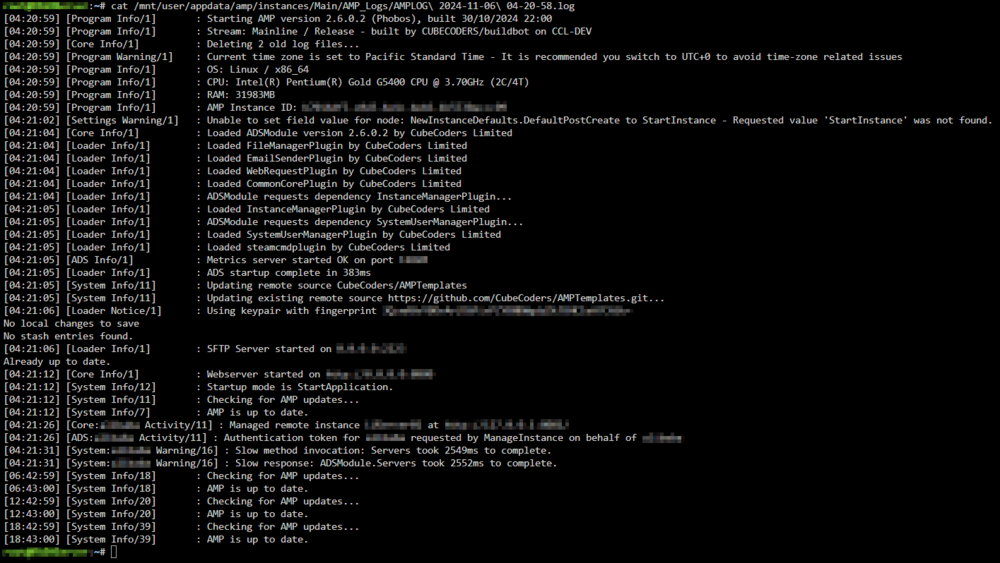
Has anyone noticed higher idle CPU usage/spikes after the big Phobos update? Here is what my CPU usage looks like with Netdata: I only have one instance on AMP, and it's for Minecraft. This screenshot is with that instance turned off. AMP logs seem unremarkable: CPU usage looks the same with the instance on, but the Minecraft server not running, as well as with both the instance and the server running. My spikes are probably higher since I have a weaker CPU, but I'd like to see whether others are observing similar behavior. Thanks, everyone!

-
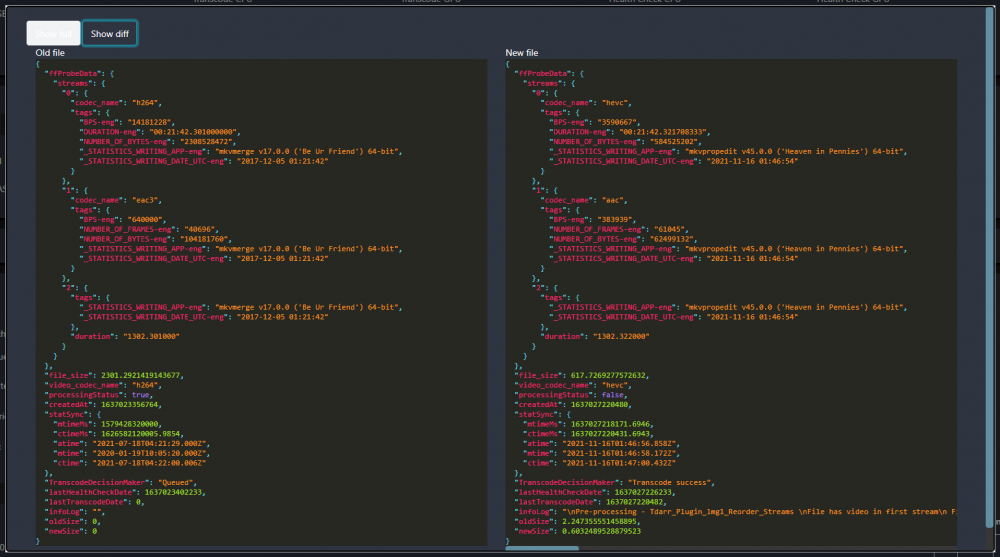
I am currently having issues transcoding into H265 using Intel QSV. I am using the two-part plugin (Tdarr_Plugin_JB69_JBHEVCQSV_MinimalFile and Tdarr_Plugin_JB69_JBHEVCQSZ_PostFix). I have looked at the scripts and didn't see anything needing modification. After the video is done transcoding, I am unable to play the file using Plex web (shows errors "Error code: s3014 (Media)" "Error code: s3015 (Media)" and "Error code: s3016 (Media)" in quick succession). I am however able to play the videos on the Plex mobile client. I am not sure if this has something to do with Tdarr or Plex, but I haven't been able to find anything useful in either domain. I was hoping that someone else may have had the same issue and would share their experience. If not, maybe someone can suggest a better QSV H265 plugin.
-
Do you mind providing me the links for those? Thanks! sike, here they are- github: https://github.com/linuxserver/docker-ombi discord: https://discord.com/invite/YWrKVTn
-
I have had this problem for several weeks at this point, I think it's beyond a problem with Plex auth.
-
I, as well as my users, are having issues using the "Sign in with Plex" authentication option. Everything used to work fine then I had some users message me that logging in via Plex was not working. After doing some research I got the idea that some .db files must have been messed up and a clean install is what I did. After doing a clean install and making sure everything is up-to-date, I am still unable to use Plex authentication in Ombi. I am able to log in using an Ombi account, but I would rather not have to force my users to do that. The Ombi logs via Unraid show nothing, and the logs in the appdata folder is just a plethora of [Debug] Batch acquisition of 0 triggers with other messages sparsely added. I appreciate any help and I'm sorry if this has been answered elsewhere, but I was unable to find it.
-
I'm having trouble logging into my PopOS VM. I have setup WOL as well as turned on screen sharing in PopOS. I have set the screen share password to the same one that I use to log into the VM. WOL seems to be working fine. I can see the VM turn on in my unraid dashboard, but it refuses to connect to apache guacamole because it is sitting on the log in page for PopOS. Once I enter the password using VNC through unraid, I can then connect to the VM through apache guacamole. I'm pretty sure I have followed spaceinvaderone's tutorial correctly but I can't seem to figure out where I am going wrong.
-
Found the solution thank you! I had another container running that was also bound to 25565 which was preventing AMP from starting.
-
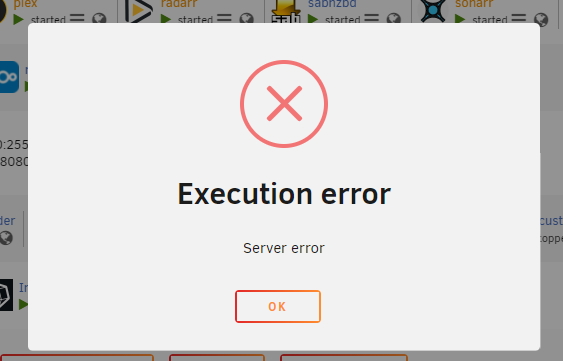
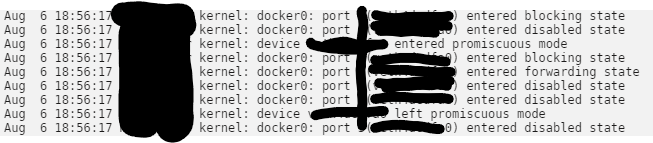
Edit: I was testing out switching from MineOS to AMP so I still had my MineOS container running, which was bound to 25565. This is what was causing my error. Hopefully this can help someone if they have the same problem. I'm currently having trouble getting the container to start. I have set a custom MAC address, inputted my AMP license, and left everything else stock. No matter what I do or however many times I reinstall the docker container I get the same generic error: "Server error": Furthermore, the syslog shows this message each time I try to start the container (sorry not sure if redacting things actually makes things any safer did it just in case): I think this is a networking issue, possibly related to the MAC address but I'm not sure. I don't want to start the container without the custom MAC to avoid the licensing headache. Any help would be appreciated