





surfbum
Members
-
Joined
-
Last visited
Everything posted by surfbum
-
I just properly read the very first post o.O which contains the links I asked for "DUH" I swear it didn't a few days ago... maybe I didn't read well.
-
Is there an explanation somewhere on why this has replaced the old version, and ... is this AI generated Code? like what 10 updates in four days seems excessive and out of the norm for unraid. I've updated to this because of fix common problems recommending I do but I have my reservations now I'm actually regretting it and thinking of getting rid of unraid completely and redoing my server from scratch it just seems "icky" currently.
-
I recently setup a new box and have 3x 4TB drives and 3x 12TB drives, 2x SSD for cache and 1 NVME drive which I'm planning on using for docker and VM's. My main use case will be media and family photos. I'm looking for advice for the setup. aka: 1x M2 - Docker and VM 2x SSD - Cache 3x 4TB RaidZ1? 3x 12TB RaidZ1? is there any advantage to using all HDD's in an array instead? Thanks :-)
-
Fantastic thanks and you are correct 🙂 the backup did work and your autobackup works as expected awesome thanks!!! Can't wait for future updates I'm guessing you are familiar with proxmox 😛 would be awesome to have the GUI with similar functionality but the current methods although "manual" work well.
-
awesome thanks
-
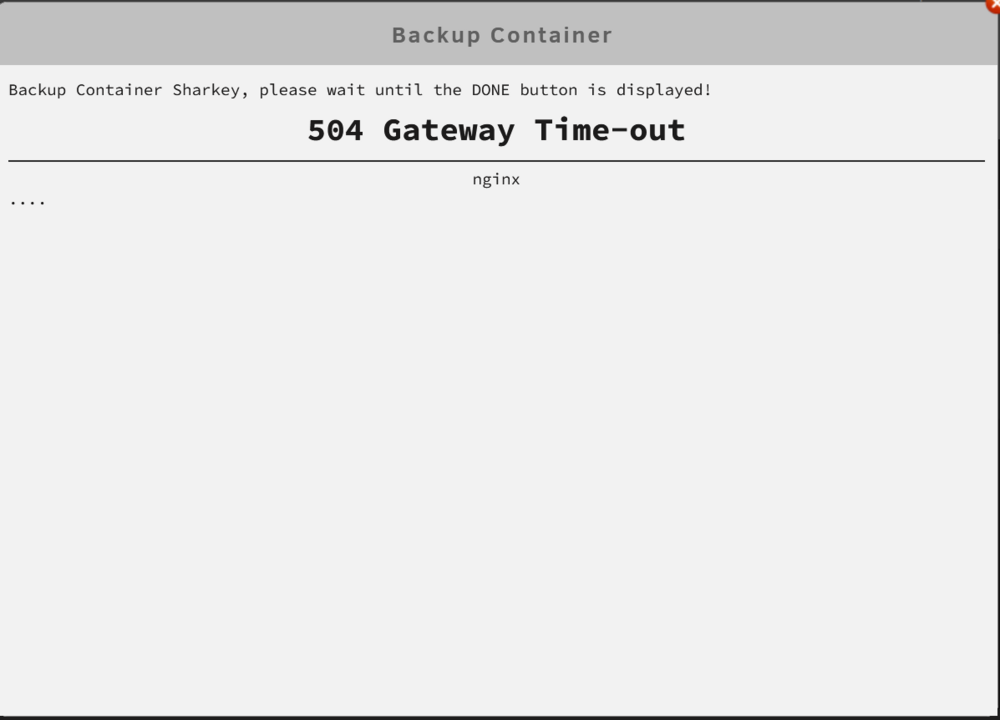
Well that was short lived lol. Just did a backup and got this. Although it appears the backup has worked.
-
This is awesome thanks just migrated my lxc's from Proxmox to here and all are working perfectly.
-
Fresh Install of Unraid 7 trying to search for a community application get this. CA-Logging-20250112-1308.zip

-
Okay thanks for clarification.
-
Okay cheers. Performance wise does it limit speed to the speed of the hdd how is it affected. ?
-
So I’ve now set up the nvme as cache. The two ssd as array and got the hdd from my sister for parity. Before installing anything can someone confirm that I’ve done the setup of the drives in the best way ?
-
Hi I have the above SSDx2 and NVME as well as a USB with unraid and a spare box. Currently most of my setup is on a different synology NAS but I want to use the above for fun. Use case would probably be docker and VM. I'm just wondering how I should setup the above drives from what I've been reading Parity with SSD is a no no. I'm not worried about data loss and I've read different things on using SSD in the array. Would best use case be to use the two SSD as one cache and the NVME as a second cache, can this even be done? Or NVME as cache and two SSD as array. I may also be able to get hold of a WD red 4tb I leant to my sister to use as parity at some point. Any pointers would be appreciated.


