





mostlydave
Members
-
Joined
-
Last visited
-
Here's a current Diagnostics, I'll work on the firmware zelda-diagnostics-20211117-1919.zip
-
I don't have a good feeling about things so far
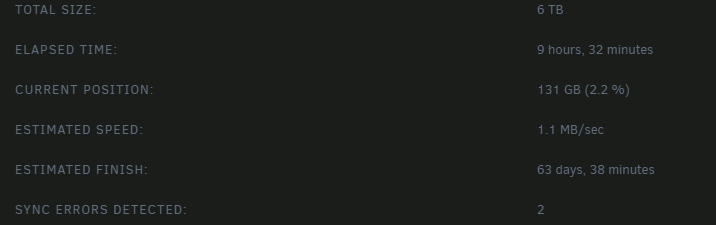
-
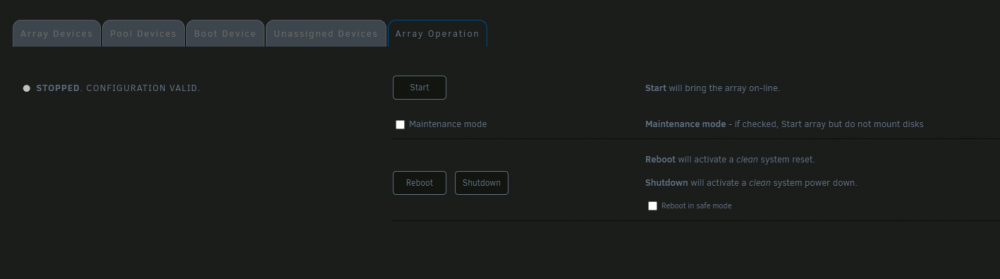
So I just powered off, reseated the Controller card, and the server rebooted without prompting to do a parity check: The array did start and seems ok, Should I start a noncorrecting parity check now?
-
My server boots, but parity check stops progressing at random point. I have powered off and check all connections, they seem good to me. I have attached a diagnostic before starting the array and after, and current syslog. I am unable to get a diagnostic download after the parity check hangs. Please let me know if this server can be salvaged, I'm about ready to give up on it. zelda-syslog-20211117-1339.zip zelda-diagnostics-20211116-1913.zip zelda-diagnostics-20211116-1912.zip
-
I'll give that a try, but I probably won't be able to do anything now until Sunday. Would grabbing the diagnostics before starting the array or before the freeze up occurs help?
-
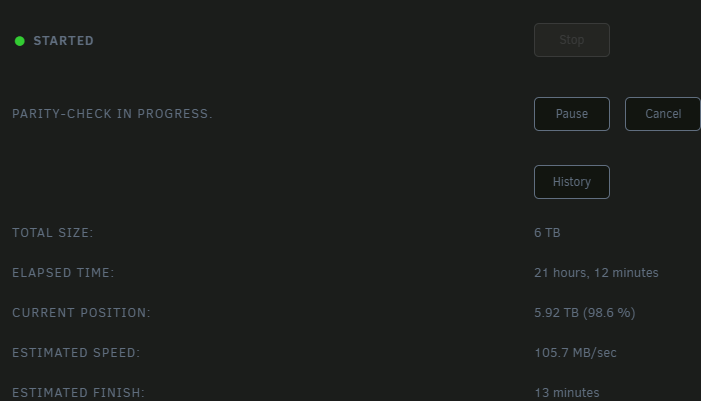
I can open all of the pages, I can even start my Plex docker, but it won't play anything and errors out when trying to browse. I can open \\zelda in file explorer in Windows and see my shares, but none of them can be opened. The parity check is still at 98.6%, it's been there for about 12 hours Should I try to cancel the parity check?
-
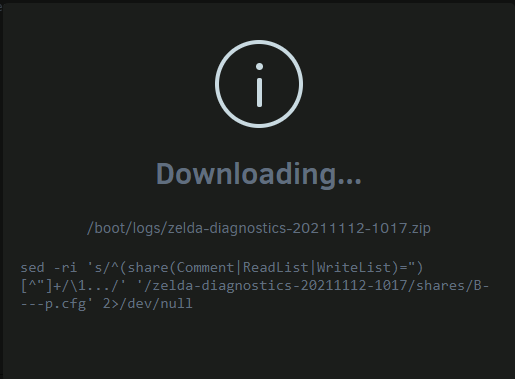
I tried to get the diagnostics, but downloading never gets past here: Parity check has been stuck here for at least 2 hours: And I have this disk with a ton or errors: I do have a 6tb disk on hand I could use to replace disk 5, but I wanted to check in what the best way to proceed was before making any changes.

-
The "Capture your log" link on this page: Need help? Read me first! - General Support - Unraid
-
I'll check that out, The diagnostic link in the getting started post is dead, so I posted what I could find
-
I just replaced a disk in my array and the rebuild appeared to have stopped part of the way through, but the yellow rebuild message on the web interface was gone and none of the commands in Array Operations were working for me so I did a hard reset The server rebooted okay and the new disk looked good and a parity check started last night. The parity check is currently stuck at 70.2 % with the yellow text saying a parity check is running gone again but still showing in in progress in Array operations. System log download is attached. zelda-syslog-20211111-1435.zip
-
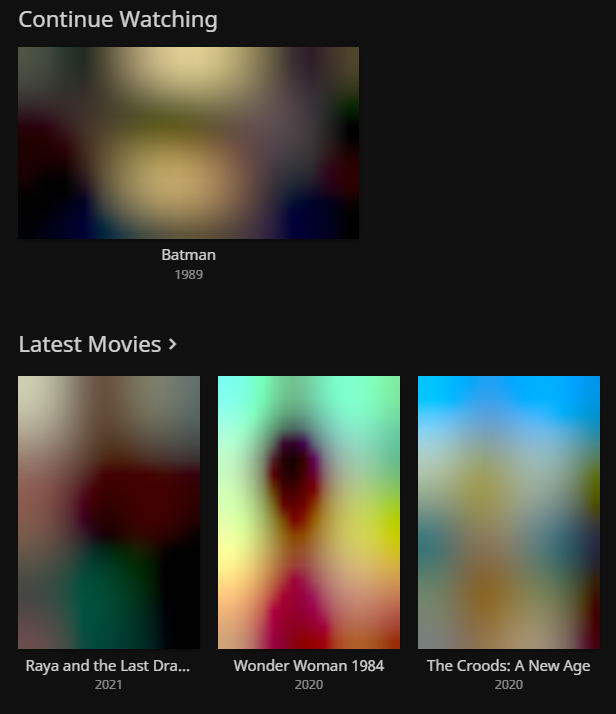
I'm switching from Plex to Jellyfin and everything seems to be working great except all of my art looks blurred like this, does anyone know if this is a bug or something related to the existing Plex .NFO data? Editing a movie or show and selecting new images isn't fixing the selected title either.
-
It was the proxy.conf, thanks!
-
My nextcloud.subdomain.conf has the following line: client_max_body_size 0; is that correct? I have found the same line in several other conf files
-
Bump, no one else is using ios and getting this error?
-
413 upload error, I'm getting 413 errors in the ios app while trying to upload my photos. I found a few places to increae max file size, and set them all to 0. I feel like I'm just missing one config item somewhere, anyone else run into this or know where I need to configure an upload size limit?


