





ReddotCleaner
Members
-
Joined
-
Last visited
Everything posted by ReddotCleaner
-
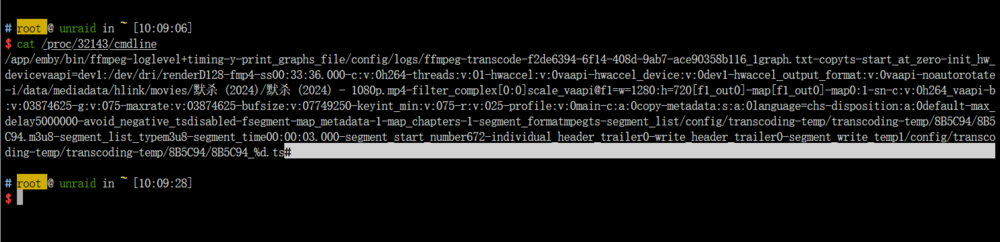
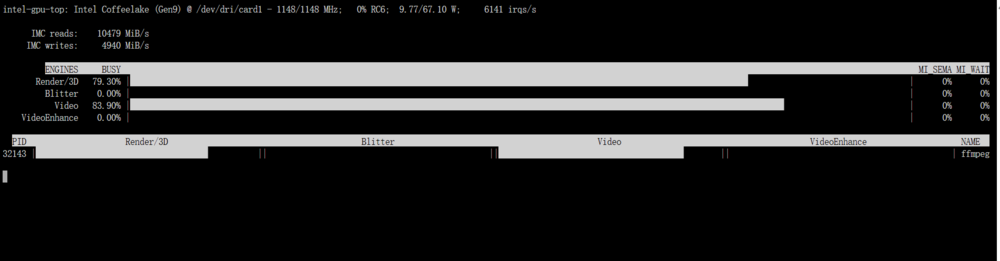
here, tell me if u need anything more
-
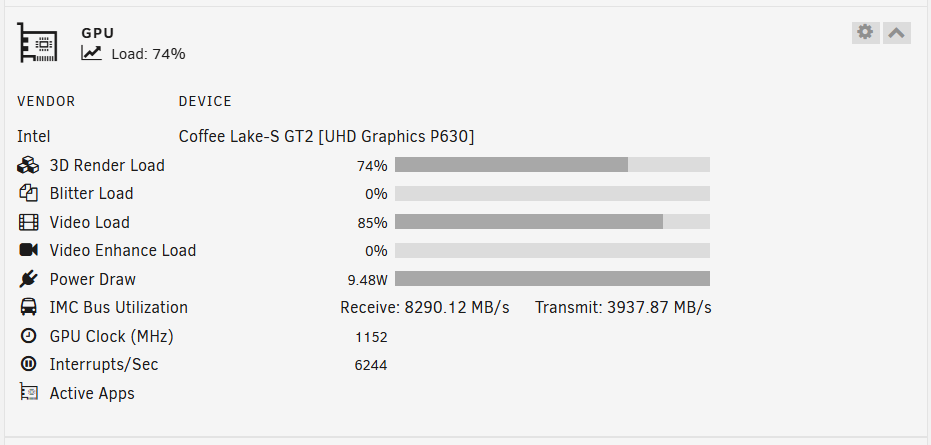
intel igpu doesent show active apps, i try plex and emby, didnot work. Anything i can do?
-
my bad, ty
-
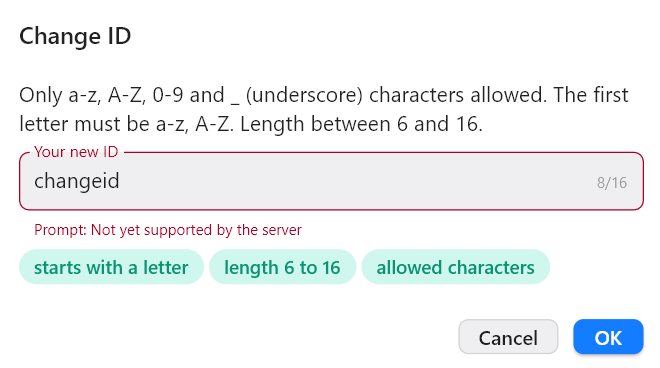
using rustdesk-aio, trying to change client id. But it said "Not yet supporteted by the seerver", any idea?
-
yeah, i try copy 6.10's packages.json to 6.11'dir, seems working now
-
its not woking on 6.11.0
-
i dont really understand what subject is. but my cert is for 'reddotcleaner.tk' server name is 'unraid'.
-
yeah, bcz my cert is not a wildcard cert. Thats why it dosent match the servername.localTLD. I will try get a wildcard cert to test it and get back to u.
-
here is my status: every time I copy my working bundle.pem(yes, I have a backup of 6.9.2) file to /certs, then when i restart/ reload nginx, it will regenerate the self-signed ssl. So I have to click provision to get a ssl then edit to my owm ssl to get it work normally.
-
just updated to 6.10.facing the same problem



