





tombstone
Members
-
Joined
-
Last visited
-
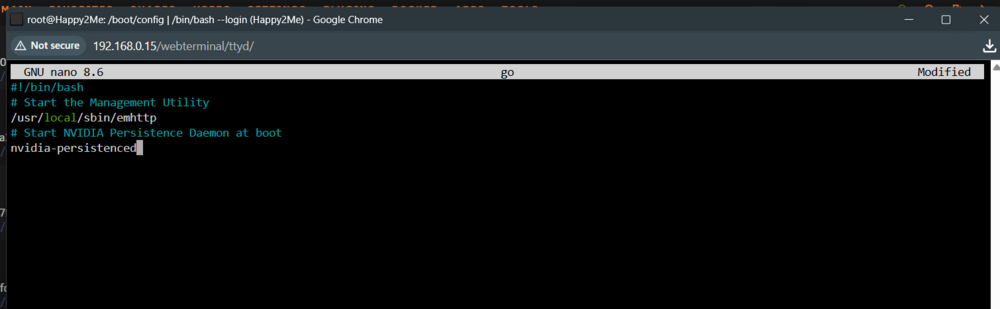
Also is this what I do to make it work after reboot.

-
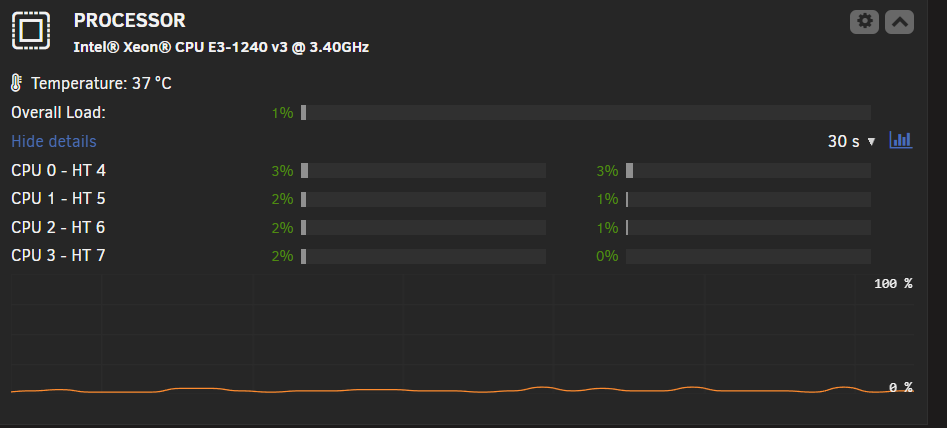
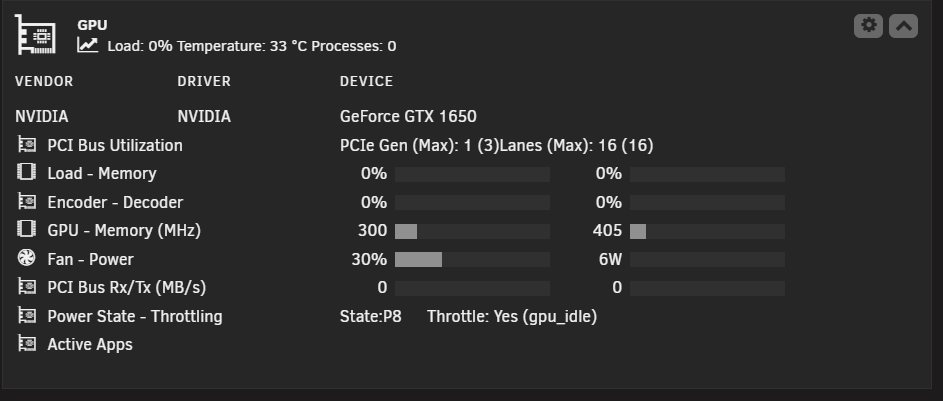
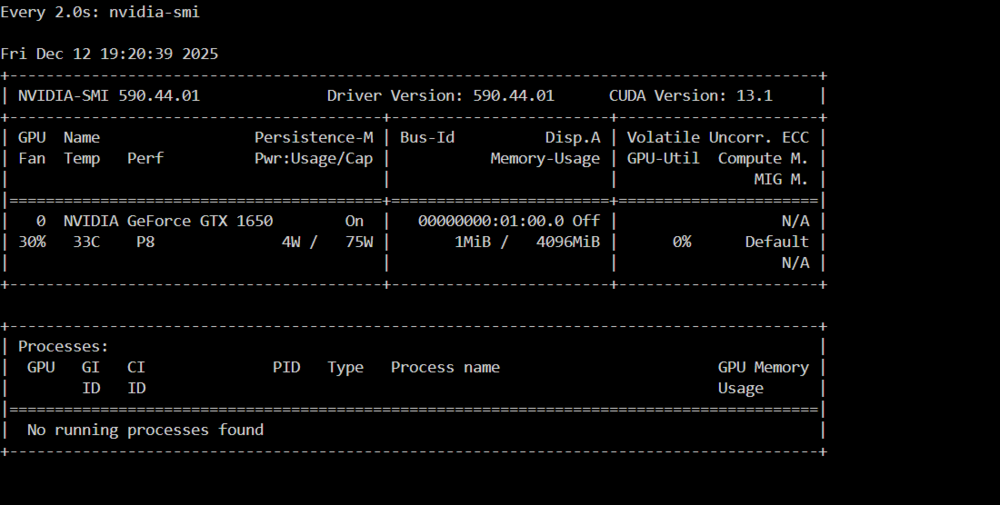
ok thanks I will look into doing something in the new year if everything with money works out for me. the nvidia-persistenced seems like th cpu is alot more carma now but seems lik the GPU is still not doing anything. have done another diagnostic when playing an movie on jellyfin, what do you think? is it fix or its the best its going to get? happy2me-diagnostics-20251212-1921.ziph
-
I also got the google coral edgetpu to get working also, think it was working on the truenas. at this time I have to wait till next year to buy and new upgrades (new motherboard)
-
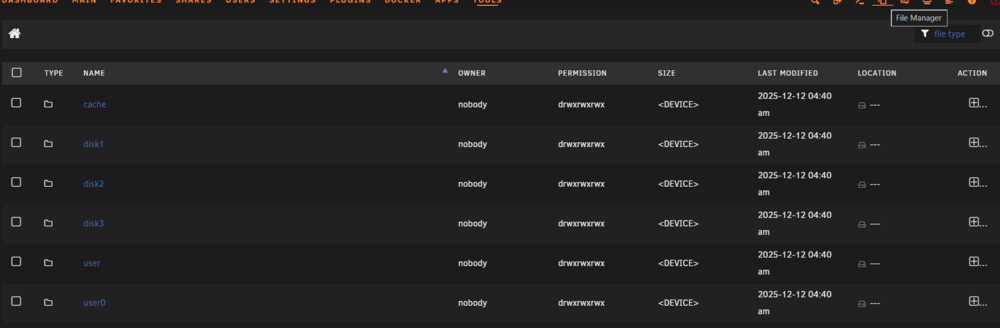
file mangager but no way to get into the USB (boot drive) that I can see.
-
I used Unraid back in the day, then I started going down the TrueNAS path. But I saw the light and came back. I’ve been building my new Unraid stack over the last four or five days.
-
sorry now looking at it is this were you mean for me to do I use ther nano go right



-
I am thinking this is what you mean?
-
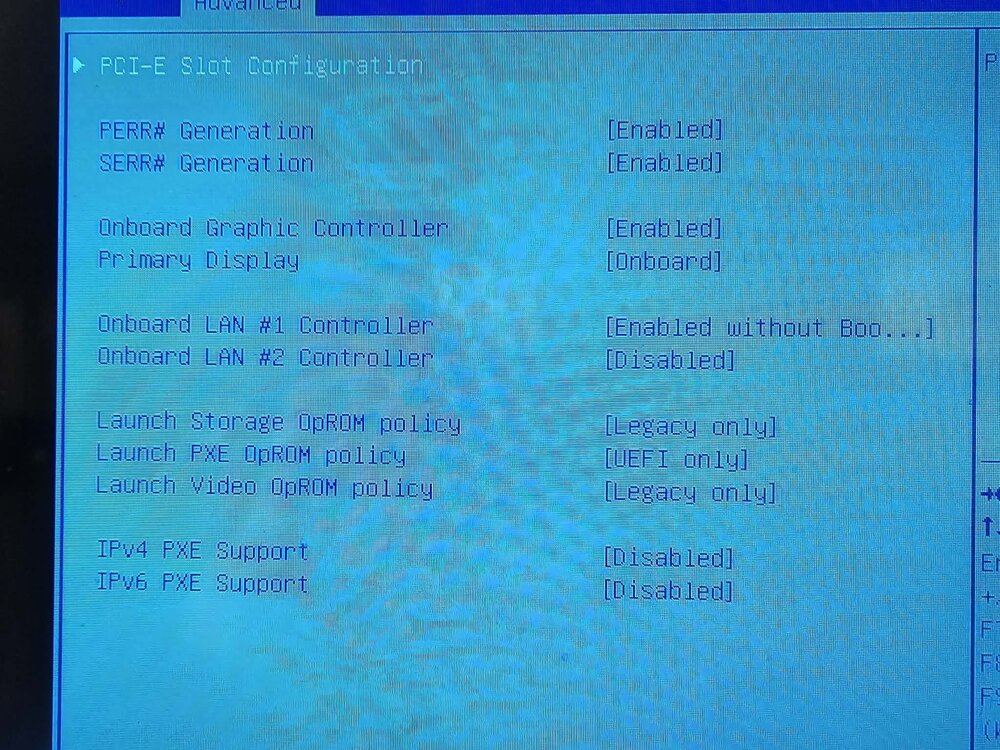
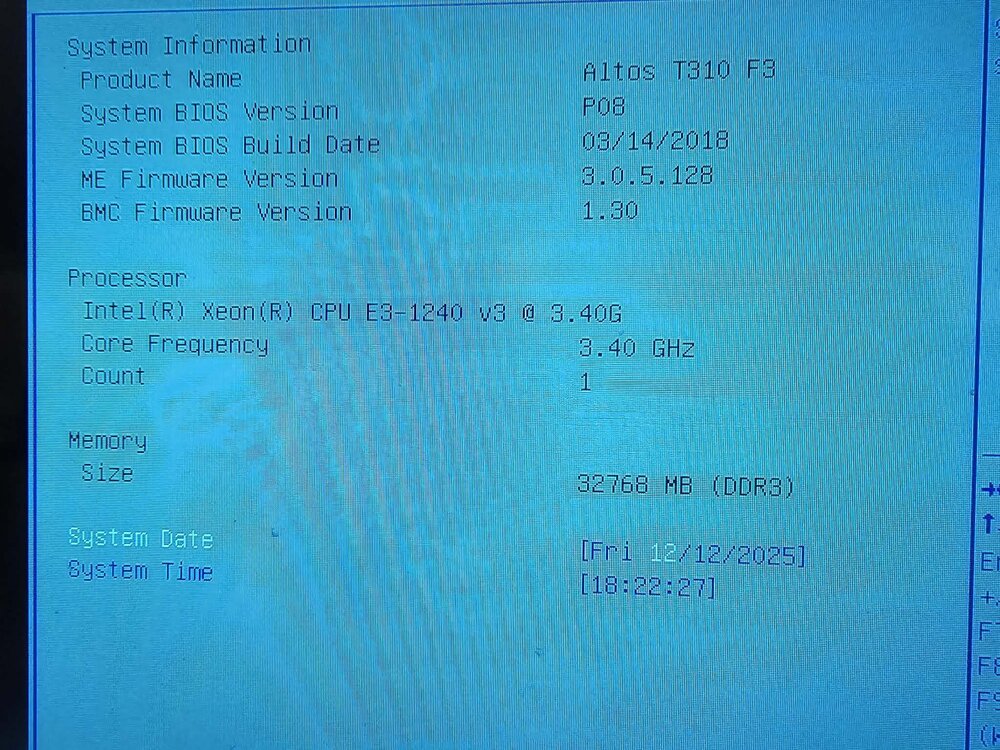
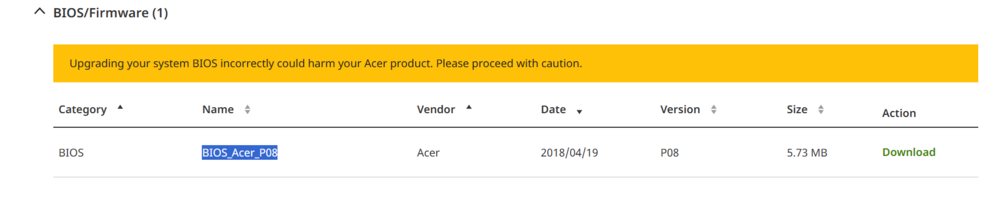
ok here is my setting for PCI-E in the bios. what I can see my bios is BIOS_Acer_P08 e and from this page its the only one. https://www.acer.com/au-en/support/product-support/Altos_T310_F3
-
Sorry — I’m not sure how to update the server to the latest BIOS version, or how to check whether Above 4G Decoding and Resizable BAR support are enabled. I also don’t know what nvidia-persistenced is, or where the go file is located but I think you may mean its in my BIOS setting so going to have a look now.. When I searched on Google, this video showed up, and I’m watching it now. I managed to make the error appear again. Also, when I play videos, they’re using my CPU instead of my GPU… https://youtu.be/xLaE5z8HkjY?si=Ay37VneTcLlaZ2_A happy2me-diagnostics-20251212-1802.zip
-
OK thanks for looking into this for me happy2me-diagnostics-20251211-2017.zip
-
this is what I get before running jellyfin I have download it, can I pm you 1st time doing this and now don't know what could be on this file?
-
Thanks, but I just checked and it seems like it’s still supported, but the plugin is using the beta version?
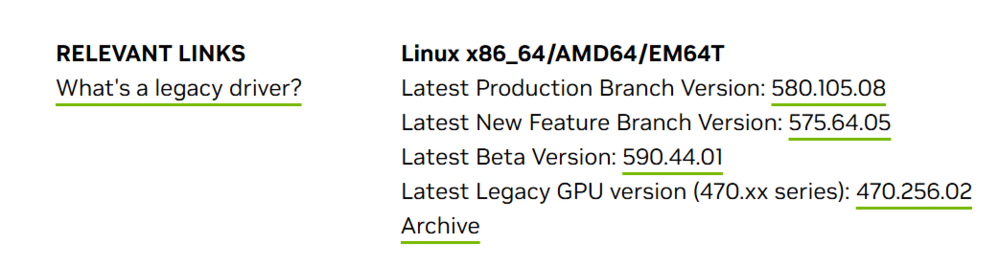

-
I’m trying to get my GPU to work with Jellyfin. While troubleshooting, I noticed that the GPU was detected at first. But as soon as I started Jellyfin and played a movie, the GPU disappeared. When I ran watch nvidia-smi in the Unraid terminal, it reported “no GPU.” After that, the GPU also disappeared from the Unraid NVIDIA plugin—it went from showing up normally to not being detected at all. Dec 11 07:43:28 Happy2Me kernel: NVRM: Rate limiting GSP RPC error prints for GPU at PCI:0000:01:00 (printing 1 of every 30). The GPU likely needs to be reset. Dec 11 07:45:24 Happy2Me kernel: NVRM: GPU 0000:01:00.0: RmInitAdapter failed! (0x25:0xffff:1740) Dec 11 07:45:24 Happy2Me kernel: NVRM: GPU 0000:01:00.0: rm_init_adapter failed, device minor number 0 Dec 11 07:45:24 Happy2Me kernel: NVRM: GPU 0000:01:00.0: RmInitAdapter failed! (0x62:0x40:2790) Dec 11 07:45:24 Happy2Me kernel: NVRM: GPU 0000:01:00.0: rm_init_adapter failed, device minor number 0 Dec 11 07:45:26 Happy2Me kernel: NVRM: GPU 0000:01:00.0: RmInitAdapter failed! (0x62:0x40:2790) Its an GeForce GTX 1650
-
I am considering trying to make my our from an Docker image but Only if you could provide me with a video or a how-to guide on how to do this to a Docker image? Will be good to k ow also... What you have done above looks cool too Quote
-
I am considering trying this. Only if you could provide me with a video or a how-to guide on how to do this to a Docker image?


