





n3cron
Members
-
Joined
-
Last visited
Everything posted by n3cron
-
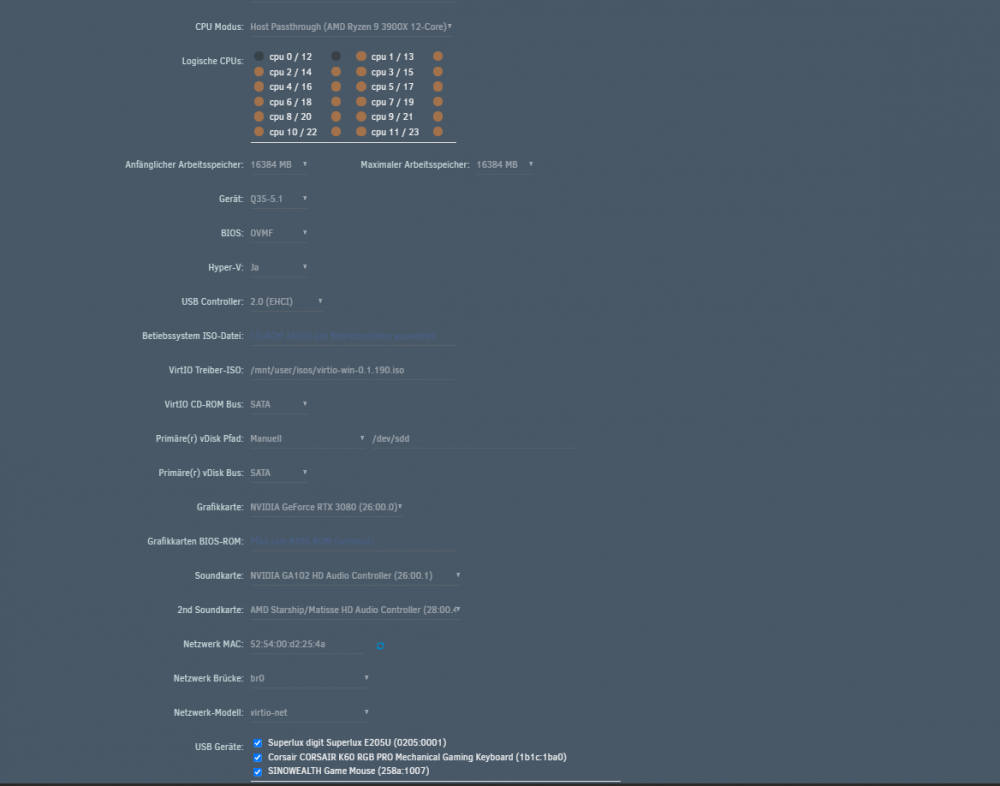
Anbei noch den Auszug meiner VM, angedacht war die als Dualboot faehig zu machen, dabei handelt es sich um meine Bare Metal Windows-Installation die ich ueber Unraid laden moechte.
-
Ich habe nun eine zweite Grafikkarte die auch so funktioniert wie gewuenscht eingebaut, bekomme aber beim zuweisen der staerkeren Grafikkarte an die VM genau diesen Fehler. Anbei einige Logs, evtl hat schon mal jemand einen Fehler gehabt oder den gleichen. Vfio Log tower-diagnostics-20210903-0922.zip
-
Ebay traue ich nicht übern weg. Ich schaue mal was sich machen lässt 🙂 Ich schau mal ob ich aus der Arbeit von einem älteren Kundengerät was rauziehen kann oder evtl kauf ich auch was neu. Müsste nicht theoretisch eine USB Grafikkarte laufen? So ne Expander Karte für Notebooks um zusätzliche Displays zu betreiben?
-
Ja leider kann die 210 kein UEFI, bzw. Mein Board hat nicht die notwendigen Treiber dafür (kommt die Fehlermeldung das keine Treiber gefunden wurden sind und deshalb auf Legacy umgestellt wird). Die Karte an sich funktioniert ja grundsätzlich. Ich hab halt dafür schon quasi Lehrgeld bezahlt. Wenn die Preise aktuell nicht so irre wären, würde ich mir einfach eine bestellen. Die 210 hab ich mir quasi gebraucht für 15€ inklusive Versandt beschaffen können.
-
Hab ich auch schon gemacht, alles Legacy gebootet inklusive in der VM auf legacy gestellt, entweder der bootet nicht in windows hoch oder er bootet irgendwas aber ich sehe nichts. Mit VNC funktioniert es ja (er bootet hoch und ich kann einloggen etc.).... Evtl ist auch mein Ansatz falsch, ich möchte ja "dual boot" betreiben, also wie Space Invader schon vorgestellt hatte, die baremetal install vom Datenträger in der VM laden und per pass-thorugh durchreichen. Das geht auch nur die Grafikkarte stellt sich quer bzw. dessen Treiber. Die Nvidia Grafikkarten haben seit März ein neues Bios bekommen um resize BAR zu unterstützen... könnte sein das dies da reingrätscht. Das besagte feature hatte ich auch schon im BIOS deaktiviert, um sie als Fehlerquelle auszuschließen. Ich hab es mit vfio und ohne probiert. ich betreibe unraid nur als Konsole gestartet und steuere alles über externen Browser an. Die zusätzl. GPU hat eher Bugs verursacht und sich nicht vernünftig vertragen. Ich hab die deshalb rausgenommen. Schon im Bare Metal Windows hat der Treiber von Nvidia gezickt. Mein Board ist auch Crossfire/Sli fähig und kann bis zu 3 Grafikkarten theoretisch betreiben. E1,E2 und E5. Die PCIE Lanes pfeifen aus allen löchern. SATA ist alles vollbelegt, die beiden m2 sind vollbelegt einmal PCIE und einmal mit SATA. Ich hab nur noch nicht alle Varianten mit dem vBios für die GPU vom Herbst letzten Jahres durchprobieret. Das werde ich halt noch mal probieren. bei den vBIOS der GPUs musste man die noch modden oder?
-
Ich gebe es auf, auch die gängigen Youtube Anleitungen sind 1-2 Jahre alt, irgendwie scheinen die neuen Nvidia karten nicht booten/starten wollen. Ich hab alle Bios Konstellationen versucht, mal startet was aber es bootet nichts. Mal Bootet was aber es kommt kein Bild. VNC scheint zu gehen ist aber für mich keine Lösung Unraid als Bare Metal zu verwenden.
-
Laut errorlog bekomme ich folgendes: ... 2021-05-15T17:20:54.526043Z qemu-system-x86_64: vfio_region_write(0000:26:00.0:region1+0x1ba930, 0x0,8) failed: Device or resource busy 2021-05-15T17:20:54.526067Z qemu-system-x86_64: vfio_region_write(0000:26:00.0:region1+0x1ba938, 0x0,8) failed: Device or resource busy 2021-05-15T17:20:54.526076Z qemu-system-x86_64: vfio_region_write(0000:26:00.0:region1+0x1ba940, 0x0,8) failed: Device or resource busy 2021-05-15T17:20:54.526082Z qemu-system-x86_64: vfio_region_write(0000:26:00.0:region1+0x1ba948, 0x0,8) failed: Device or resource busy ...
-
Okay Fehler gefunden man muss die durchgereichte Hardware auf der cfg entfernen.
-
wenn ich versuche die VM zu etfernen, selbst nach neustart bekomme ich folgenden Fehler

-
DIe XML scheint jedes mal nach einer Änderung sich zu verabschieden
-
Also über VNC ist es soweit gelaufen ich hab die Maschine runtergefahren und die Nvidia Karte reingeladen über VNC hat der nur den Microsoft Basic Adapter gehabt. Mit "installierter" Karte in der VM Konfig lädt nix
-
Okay wenn ich die VM komplett neu erstelle, scheint es zu funktionieren. Ich hab die alte enfernt und alle neu erstellt zumindest kann ich jetzt den Virtio Treiber installieren
-
ich hab ne komplett neue VM erstellt und forlgenden Fehler

-
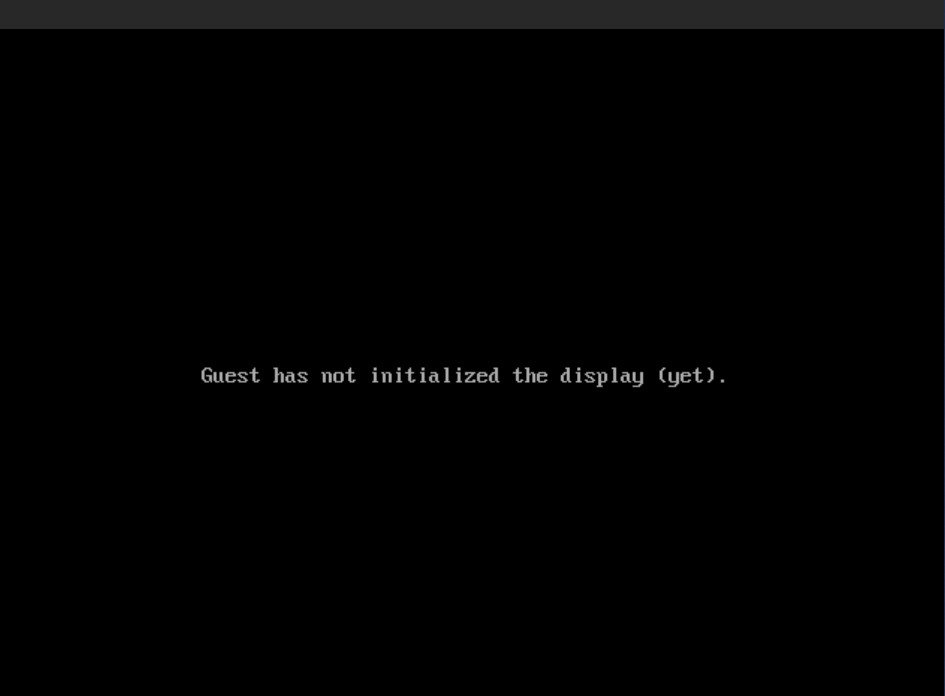
Leider passiert nicht viel:
-
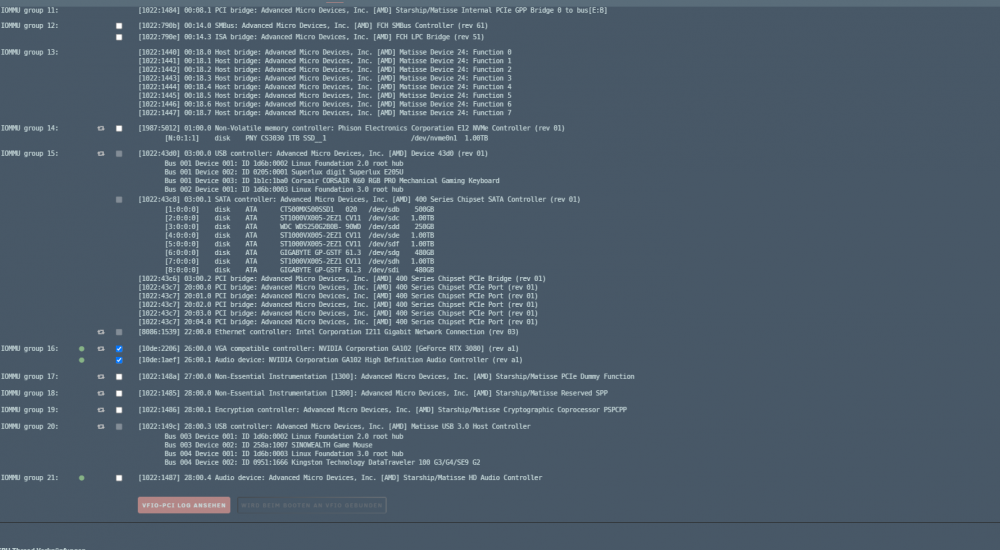
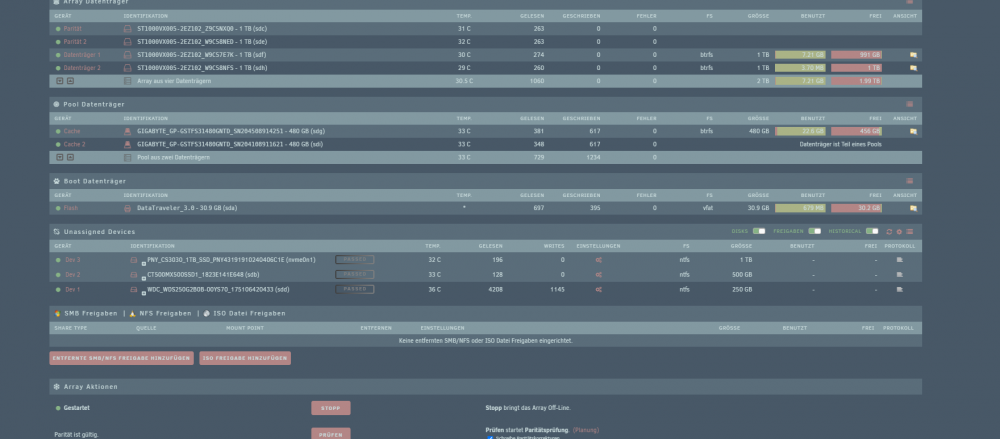
Mit diesen Einstellungen Bootet die Maschine anscheinend hoch aber ich bekomme kein Bild, ich hab die zweite Grafikkarte ausgebaut und habe unraid als UEFI im Headless modus gestartet. Für Ideen bin ich sehr dankbar. Headless kann ich aktuell auch so nutzen. Aber ich plane das in Zukunft zu automatisieren das die VM automatisch startet Unraid headless->Autostart Datenträger->AutostartVM XML.txt
-
Ich werde das nochmal alles testen heute Abend und inklusive konfig/möglichen Fehlerauszug mal posten, ich denke dann könnt ihr euch ein konkreteres Bild machen. Ist ein Ryzen 3900x ohne IGPU, deshalb hab ich mir ja extra die MSI Geforce 210 reingehauen die soll nur als Bildausgabe für den GUI Modus dienen um die "Baremetal" VM einzurichten. Leider kann ich die nicht default im Bios als Primäre Ausgabe definieren. Aber wenn ich die VFIO binde und reboote, sollte Unraid dann nicht automatisch die Geforce 210 verwenden?. Wenn ich die 210 verwende kann ich kein UEFI booten, zumindest macht das Probleme. Also boote ich unraid im CSM, aber das spielt dann beim starten der VM im UEFI keine Rolle? Oder ist für das OVF-Bios relevant, das man das emulierte UEFI nur verwenden kann wenn auch Unraid im UEFI geladen wurde?
-
I already did this. It can successfull boot up into windows using the "dualboot" like feature showed by space invader to directly access my old install with hw-id. Works, but the graphics seems to look corrupt combined with flickering and fade in, fade out of Windows GUI (gets partialy black). My second GPU Card is disabled in Windows, since even when booting entirely bare Metal i get the error that System Ressource isnt enough so my gpu gets "stoped". The fun thing about that is, if i fresh install the Nvidia driver the System works until the next reboot and i get the same error again. At least i found out that the resize Bar feature and "Mining Enhancement" from my MSI x470 Gaming Pro Carbon seems cause some trouble so i disabled it. So at least my Bare Metal machine is working like it should even after reboot. My Geforce 210 is installed into the PCI Slot E5 it says "PCI_E5 slot will be unavailable when installing M.2 PCIe SSD in M2_2 slot." Now the thing is, there is an M.2 Card inside but its on SATA-Mode which does not disable the Slot, at least I dont want to cut down my primary slot from Gen3 x16. When i start to boot the Geforce 210 in UEFI i get an error msg from BIOS that there is no usable driver and it switches back to CSM/UEFI mode. I want to use unraid in selfmode, after everything is working to auto boot up my old Windows install and then access unraid from it. I dont want to use an external device. I want to use it standalone without sacreficing the ability to use it as "Gaming" RIG. When i try to use OVF Bios i get an error and cant even save the setting to the VM, so i had only success by using Sea Bios.
-
Ich hab den gleichen Fehler wenn ich die VFIO binde, wenn ich die nicht binde sondern mit Legacy und Sea Bios durchreiche, läuft es zwar bei mir aber ich hab Flickering und Black screen Aussetzer.?? Nur mal zum Verständnis wenn ich die Vfio binde, dann hat unraid keinen "Zugriff" mehr auf die Hardware und verwendet die Hardware als Ausgabe z. B im GUI modus?
-
There is no 100% safety, disconnect your internet and get 100% safety. Every entity in your Network can be compromised. At least the base installation of unraid should be safe. Everything you add could cause problems and is a risk if you change something in unraid to a certain amount of degree. Safety starts with the person sitting infront and using the system.


