migasrt3
Members
-
Joined
-
Last visited
Everything posted by migasrt3
-
that I have seen at most 37 degrees
-
I'll keep an eye on it. Could it be temperature-related? It's been very hot around here lately.
-
Good morning, the parity check just finished and completed without any issues. Do we have any terminal commands available to run tests on the disk?
-
Thanks! That makes sense I'll run a parity check as soon as the sync completes, to force a full surface read and confirm stability. Since the SMART extended test already passed, if the parity check finishes cleanly as well, I’ll consider the disk stable though I’ll still keep an eye on it given it nearly got disabled before. Appreciate the help!
-
Hi, After replacing the power cable and leaving the server powered off for a few hours, I attempted the parity sync again — and surprisingly, everything started working properly again. No crashes so far. The sync is currently running and progressing without issues. Is there any way I can stress-test or further verify this parity disk? It passed an extended SMART test (smartctl -t long) without any errors, but since it's almost out of warranty, I want to be 100% sure before it expires. Should I run additional stress tools (like badblocks, fio, or anything else) to validate long-term reliability? Thanks in advance!
-
Update #2: I have already tried swapping both: - The SATA cable (new one) - The port: previously connected to an LSI SAS HBA, now moved directly to motherboard SATA After doing this, the parity drive (ST10000VN0008) is still being disabled or causing system lockups when I attempt a parity check. SMART shows no reallocated, pending, or uncorrectable sectors. But I do see 955 UDMA CRC errors, likely from before replacing the cable. The drive has 18,420 power-on hours and passes both short and extended SMART tests. Could this be a firmware issue with this model? Or is the disk just unstable under load despite a clean SMART report? Thanks again for your help.
-
What happened: My parity drive (ST10000VN0008) was suddenly disabled by Unraid. No recent power outages or system reboots occurred. The drive is still visible in the Main tab, but marked as disabled from the array. What I’ve tried so far: Checked all power and SATA cables — everything is securely connected. No unusual mechanical sounds from the drive. SMART short test passed; extended SMART test currently in progress. Questions: Is it safe to trust this drive and re-enable it? What might the system logs reveal about why it was disabled? If I remove and reassign the same disk as parity, will Unraid automatically start a rebuild? Update: After re-enabling the parity drive and starting a parity check, the system completely freezes during the process — I lose access to the web UI and SSH. Only a full reboot restores functionality, but the parity check never finishes. Could this indicate a failing drive, a bad SATA controller/port, or something else? The system runs fine otherwise, as long as the parity check is not running. Thanks in advance for your help! nasmiguel-smart-20250720-1830.zip
-
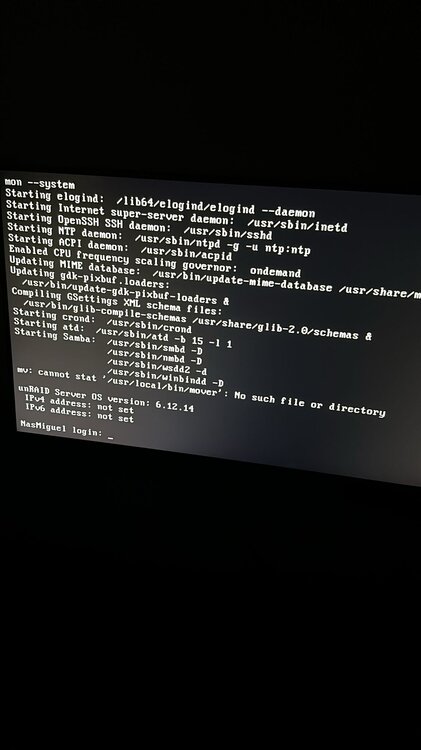
i deleted the network.cfg but doesnt have any ip now.

-
I don't have access to another PC.
-
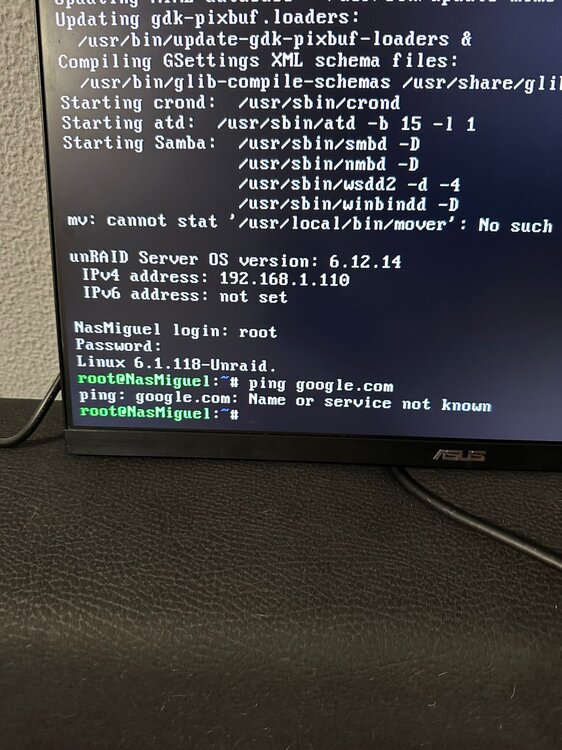
@bmartino1 I did that, and now I have no internet access.
-
@foo98 I have the same problem. How did you manage to uninstall the plugin?
-
I'll try, if it works I'll let you know
-
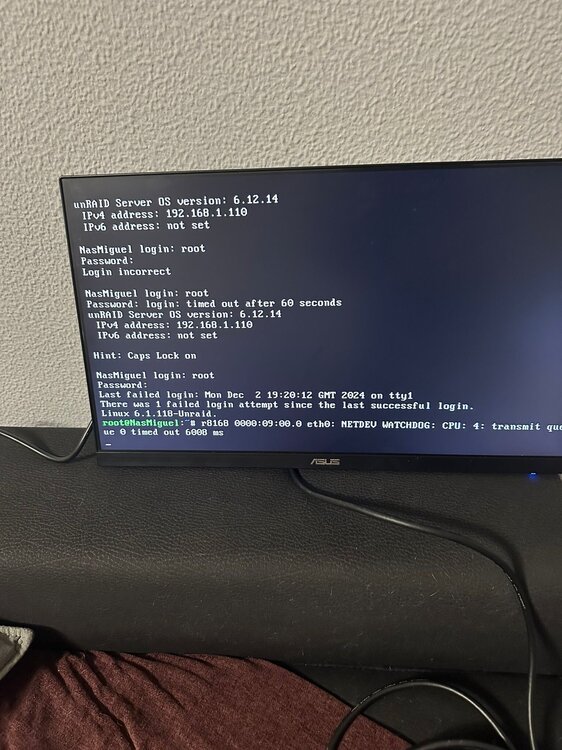
Every 10/15 days i lost access to unraid dashboard. Attached diagnostics and logs i have. syslog-192.168.1.110.log.txt
-
I turned on the server without any docker active, the server was on for a long time. As soon as I connect any Docker app to the machine, after an hour I lose access to it... it goes offline. not detected on the network
-
can you help me? new error appeared (device descriptor read/64, error -71) syslog-192.168.1.110 (1).log
-
can you help me? syslog-192.168.1.110.log
-
hello, I already updated the bios, I changed the bios option (typical current idle). and today the machine blocked again
-
Hi, My unRAID server seems to freeze up every few days on its own. Please help.... 😟 Thank you!!syslog (2)file:///C:/Users/migas/Downloads/syslog%20(2)
-
I try to update the application and I get an error. I uninstalled the same application and restarted it, the "error" remained. Supposedly unable to download the image
-
Gives the same error. nasmiguel-diagnostics-20231021-0114.zip
-
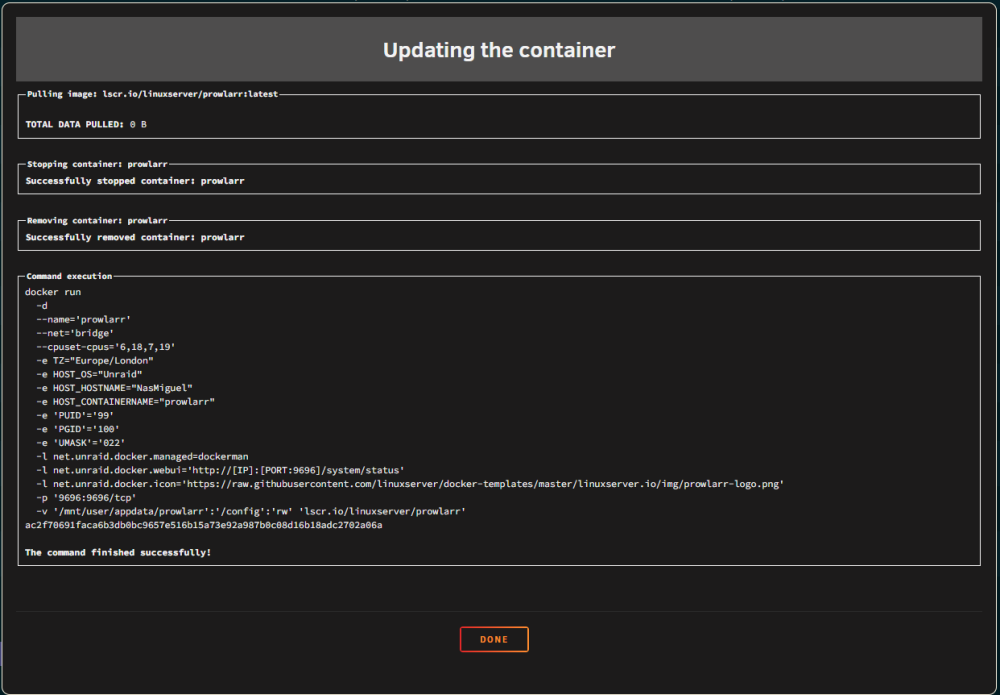
Good evening, I'm having problems downloading and updating. Error that gives me: TOTAL DATA PULLED: 0 B