





alfred_zw
Members
-
Joined
-
Last visited
-
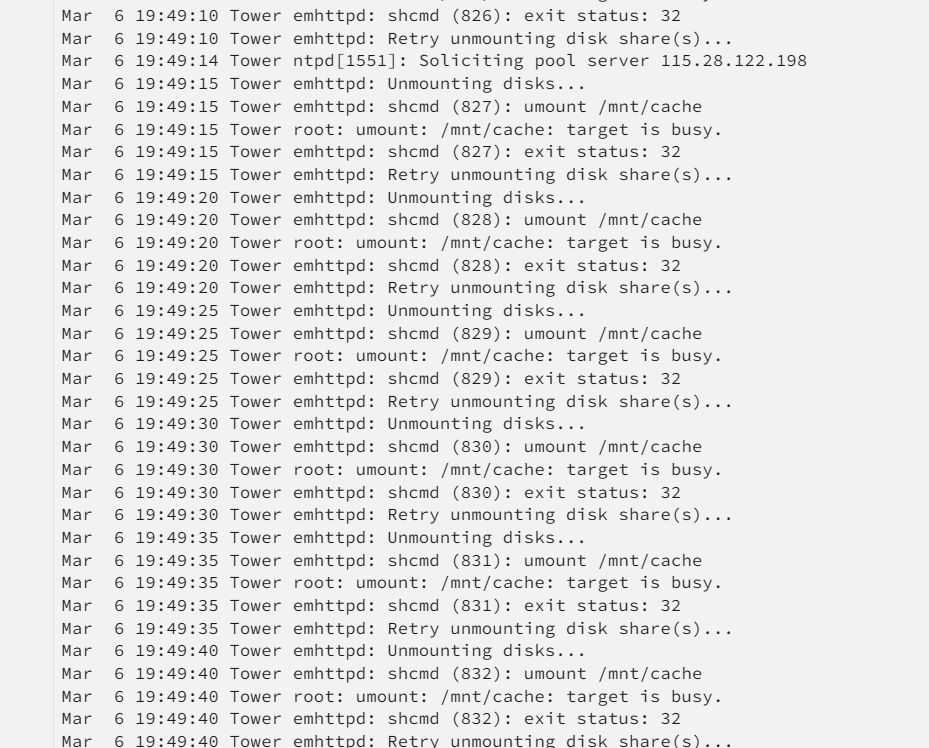
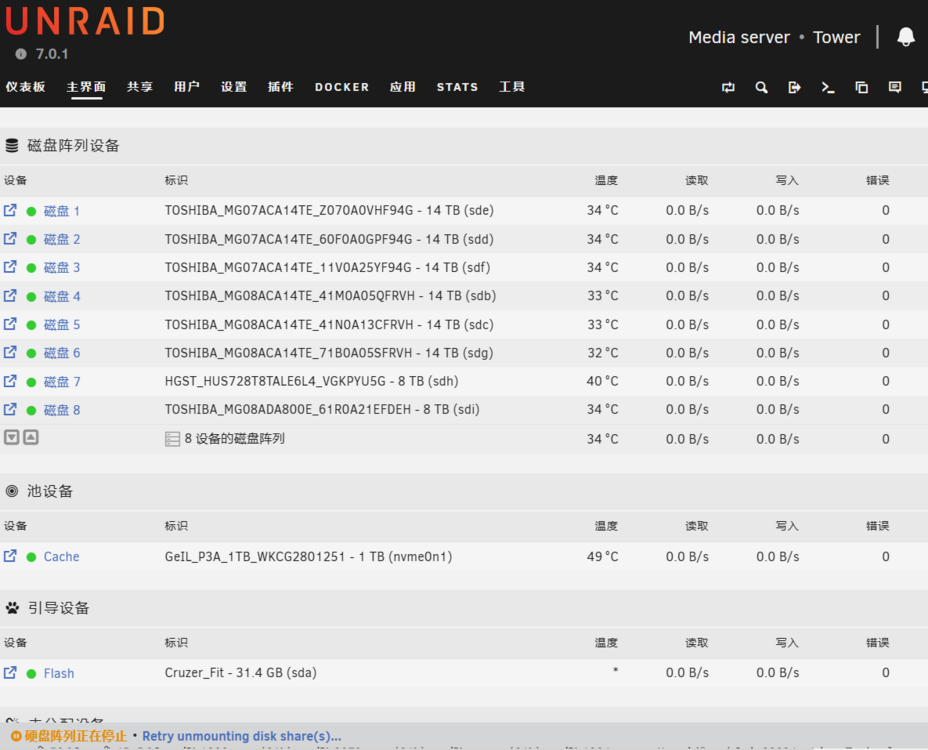
版本是7.01, 老是出现DOCKER 无法启动, 但是实际安装的docker又都是启动的。 然后停止整列一直卡CACHE。请帮忙看看如何解决 版本是7.01, tower-syslog-20250306-1149.zip
-
同样问题, 升级7.0后 DOCKER 无法启动
-
我试了, 但是因为之前设置Eth0的网卡坏了, 只有一块,在WEB 页面没有选项调整,命令行我不会用,一直没折腾好, 最后重装系统解决了,~;(
-
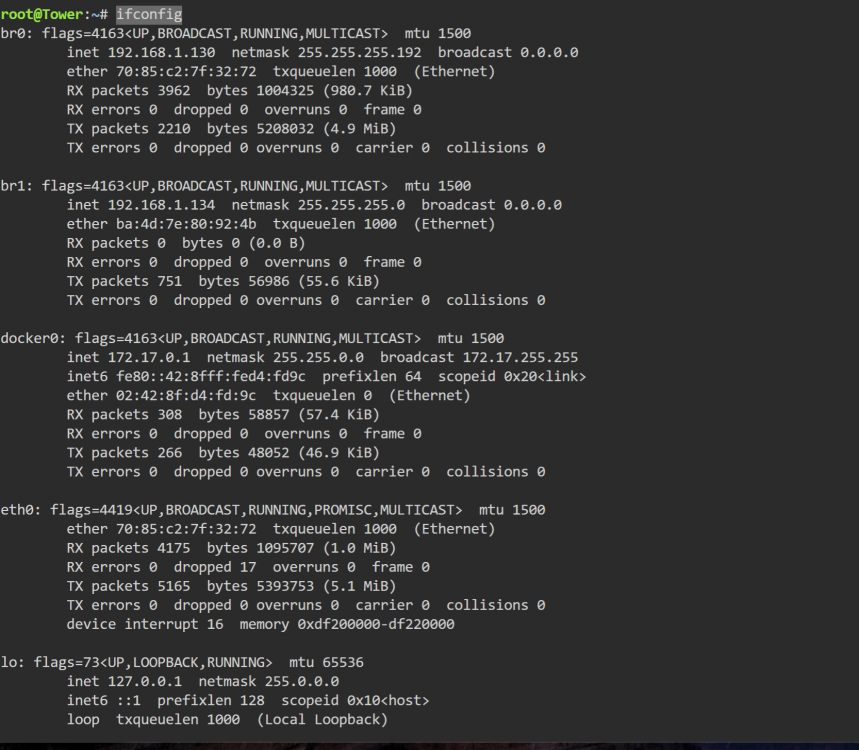
之前我安装了PCIE网口, ETH0给了PCIE网卡,主板自带网口分配了ETH1. 但是我今天PCIE网卡坏了, 只能用主板自带的网口(改为ETH0)。 但是目前查看网关还是BR1,导致DOCKER 下应用都无法联网, 是否有办法把默认网关改为BR0. 来解决DOCKER应用上网问题

-
确实是电源问题,加了根电源线搞定
-
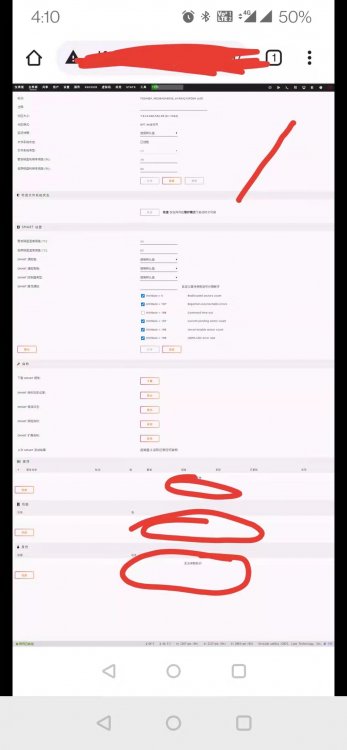
重新组阵列连上后,SMART信息都可以看到了,但是一检查读写, 这几个容易掉的盘就报错,掉盘。 把这几个盘换到其他系统都是好的, SMART也没问题。 备注: 掉的都是东芝的盘 一个8T, 2个14T, 其他4个西数的盘都没问题。 对了, 我是没有设置校验盘的 我用的是3008 的直通卡连接。。
-
alfred_zw changed their profile photo
-
找到原因了, 是digitaloceanspaces.com这个地址无法解析, 加到科学上网就可以了~
-
我又重试了下, 发现其他插件有时候可以安装成功,有时候又不行
-
重新试了下, 重安装应用市场,其他插件和docker都可以正常安装了, 就是这个my servers 无法安装
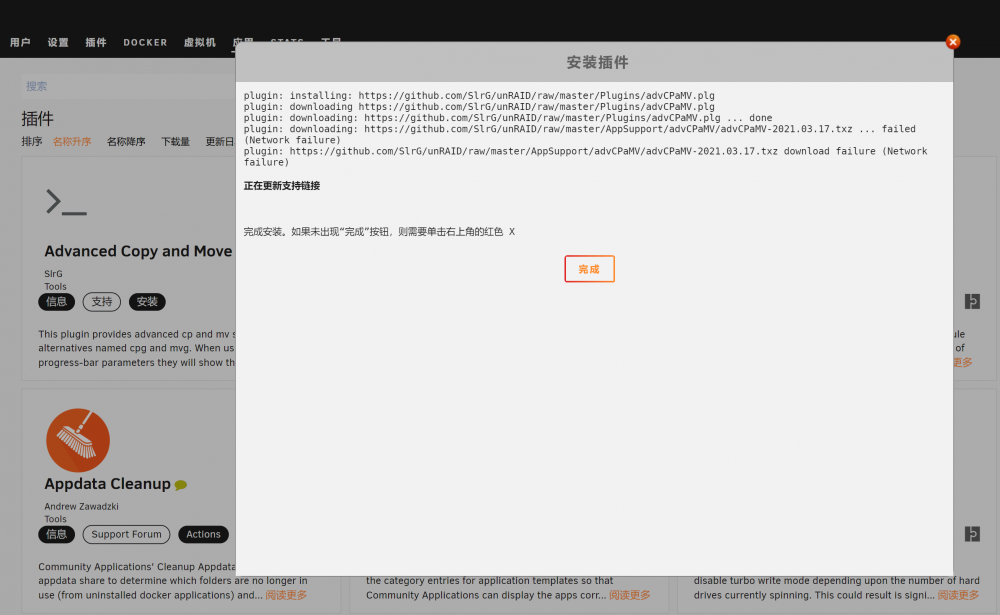
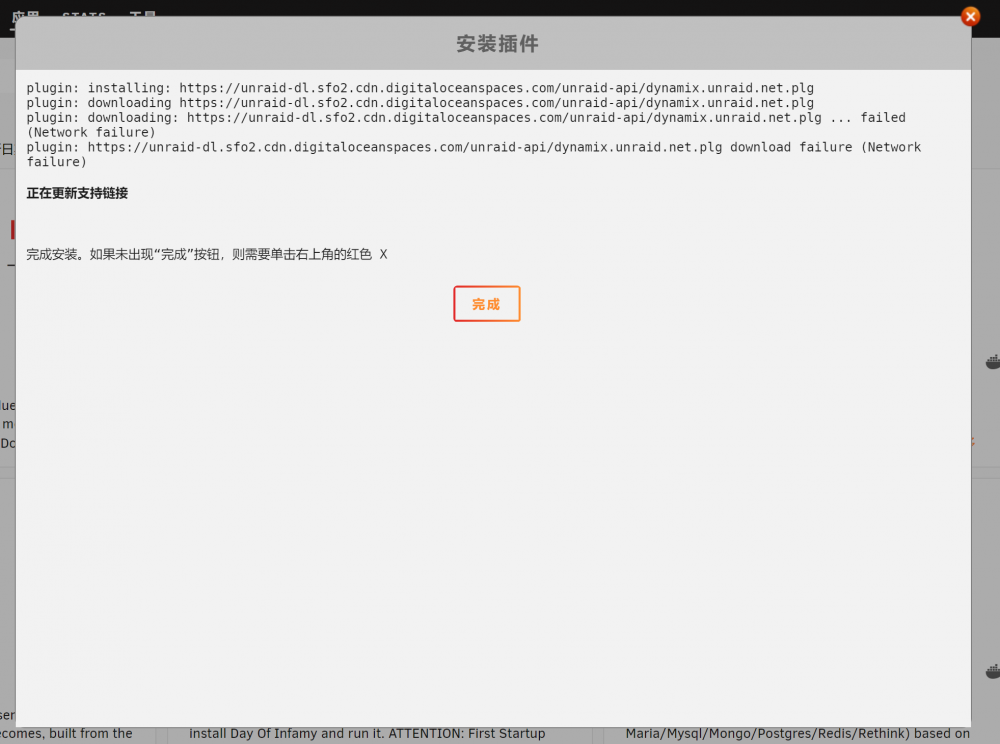
-
发现不是其他插件都用不了了, ,,无法安装,
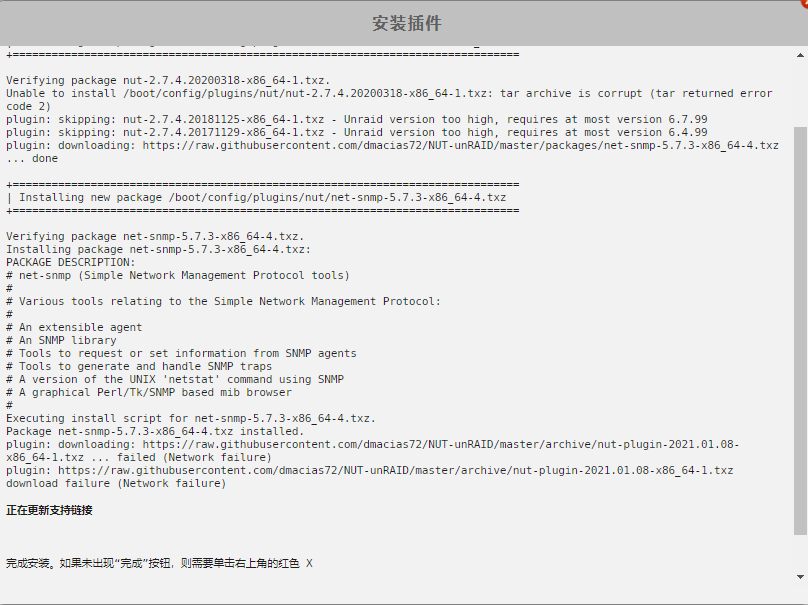
-
我已经试过很多次了,只有这一个插件无法安装~~
-
-
-
更新解决办法 手动加载驱动,执行三条命令。“modprobe coretemp” “modprobe -r nct6683” “modprobe nct6683 force=1”
-
hello , I found at UPS Monitor Username: , can not input “_" 。 that my host name can not input





