Inch
Members
-
Joined
-
Last visited
Everything posted by Inch
-
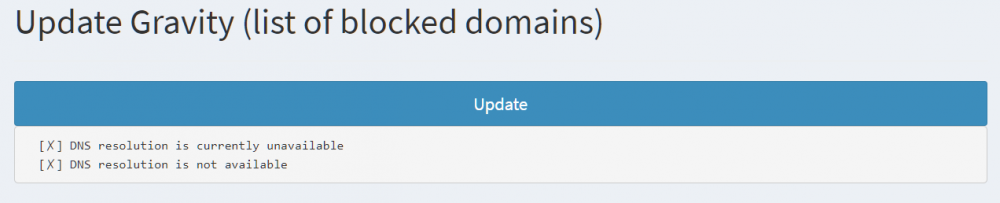
Hi folks, just in case anyone else was having the DNS resolution issues here is the fix. Go to edit the docker container, enable Advanced options in the top right, then under "Extra Parameters" enter `--dns=8.8.8.8` (or a dns server of your choosing) and select Apply. This solved the issue for me. Still getting the above log spam through that seems specific to this container. This from what I've seen online tells the docker container what DNS server to use for its own "internal" lookups e.g. gravity updates.
-
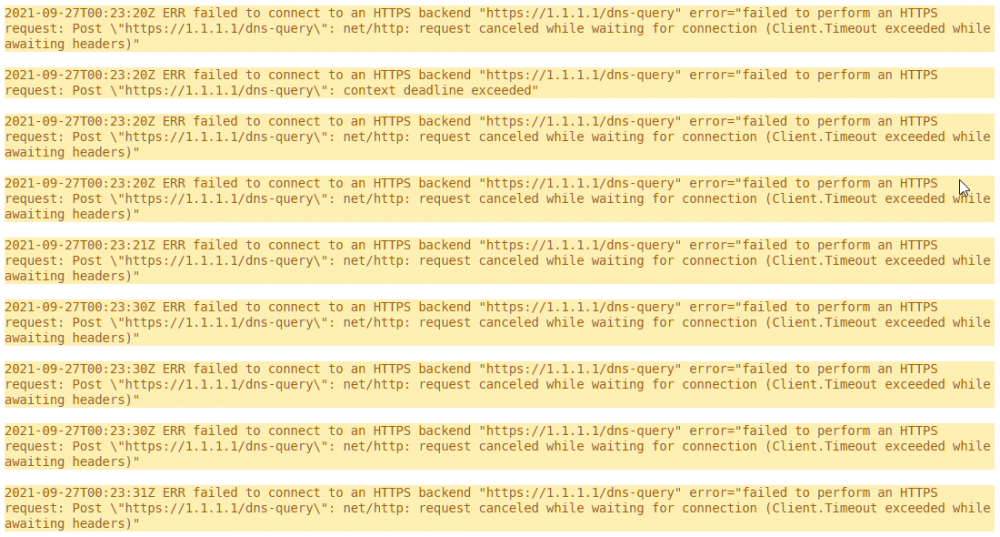
Hi there, I've just set this up for the most part everything is working fine apart from two things. 1. Spam within the logs of timeouts. 2. When attempting to update graverty (aka the ads lists), I'm getting timeouts. More on #1: More on #2: I have both custom addresses set so as follows: 127.1.1.1#5153, 127.2.2.2#5253. Any help would be appreciated!