Skip to content
View in the app

A better way to browse. Learn more.

Unraid

A full-screen app on your home screen with push notifications, badges and more.

To install this app on iOS and iPadOS
  1. Tap the Share icon in Safari
  2. Scroll the menu and tap Add to Home Screen.
  3. Tap Add in the top-right corner.
To install this app on Android
  1. Tap the 3-dot menu (⋮) in the top-right corner of the browser.
  2. Tap Add to Home screen or Install app.
  3. Confirm by tapping Install.

xploder270

Members
  • Joined

  • Last visited

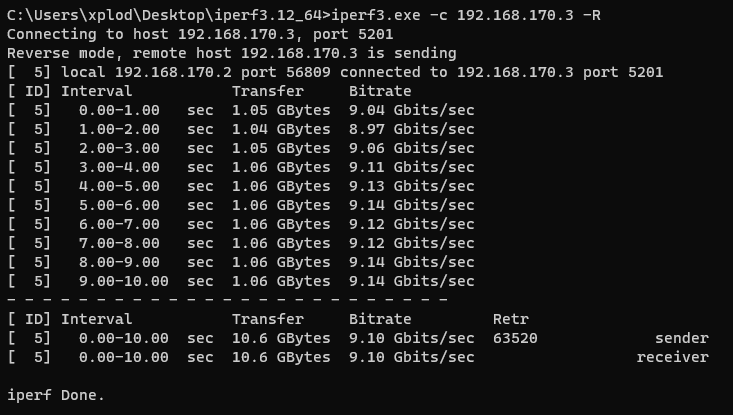
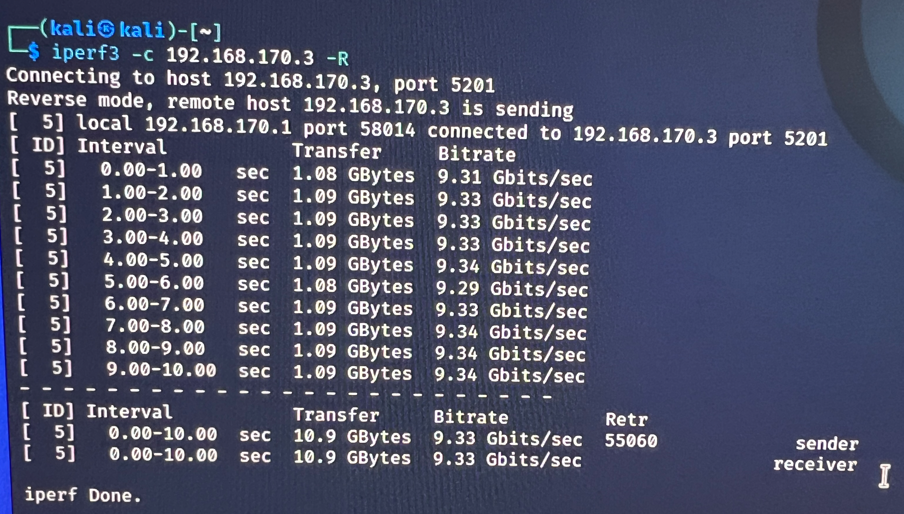
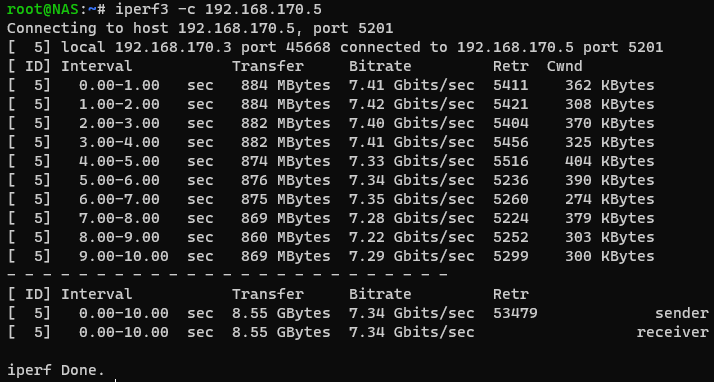
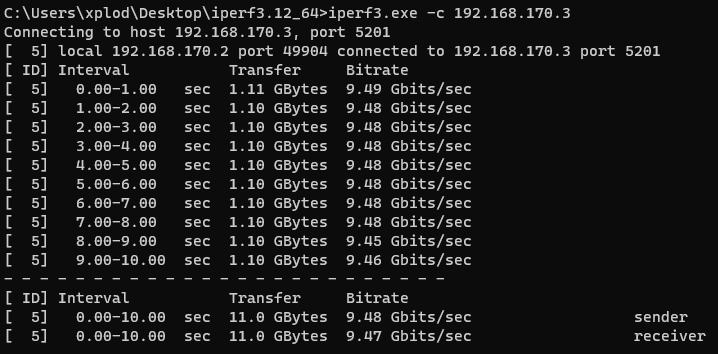
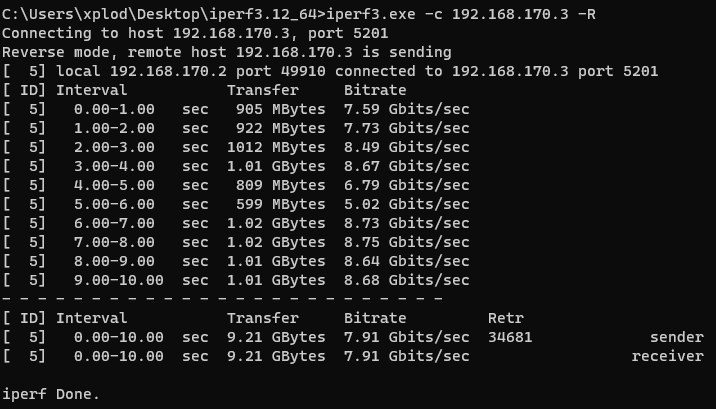
  1. I've been getting lots of queue timeouts and subsequent crashes and NIC restarts with this driver when torturing it with iperf3 (at just Gigabit speeds). Played with EEE, Flow Control and Offload settings and it didn't make a difference. Using one of the popular 11$ red-heatsinked Aliexpress RT8125B PCIe NICs which are also sold on Amazon. Kernel driver r8169 seems to not exhibit this behaviour at all. Will be checking with 2.5gbit speeds once my switch arrives.
  2. EDIT: Looks like one of my SFP+ transceivers is defective. The problematic route switches when switching the transceivers around. I've ordered a DAC cable (been using fiber) off of Amazon and will report back. nas-diagnostics-20230105-0956.zip
Account

Navigation

Search

Search

Configure browser push notifications

Chrome (Android)
  1. Tap the lock icon next to the address bar.
  2. Tap Permissions → Notifications.
  3. Adjust your preference.
Chrome (Desktop)
  1. Click the padlock icon in the address bar.
  2. Select Site settings.
  3. Find Notifications and adjust your preference.