





Yousty
Members
-
Joined
-
Last visited
-
Figured it out. Since I have a 1050Ti setup for transcoding, I had to downgrade my Nvidia Driver Version to 580.159.03.
-
Just updated to 7.2.5 and now Plex won't load. Would anyone be able to help me figure out why? Here's the output from compose: docker run -d --name='plex' --net='bridge' --pids-limit 2048 -e TZ="America/New_York" -e HOST_OS="Unraid" -e HOST_HOSTNAME="NAS" -e HOST_CONTAINERNAME="plex" -e 'VERSION'='latest' -e 'NVIDIA_VISIBLE_DEVICES'='GPU-7f9f19ee-050a-628e-e8de-171c13ac399c' -e 'NVIDIA_DRIVER_CAPABILITIES'='all' -e 'PUID'='99' -e 'PGID'='100' -e '100'='100' -l net.unraid.docker.managed=dockerman -l net.unraid.docker.webui='http://[IP]:[PORT:32400]/web' -l net.unraid.docker.icon='https://raw.githubusercontent.com/linuxserver/docker-templates/master/linuxserver.io/img/plex-icon.png' -p '33400:33400/tcp' -p '32400:32400/tcp' -p '3005:3005/tcp' -p '8324:8324/tcp' -p '32469:32469/tcp' -p '1900:1900/udp' -p '32410:32410/udp' -p '32412:32412/udp' -p '32413:32413/udp' -p '32414:32414/udp' -v '/mnt/user/Media/Movies/':'/mnt/user/Movies/':'rw' -v '/mnt/user/Media/TV Shows/':'/mnt/user/TV Shows/':'rw' -v '/mnt/cache/Ultraseedbox':'/Ultraseedbox':'rw' -v '/dev/shm':'/transcode':'rw' -v '/mnt/cache/appdata/':'/config':'rw' --runtime=nvidia 'linuxserver/plex' fdf2eacf144803c694020cfe5874ff4422e3b046b29d0721055326840610c534 docker: Error response from daemon: failed to create task for container: failed to create shim task: OCI runtime create failed: could not apply required modification to OCI specification: error modifying OCI spec: failed to create the automatic CDI modifier: failed to generate CDI spec for mode "auto": failed to construct device spec generators: failed to initialize NVML: Driver Not Loaded Run 'docker run --help' for more information The command failed.
-
I just finished doing some testing and actually figured out the answer. Choosing "Manual: do not automatically split directories" does exactly what I want it to do. It puts all new movies on disks 1-3 since those are the only disks with the Movies folder and it puts TV Shows on disks 4-7 since those are the only disks with the TV Shows folder, and it also puts any new season folders inside individual TV shows on the same disk they're already on!
-
The problem is there's only one share: "Media" that has both the Movies and TV Shows folders underneath it. As far as I can tell I can only set the Split Level for the top level share?
-
Here is my current folder structure: Media -Movies -<individual movie folders> -TV Shows -<individual tv show folders> I currently have my Movies on Disks 1-3 and my TV Shows on Disks 4-7 What should my Split Level setting be on the Media share in Unraid to ensure that all new Movies get put on Disks 1-3 and all TV Shows get put on Disks 4-7 AND make sure that top level individual TV show folders don't get split up (I like to have entire individual TV shows on the same disk)?
-
I just tried loading my backup onto a different USB device and Unraid booted like normal (except for the unregistered USB device license key error from Unraid). What could be wrong with the SanDisk USB drive I've been using for years that would make Unraid not boot anymore but me being able to write and copy to it on my laptop with no issues?
-
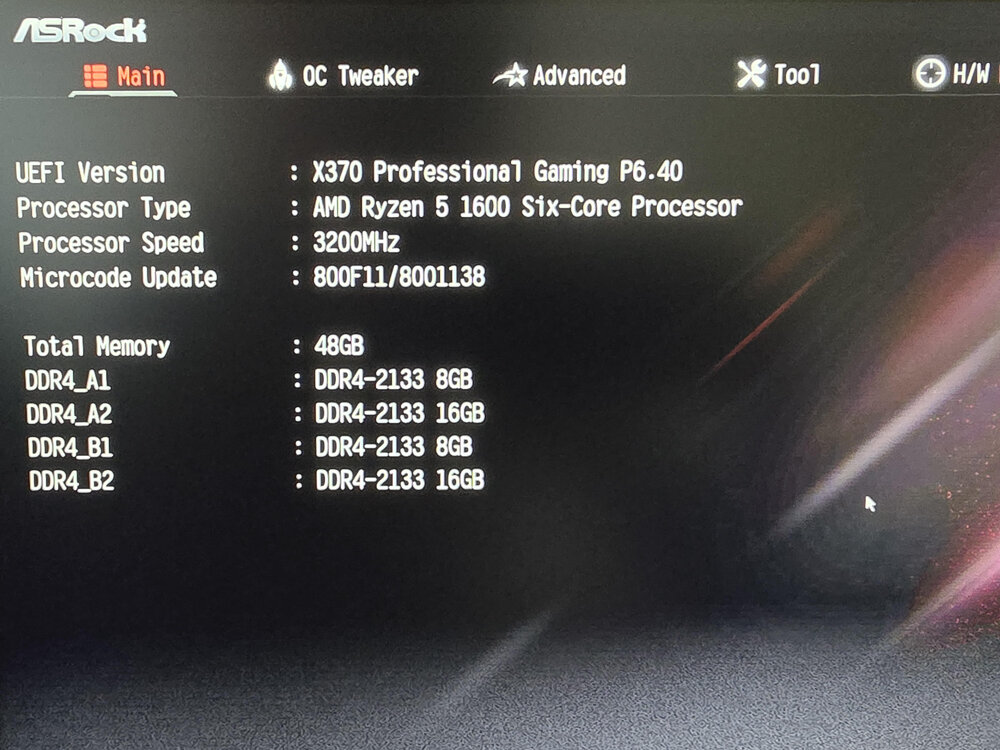
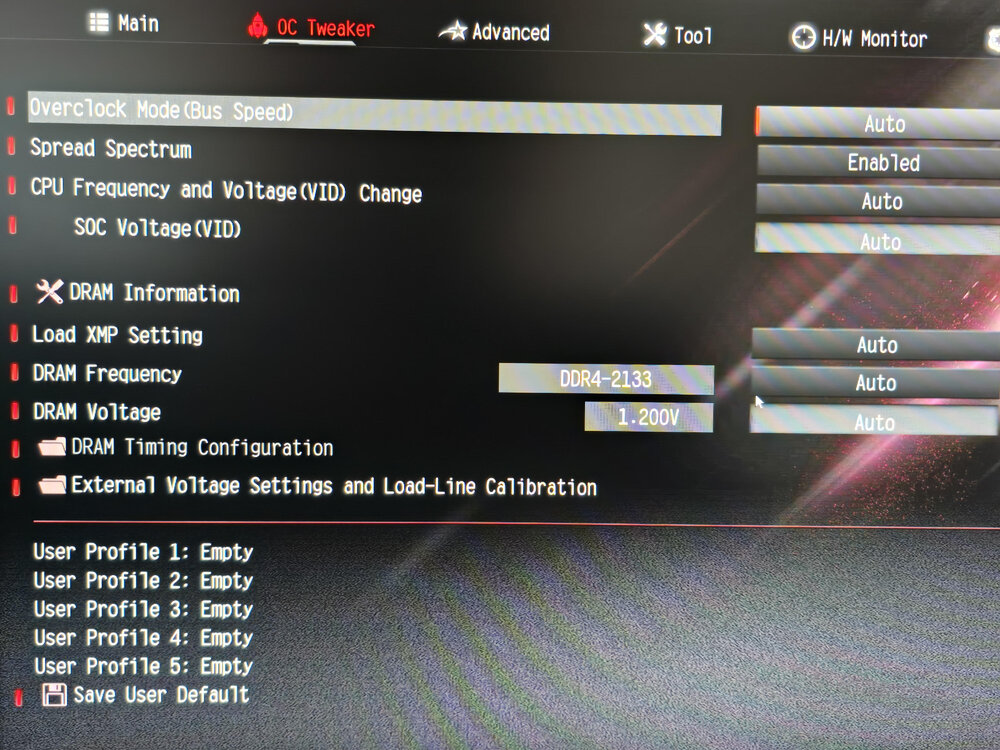
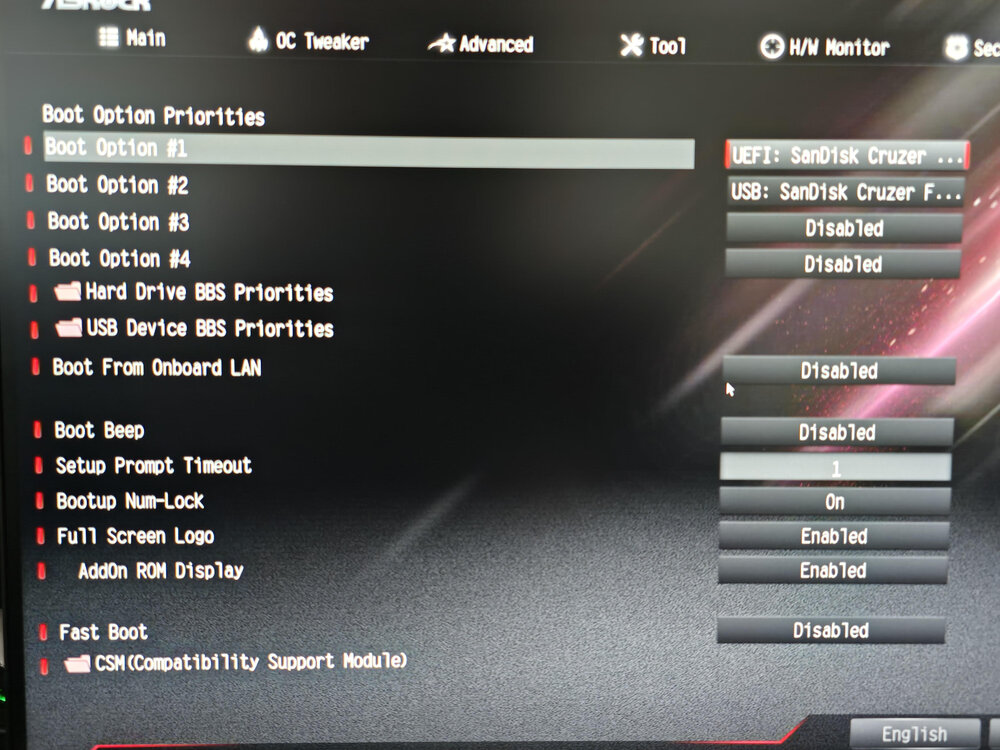
Help! Went to reboot my server this morning and after the BIOS screen all that pops up is "Boot error." I restarted into BIOS and made sure that my USB EUFI drive was #1 boot device but that didn't help. My BIOS is also showing all my drives are connected and all sticks of RAM show up. I deleted everything off my USB and copied over everything from a backup made on 5/5 that I know for a fact works because I had to restore from it last week. All I've changed since that last backup is install a few dockers. Any suggestions on what may be the issue that I can try. Thank you in advance!
-
I tried a couple different ethernet cables and ports on my switch (rebooting Unraid each time) but the NIC still isn't working properly. It won't pull an IP address from my router and I keep getting the red text at the bottom of Unraid "Interface Ethernet Port 1 is down. Check cable". Am I just unlucky and have a faulty NIC?
-
Here you go. nas-diagnostics-20230630-1149.zip
-
I have an ASRock X370 Professional Gaming motherboard with a built-in AQUANTIA 5 Gigabit LAN NIC. The problem is Unraid doesn't seem to recognize it. If I plug an ethernet cable into it neither of the network activity LEDs turn on. Do I have to manually install a driver? I'm running Unraid 6.11.5. Thank you!
-
Sold to Whaler_99. Smooth transaction!
-
Final Price Drop. Pricing these to sell because I feel bad that I have 64TB of storage just sitting here that could be put to use by somebody. $500 for all 64TB ($7.81 per TB!) w/ free shipping in the US.
-
Just upgraded to 16TB HDDs so no longer have need for these. Most have only seen a few hour spin up time in my NAS each day. They have all just been zeroed and successfully precleared and ready to put in an array. $700 $600 $500 for all 64TB ($7.81 per TB!) w/ free shipping in the US. They're all packaged up in custom HDD foam and ready to ship w/ tracking provided. Model #s: 5 x Seagate ST8000DM004 3 x Seagate ST8000AS0002 See this post for my previous sale with positive feedback.
-
I assumed that as well but wanted confirmation from some other more experienced people before I initiated an RMA. Thank you!
-
I recently got a bunch of new hard drives and was preclearing them when one of them failed early in the post-read. I've done dozens of preclears and never had a preclear fail, so I was hoping for some suggestions on how to proceed? Thank you! preclear_disk_ZL24A79Y_23305.txt ST16000NM001G-2KK103_ZL24A79Y-20220415-1630.txt



