





ricofall
Members
-
Joined
-
Last visited
-
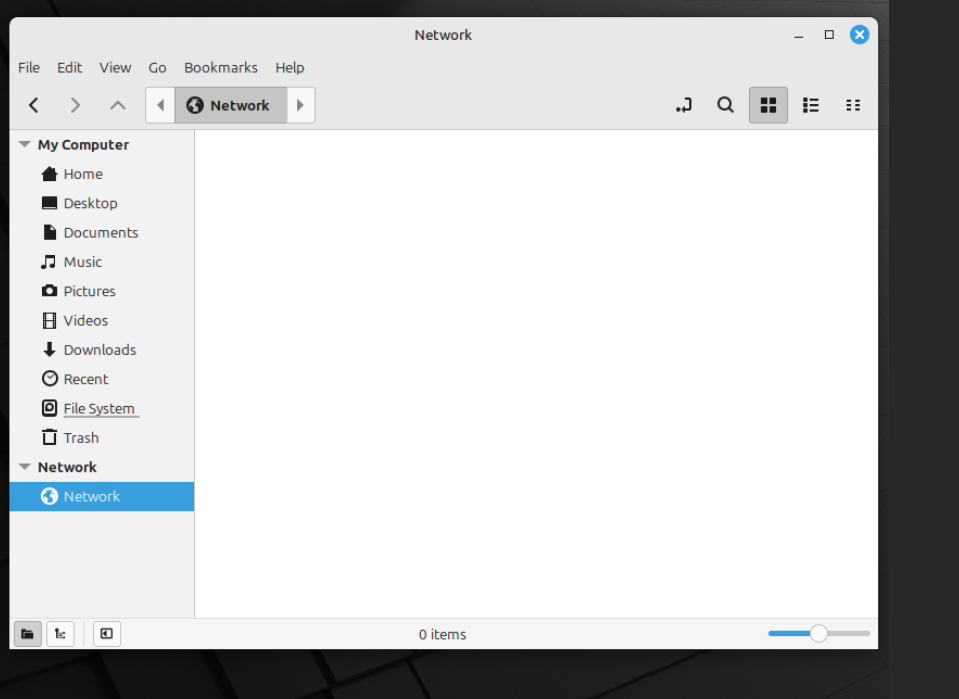
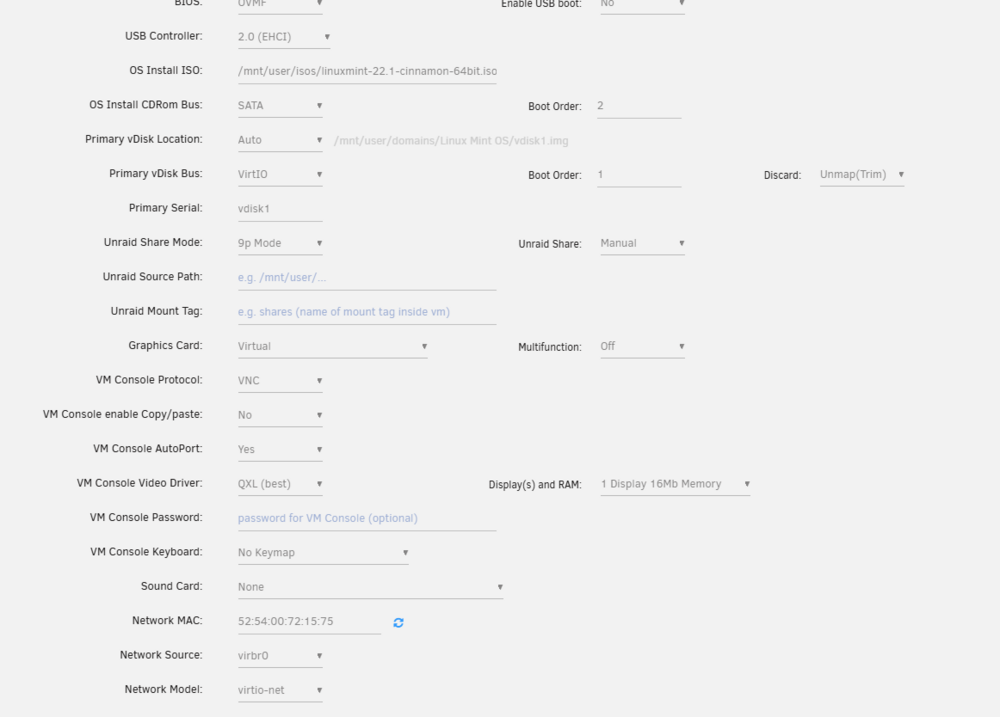
I have searched and search and it is late so I am giving up and hoping some of you fine people can help. My setup is as follows. Unraid 7.1.4 Intel® Core™ i7-6700K GPU Quadro RTX 4000 16 Gigs of Ram 480 Gigs of Cache 40 TB of harddrives. A long time ago I already had this set up and for reasons that elude me I deleted the VM. I am trying to set it up again. That is to install Mint OS and have a share drive loaded inside of the network folder, there is nothing there at all. I know its a setting of some kind but I cannot find it. Any help will be appreciated, thank you.
-
This worked for me. Thank you
-
Welp.....I am not aware it is not able to transcode to h265. I know it works with Plex. What would be a good graphics card for this?
-
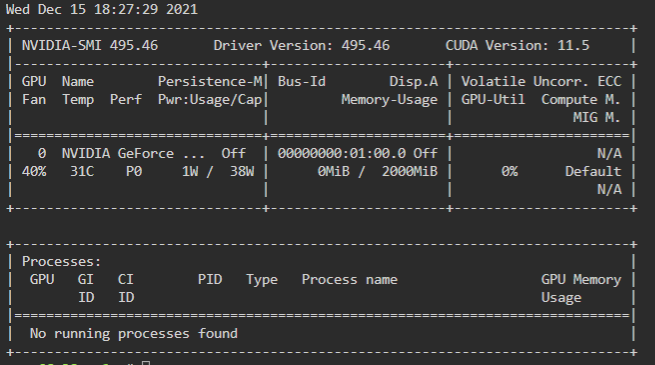
Just wanted to state I am having the same issue with NVIDIA GeForce GTX 750 Ti. Its like Tdarr is not seeing the GPU.

