





Norcunas
Members
-
Joined
-
Last visited
Everything posted by Norcunas
-
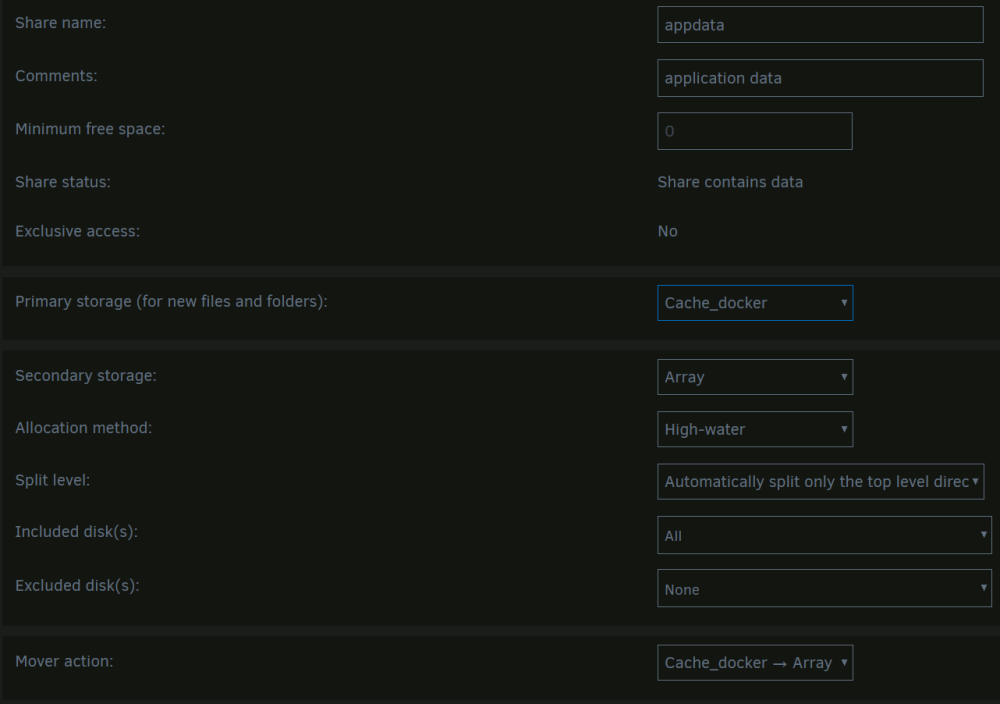
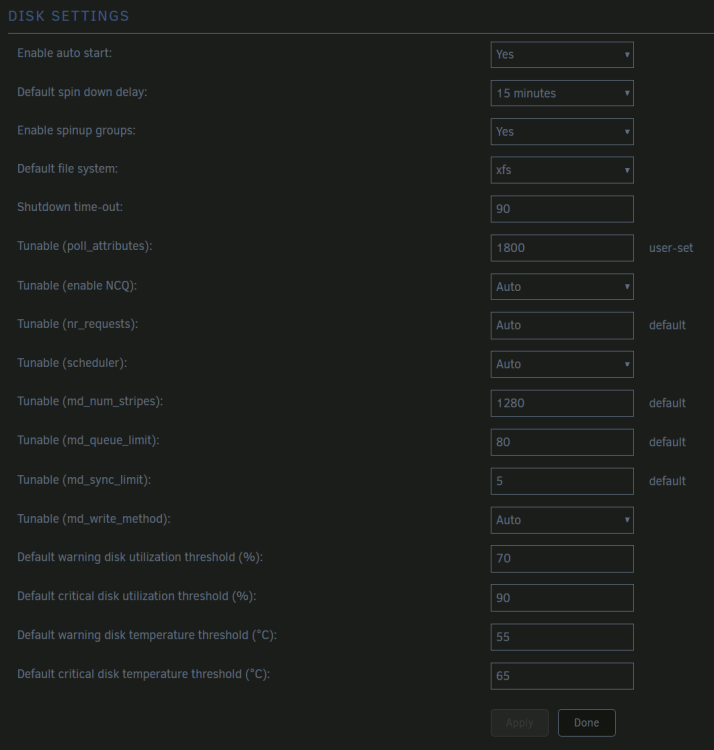
I have 3 HDDs as Array with two cache SSDs. With the versions before I had caching enabled with a mover scheduled every 3 hours. Therefore the Array and therefore the HDDs were only spinning up every 3 hours. Now after the upgrade they are not spinning down at all, online 24/7. This is not what I configured my setup to do. Any ideas? Am I something missing?
-
Idea for enhancement: Make it a compressed folder of some sort to save some space
-
But If I stop all containers with the button, will they restart on their own (i don't want that)
-
Feature request: as it says: If all (or some) docker are stopped, then a button with start all with autostart enabled would be nice. So you don't have to start all manually or start all and then stopp the undesired. If it's a duplicate, pls. erase.
-
Hi, I thought it would be a nice touch for the Users of my AMP Server to connect via SFTP over a webpage. I have a nextcould instance with it "external devices" installed. I can connect to SFTP test servers, ... via nextcloud, no problem. But I cannot connect from Nextcloud to AMP. I can however connect from FileZilla on a Desktop, ... Is there any known Problem on Nextcloud, ... to AMP communication that FileZilla is just solving for itself? I thank you all for your ideas

