RBK-Serwer
Members
-
Joined
-
Last visited
Everything posted by RBK-Serwer
-
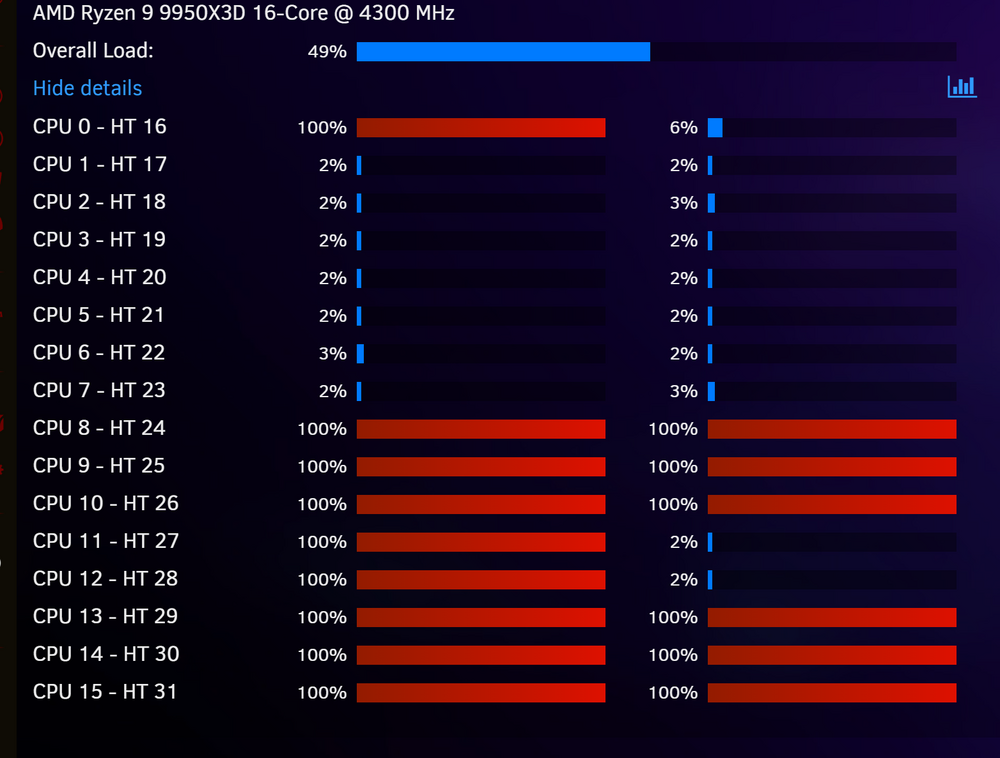
Title: Severe CPU spike and system instability after installing GPU Statistics plugin Description: After installing the GPU Statistics plugin on my system, everything becomes unstable. CPU usage spikes, the system becomes sluggish or freezes intermittently, and GPU passthrough behavior becomes unpredictable. These issues occur even though: Both GPUs are in separate IOMMU groups, Proper drivers (including open-source NVIDIA drivers) are installed, No VM is using both GPUs simultaneously, PCIe slots and device assignments are configured correctly. No changes to drivers, device bindings, or PCIe ports fix the issue. The problem immediately disappears after uninstalling the GPU Statistics plugin. Setup: Gigabyte X870E AORUS ELITE WIFI7 AMD Ryzen 9 9950X3D GPU 1: RTX 5080 (passed through to VM) GPU 2: RTX A2000 (idle or used by host) Unraid 6.x (7.1.4) Please investigate this – it’s 100% reproducible and tied directly to the plugin being installed, regardless of active GPU usage.
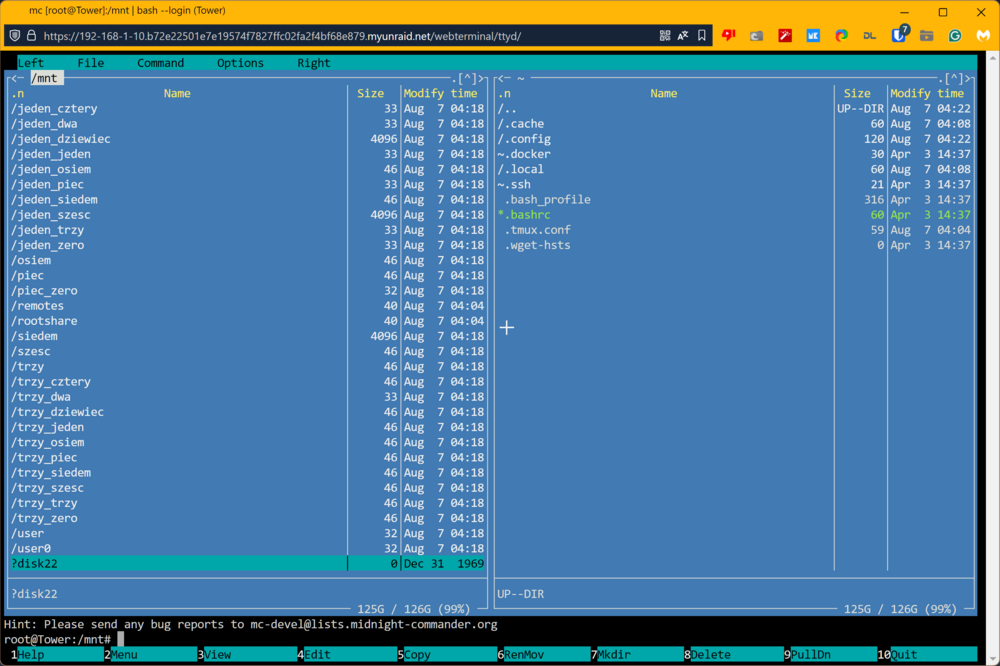
 Hi, back a day I used Plugin to allow me to set up WOL on vm, but now i can't find it. Can Someone give me a link for the proper plugin or manual on how doit now?Hi i got problem Disk 22 got error Smart short Pass Smart extended Pass Xfs check pass I format drive try write data again error. Coud You tell what wrong ? After write data disk go to ?22 Standart check serwer work long time and all test pass memory, etc tower-diagnostics-20240807-1322.zip
 Yes thx all to try to help me. I dunno why some time is not work. I Make fresh unraid and smb not work no matter what i do. I do format drive make all setup again (a that same way like previos) is work instant.no flash is not corrupted i check that I make all steps from post @Frank1940 and notning change share not work.yes I find on forum and that also not help i try resolve this 3 days i dont do anything strange and is not work. I try all fixes what other user write me nothing work. I just angry i format boot drive and all work no hasleI format drive make all from start and work instantok how to force unraid to generate new files /var/lib/samba/private and secrets.tdb smbpasswd ?OK but but base serwer work all. In New serwer i cant acces from smb Windows , Home Assistant (Linux vm) I CHKDSK and i check smbpasswd. I disable Multi and still old serwer work new no accesYes You right is not make sense but simpe test folder "Documents" I go to this folder from windows and got "You dont have rights to create folder" or file. When I enable multichanel I go to that same folder create folder and is works. Im not developer just try ON and OFF and see works defference.Yes RBK-Serwer got wireguard setup that 10.253.0.1 I enable disable that on HOME "macOS Interoperability" no difference not work. Sure i can disable that and disable that for test not help "Turn off Enable SMB Multi Channel" When I have not ON this option i got all time probles on my base serwer "Random" You not have rights to Create file , folder or some copy in windows machinerbk-serwer is old all settings work. home is new cant setup correct samba share to work. home-diagnostics-20240428-1045.zip rbk-serwer-diagnostics-20240428-1044.zipI one more think what I try to say. I buy two licence Pro (this one serwer) and new one Basic Plus (this new serwer) I check all setting from old serwer becuse all work on this serwer smb shares , samba backup from home assistant. All setting is 100% match and on RBK-Serwer all samba shares works. New serwer HOME I try this setting and cannot acces to shares or make backup via linux to samba share.OK mayby I try once again I know my English no so good. I setup new unraid serwer i make all updated. I create new user add share (smb) and cannot acces to this share from windows 11 and think is windows issue. In mean while I setup VM Home Assistant is work on linux. I install Plugin Call Samba Backup and his backup all system via smb. I create new user called Backup (user backup got rw rights) make shares Backup/homeassistant. I check 3 times is password match. When start plugin I got messedge cannot acces "unknow reason" I log screen from samba backup app Than I want to tell I cannot acces to new samba shares from windows and linux base system.I check everything 3 times Home Assistant Samba Backup Cannot Connect uknown reason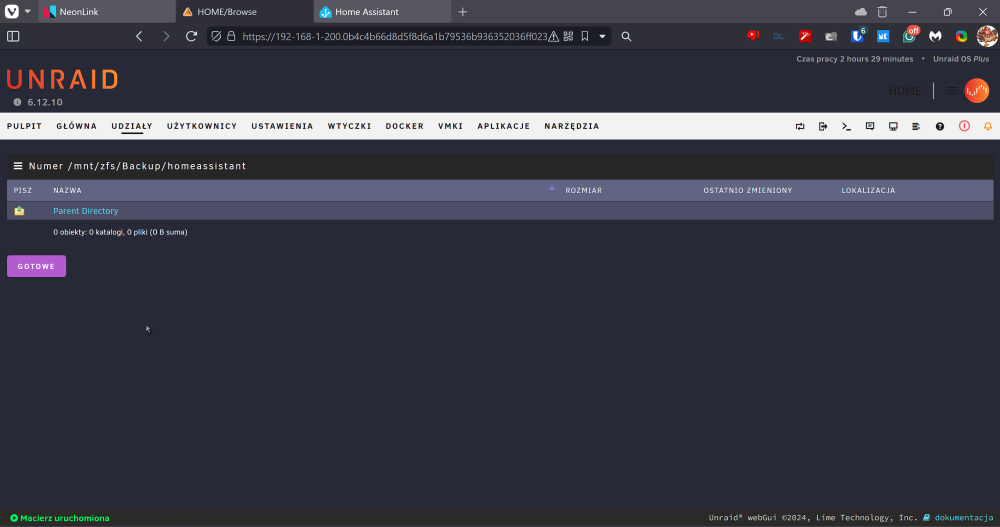
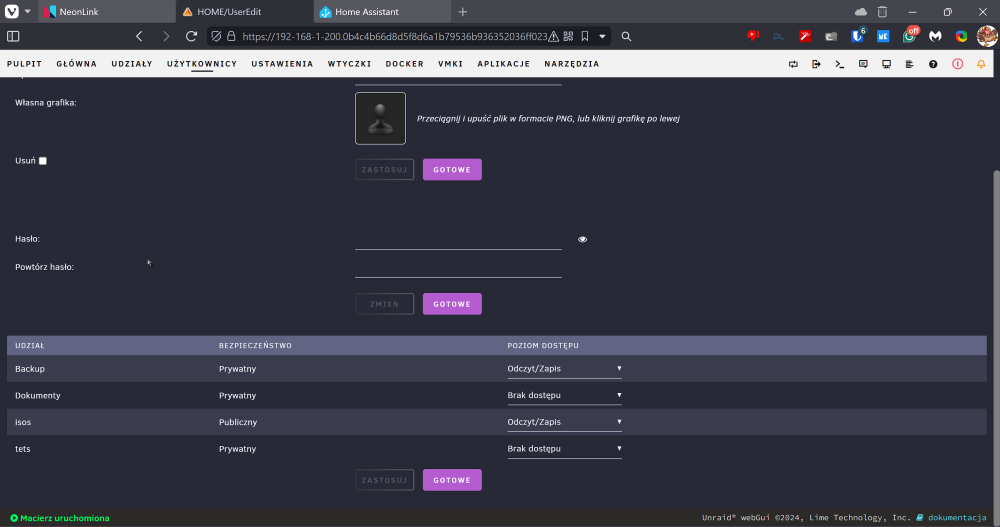
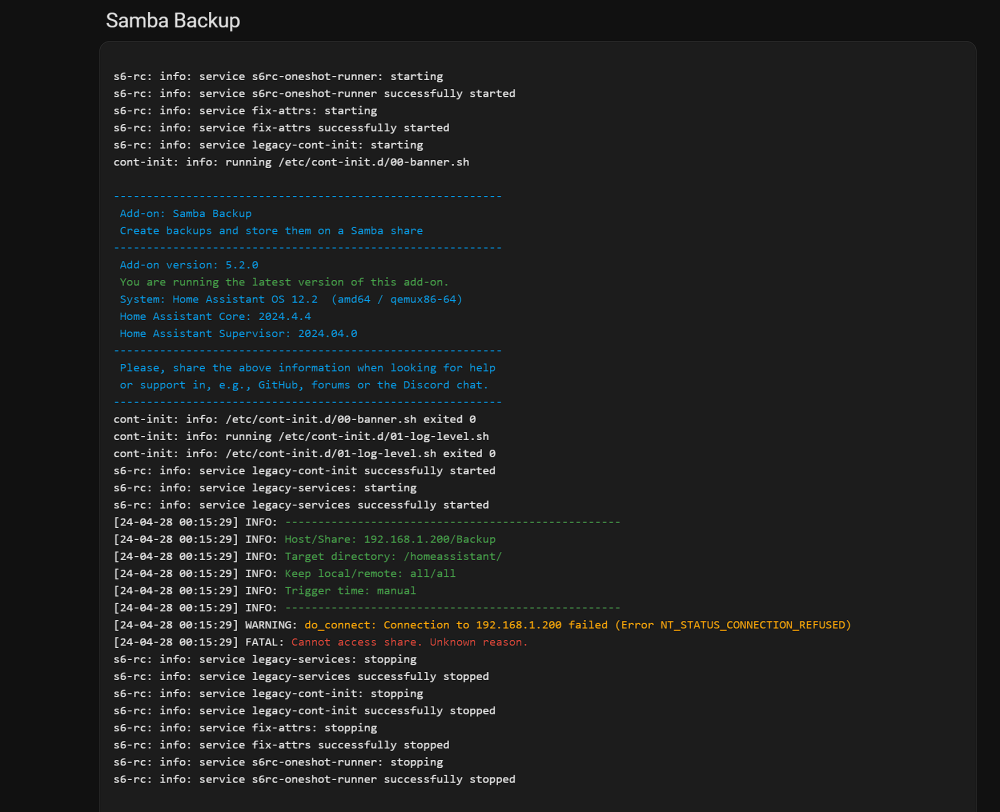
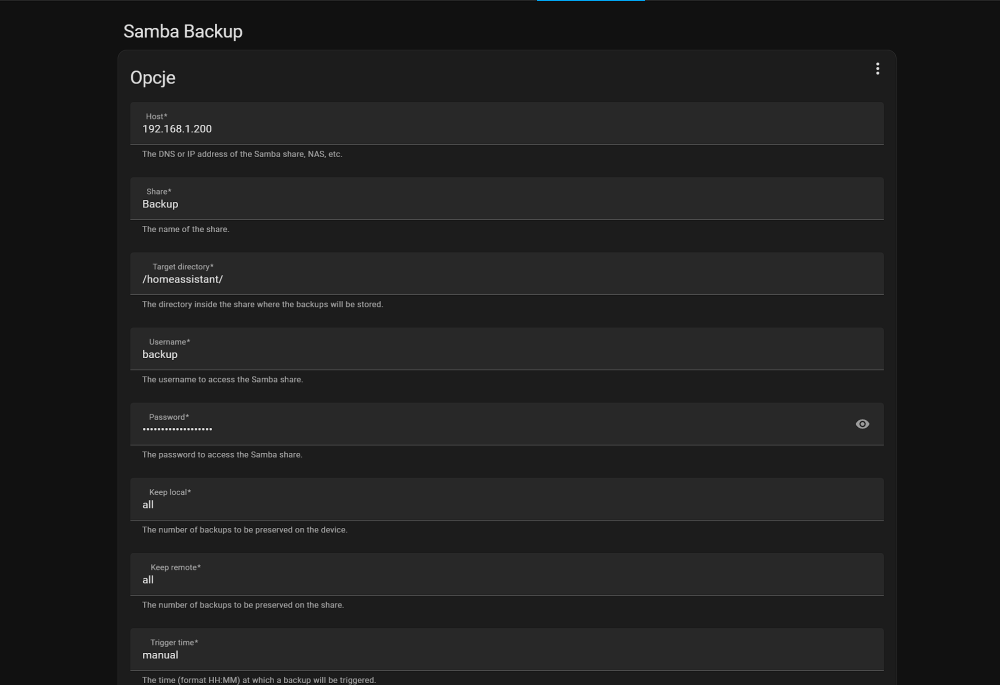 One more think im sure is unraid related. I Create VM Home Assistant and install samba share. All work instantI setup amoust 100% match from my old server diference (name serwer , user name, shares names) and on old serwer all work no addistional setup in windows just work every time. Hire check couple Youtube and post on forum , reset right , create user , create new shares nothing works.is not work and second i got other unraid serwer I dont setup that specify just basic smb setup all work.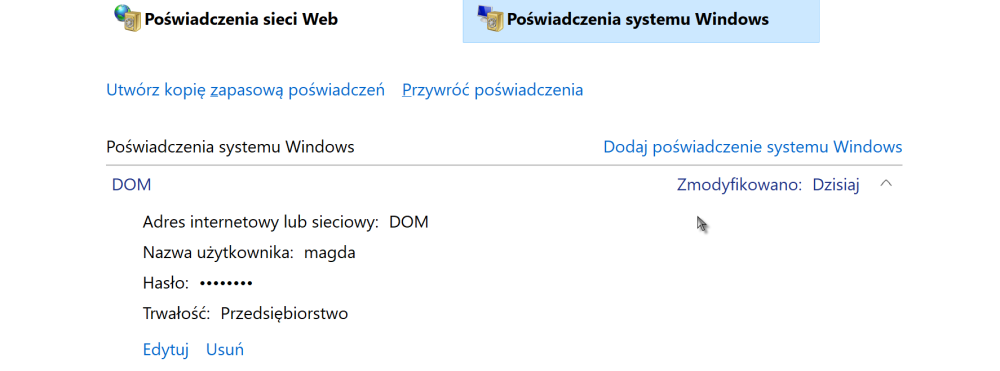
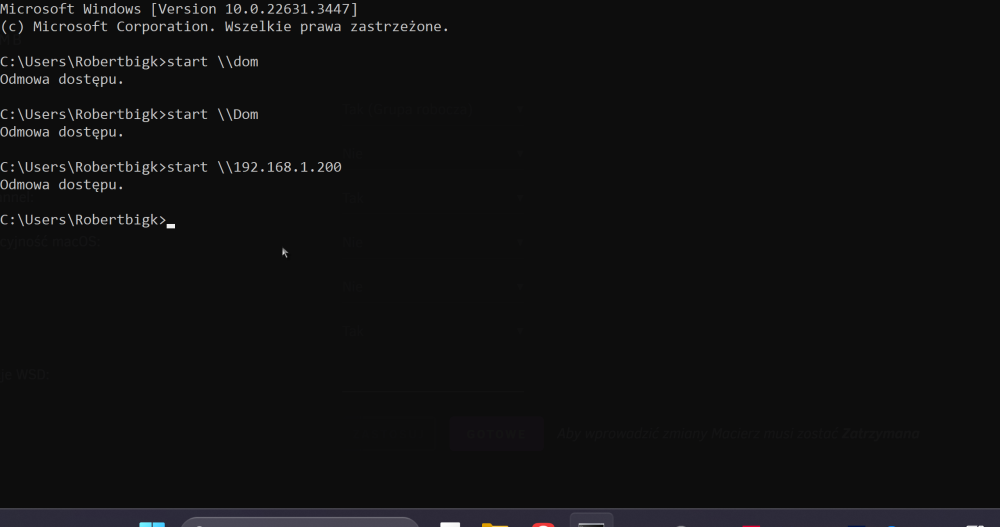
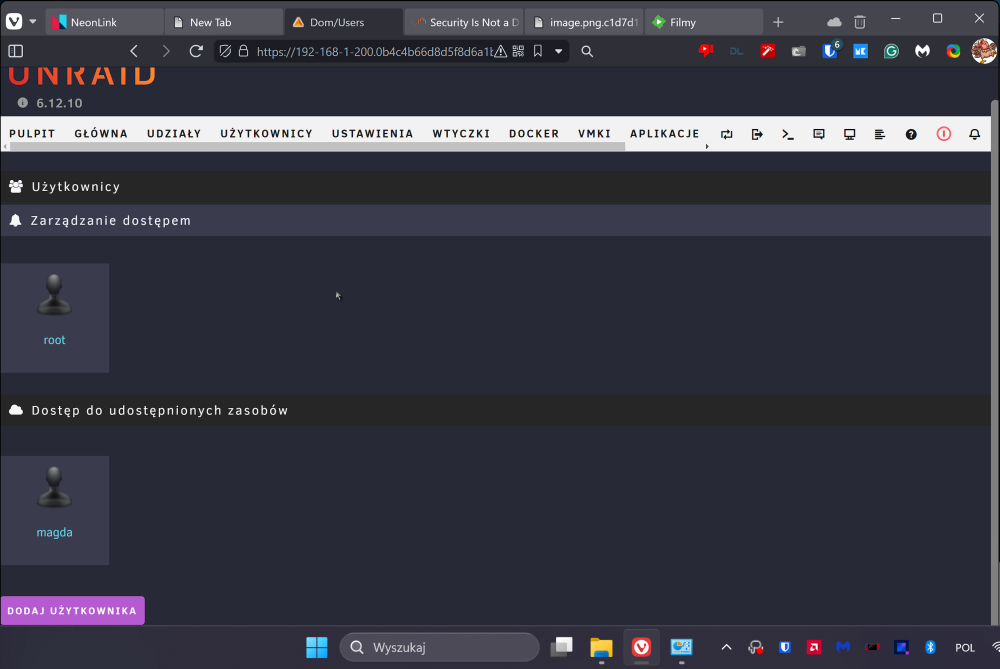 Hi first I got two unraid serwer old work like charm. I use also unsecure connection from windows 10 smb connection not work.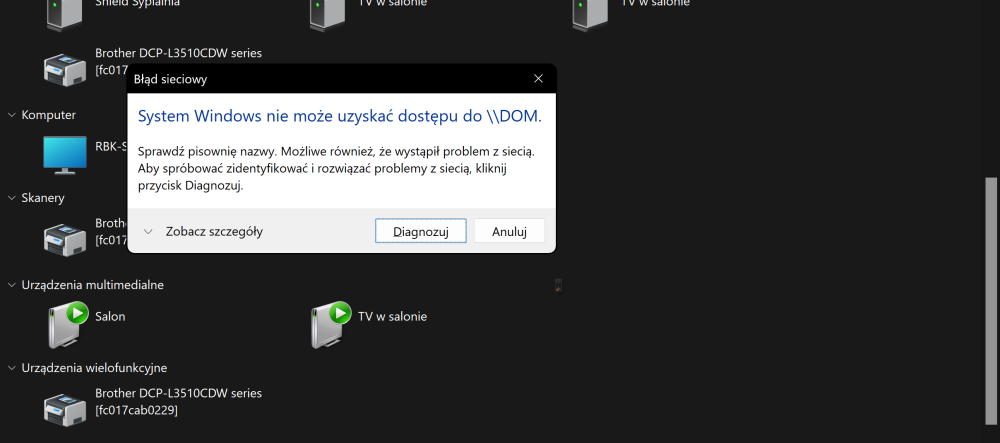
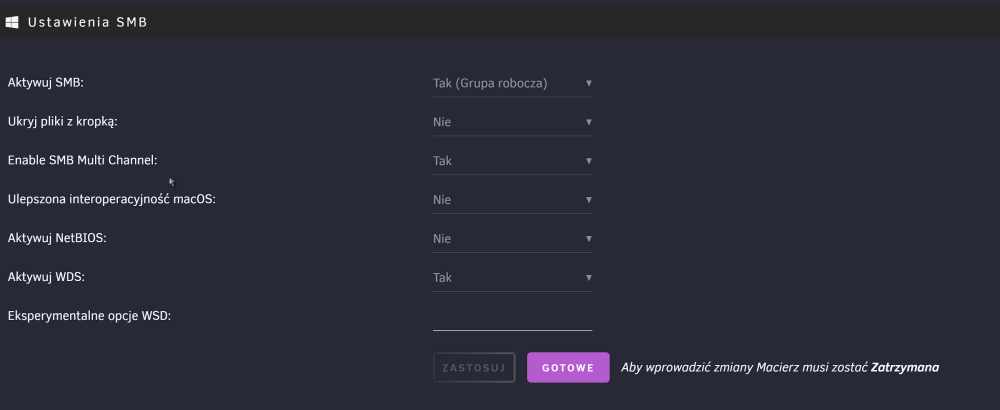
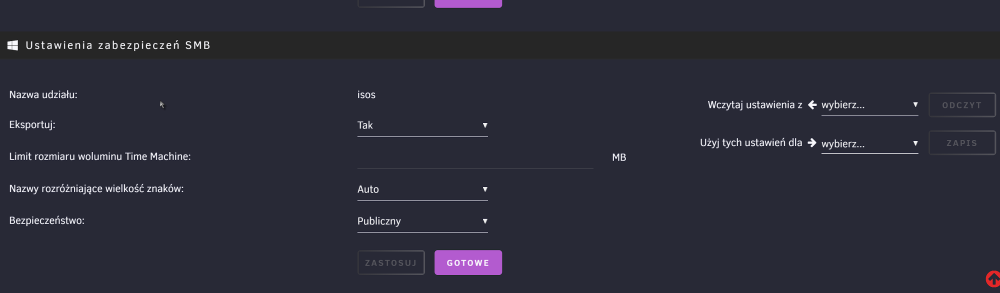
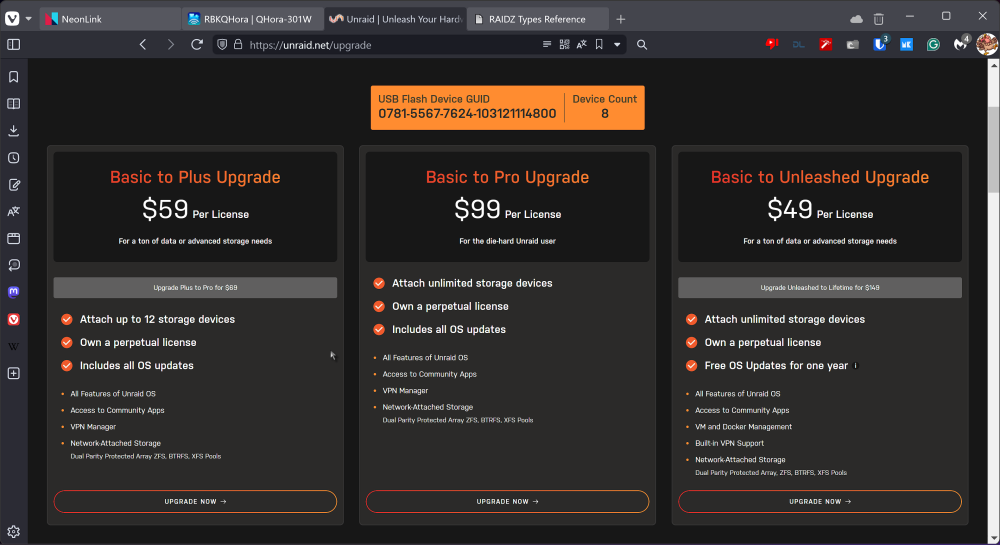
 thx for answer meHi sorry I dont understood new upgrade process If i make update for 59 $ I have updated life time but no vm and docker? If i update for 49$ i got 1 year updates but vm and docker? How update for 8 devices max and life time updates and all VM docker vpn connection apps?
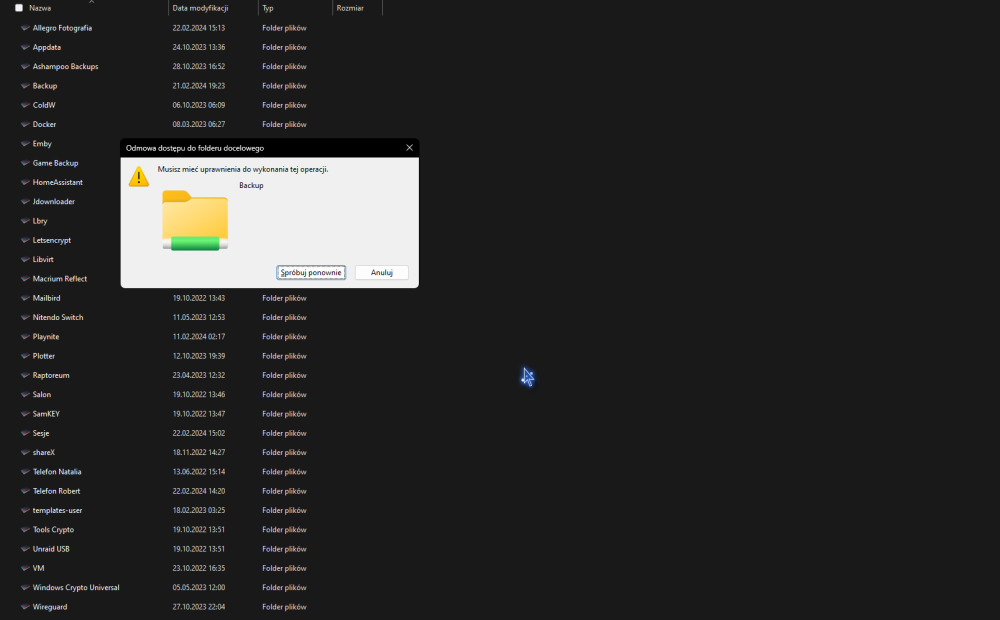
 I try copy from windows smb or create folder when I use localy console mc all work fine.backup(zfs dataset)\create folderBackup is datasets but inside not some files i can delete some dont i can't create folder but if i create in serwer backup(dataset)\folder created unraid\next folder can create delete ect