EnemyLemon
Members
-
Joined
-
Last visited
-
This is very helpful, and regarding your analogy: When I started last weekend, I didn't realize running a hackintosh/macinabox in 2022 is still akin to developing new linguistic fluency :). I already have many places to spend my IT "play time", and this is what prevented me from building a hackintosh up to this point. But your tips are highly appreciated because a stable/functional VM seems to be closely within reach now. Thank you very much!
-
Hi intrepid virtualizers, What is the fastest, most reliable guide for getting a macOS VM up, WITH iCloud services (iMessage) in 2022? I spent a full day on what I thought would be a fast process, given the support and broad adoption of macinabox. I can get as far as a running Big Sur or Monterey, but without iCloud account sync. 12 grueling hours 3 distributions, and 5 returns to square-one later, I'm close to giving up on this for myself. I ran into so many issues that have already been covered in this thread and other blogs, that there isn't much point in listing all the problems. I'm just hoping someone can point me to the best guide or "shortest path" for a basic environment. Ultimately if this project is still very fiddly, I'll just have to reprioritize it for more important services. Thanks for any advice! * Unraid 6.9.2 * Any macOS distro that will still sync icloud/imessages. Preferably Big Sur * NO graphics card needed. Planning to use VNC/Anydesk/Splashtop * Stretch goal: Airdrop. Really not important right now.
-
How do I safely stop a backup in progress? I added a large array-based disk to my VM (vdisk3), and forgot to exlude it from from the backup. Would rather not wait 10 hours and/or run out of array space to fix my screwup. Thanks!
-
Happy to report that GPU and audio passthrough are working perfectly now. Is the MSI-utility still under development at a different repository? Being that it's no longer available from CHEF-KOCH, I'm sure other new users will need a reliable link.
-
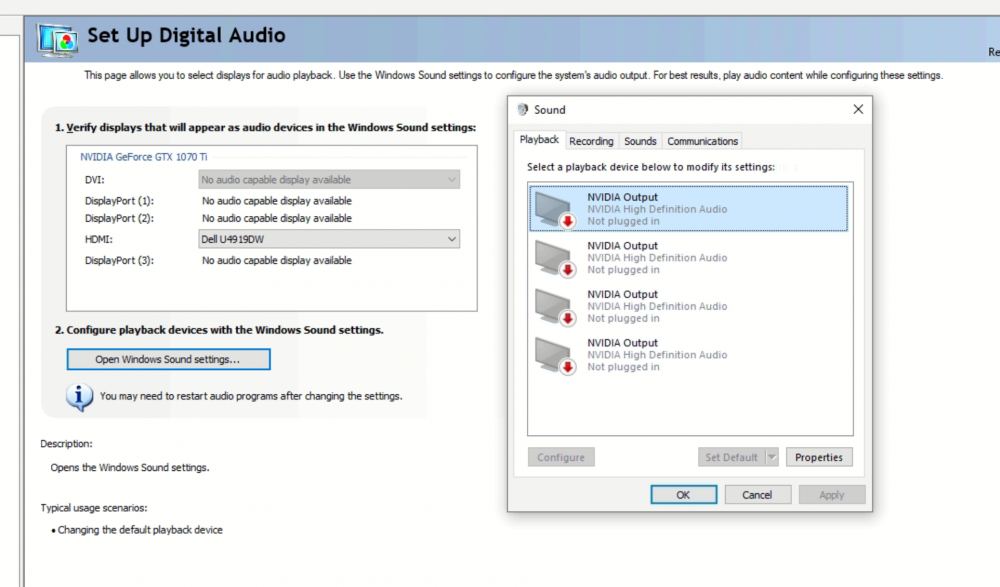
Once I switched to a monitor with optical out, the system detects an output. So there was no issue here, just no output device present in my first monitor's EDID. Thanks to both of you for the suggestions; I learned some things!
-
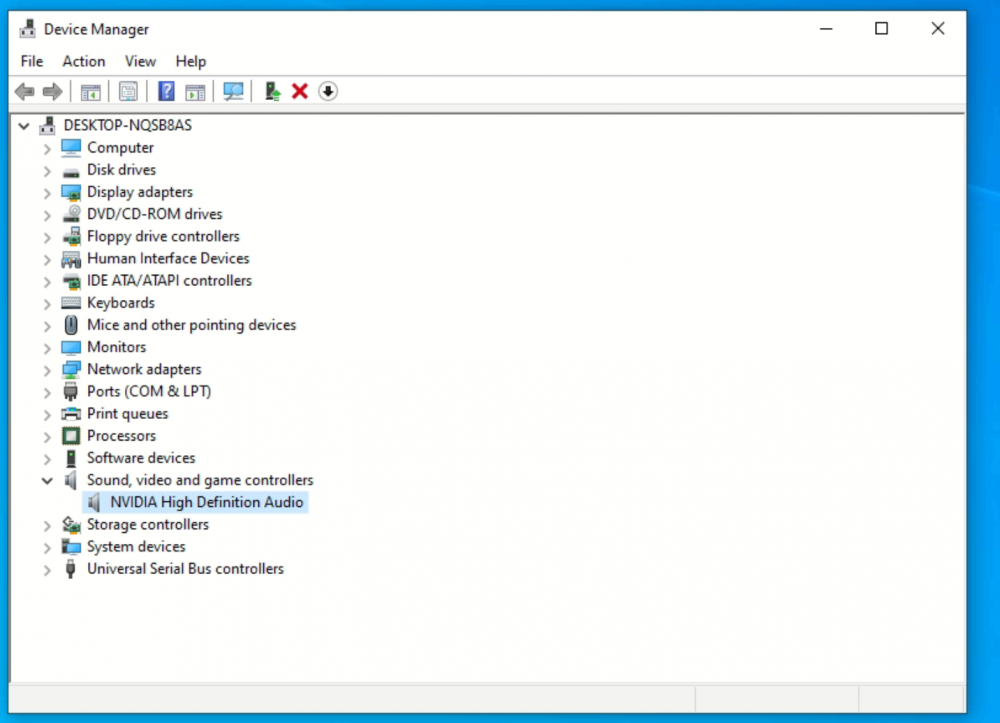
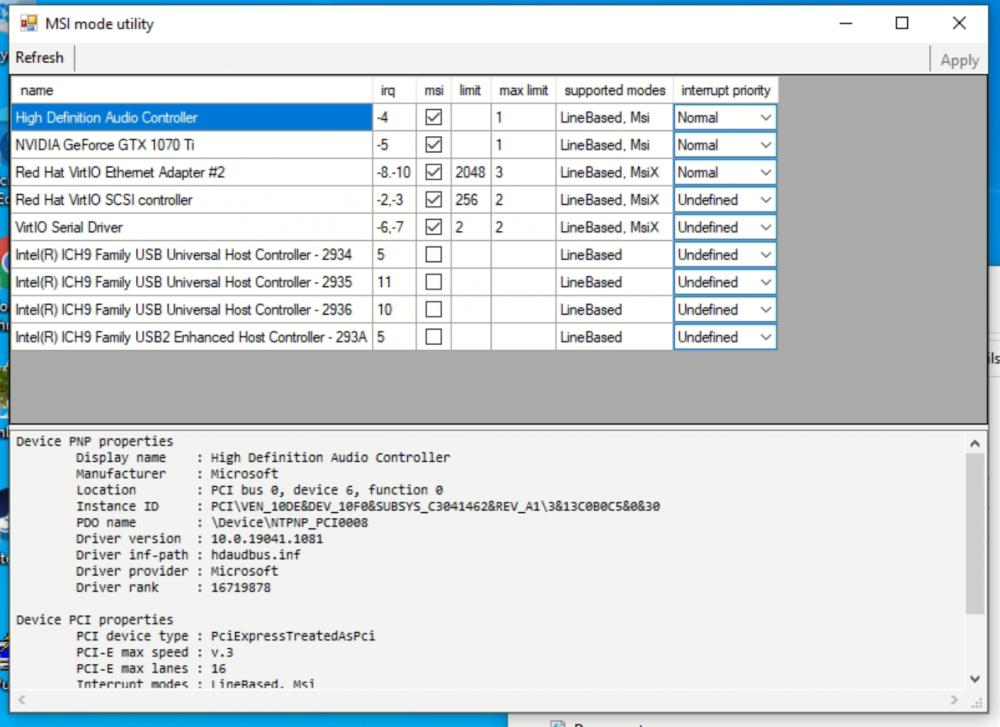
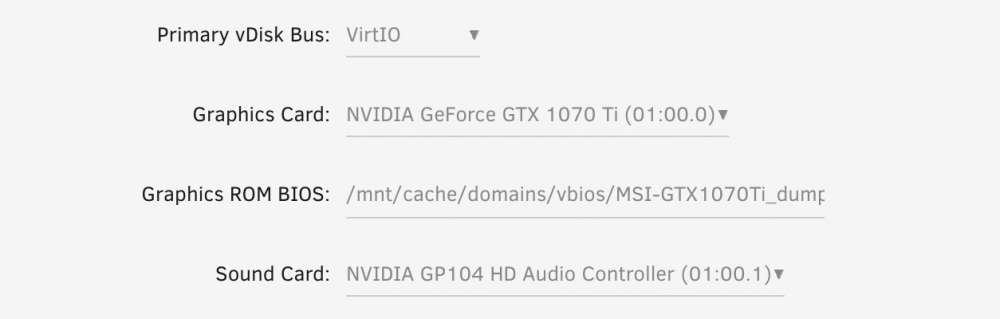
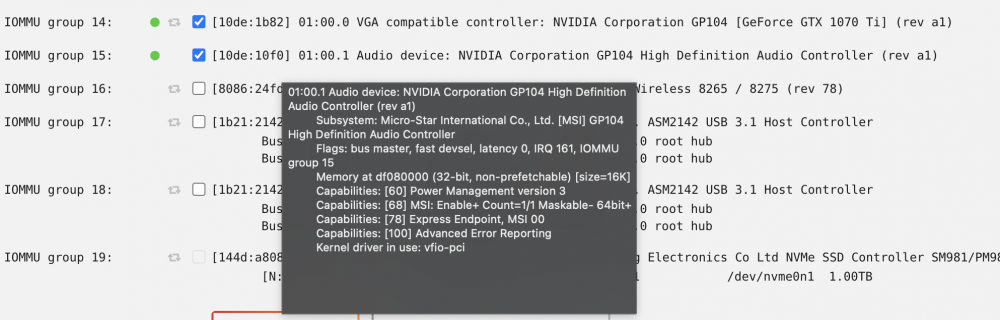
... yet I don't see a specific Nvidia soundcard in the MSI interrupt list. Just this Microsoft HD Audio controller and driver. Both GPU and sound card seem to be properly selected in the VM config... Thanks for any insights!
-
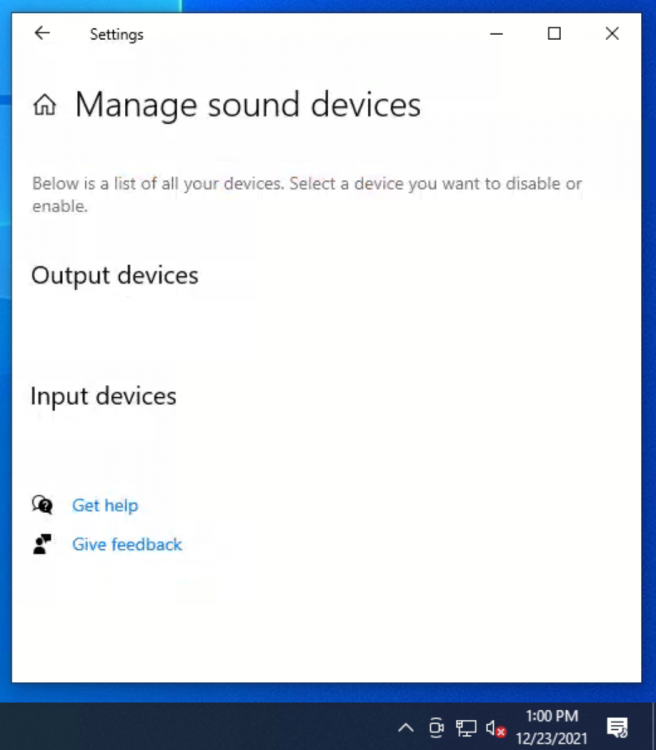
What else might be preventing nvidia from being detected as a sound output device? I have passed through my 1070ti gpu and sound card, and have enabled MSI interrupts. Device Manager shows the NVidia HD Audio, but windows does not detect an output device.
-
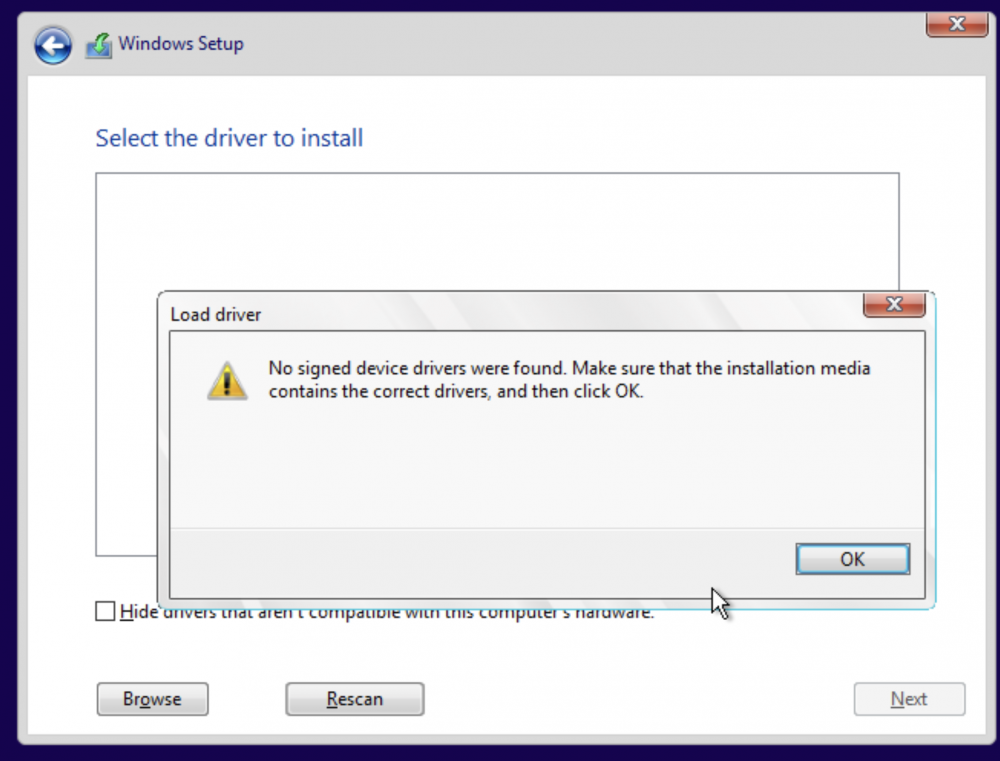
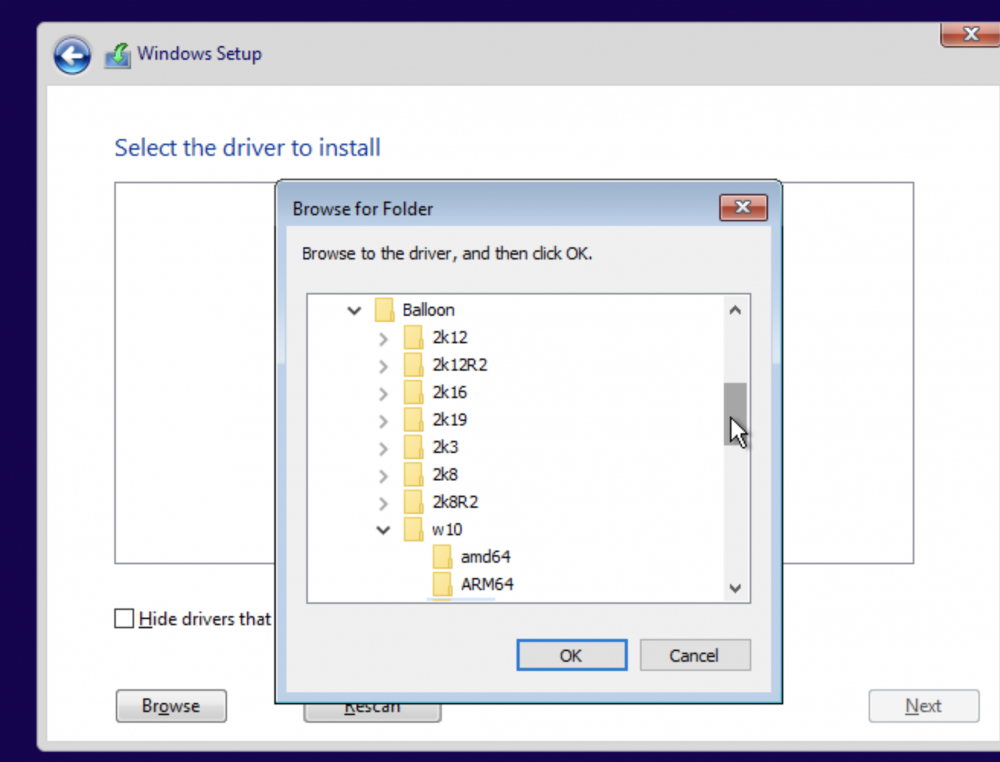
When selecting virtio drivers during installation, Windows is displaying a "no signed drivers" warning. The Windows ISO is "Win10_21H2_English_x64.iso", updated 10/6/2021. The virtio ISO is "virtio-win-0.1.190-1.io" downloaded via the unraid webUI. I've been following the quick start guides and Space Invader One videos for Windows 10 installations, and have found no mention of this issue. Is driver signing being enforced for this Win10 ISO? Is there a workaround to get these drivers accepted? EDIT: Resolved, I was selecting x86 architecture, whereas the tooltips in VM Manager indicate that AMD should always be selected.