Gouden
Members
-
Joined
-
Last visited
Everything posted by Gouden
-
I done all of that, the moment I try to transcode in plex I get the error "Error code: s1002 (Network)". The moment I switch back to i915 it all works fine.
-
It works for me with setting those things in system drivers, but then plex fails to transcode, anything I need to change for that?
-
Tried that, but didn't help. But reinstalled the docker again now with 8080 as port and seems to be working now so have to change the port on the other docker running on 8080
-
it's 192.168.0.18
-
Sorry was trying with free proton account, changed to pia account now. Still can't access the webui at all supervisord(1).log
-
Here is the log supervisord.log
-
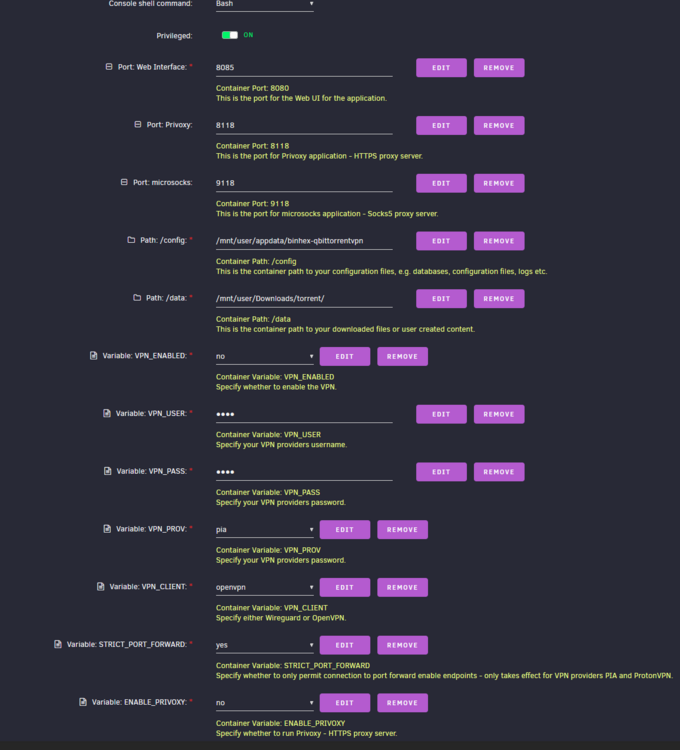
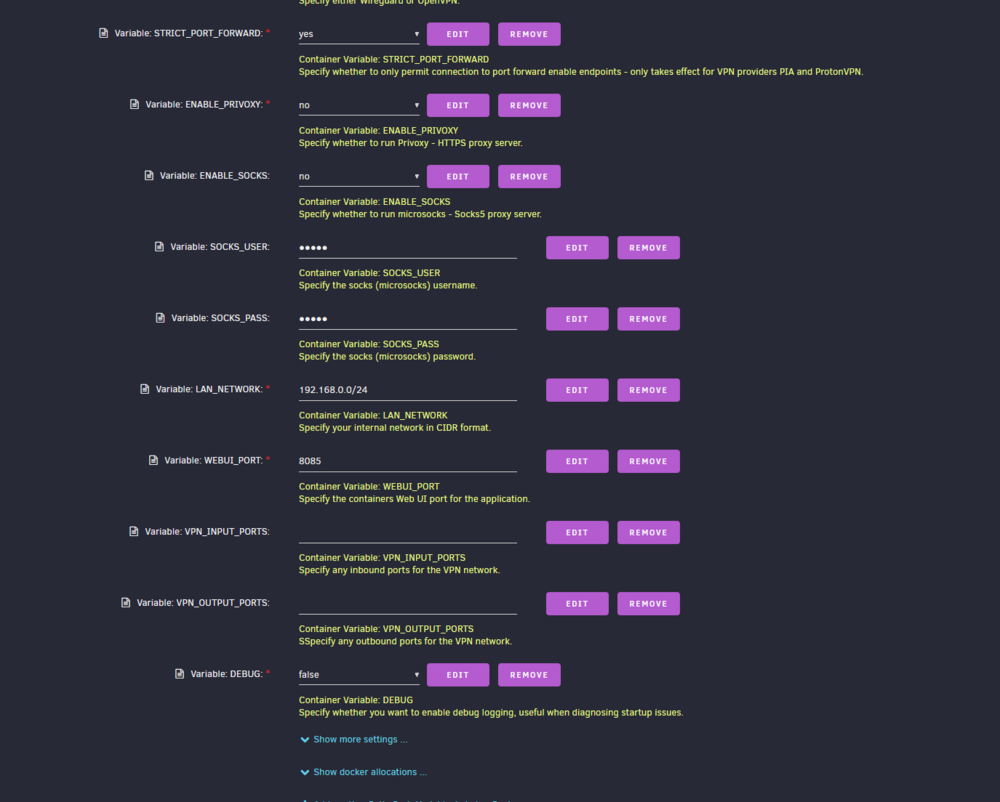
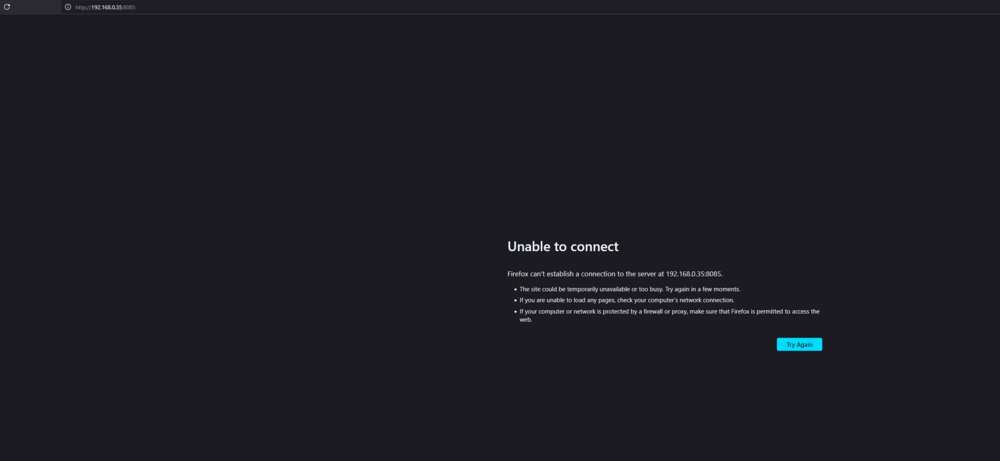
Anyone can help me? Installed it multiple times, and tried multiple settings but cant get in to the webui at all ps: vpn disabled for now