





survivalbloke
Members
-
Joined
-
Last visited
-
Doesn't seem to be a lot of support here. Did you by chance find your answer somewhere, and if so, where?
-
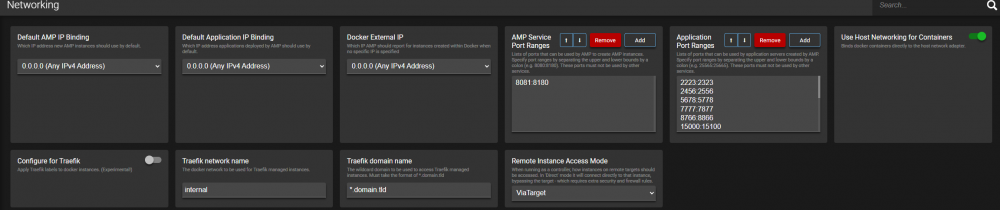
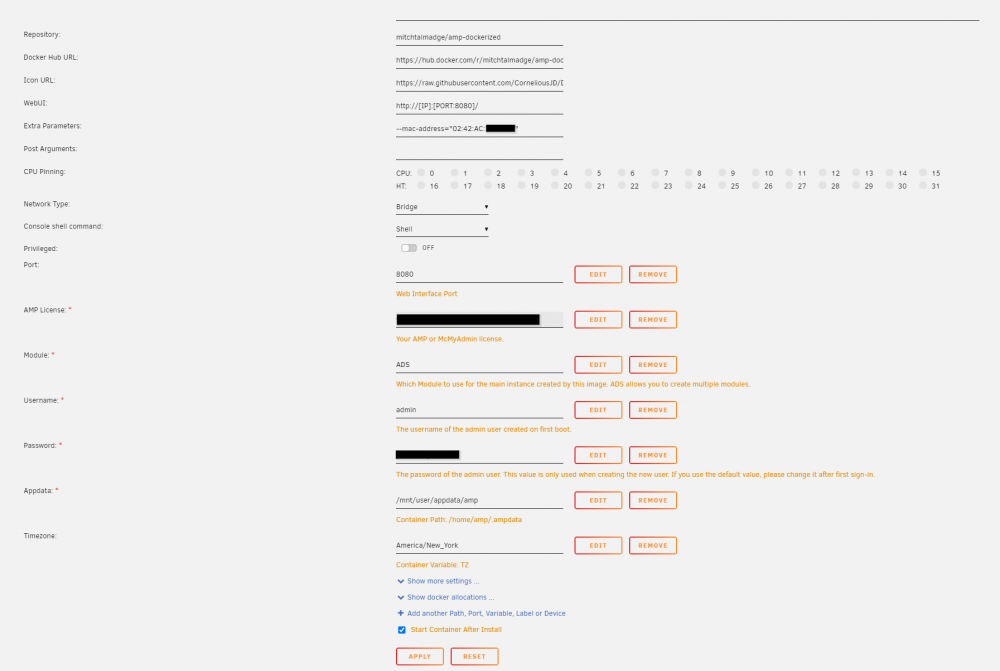
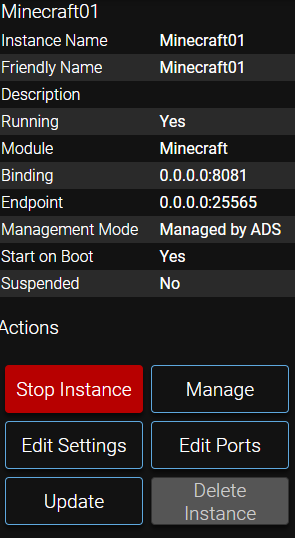
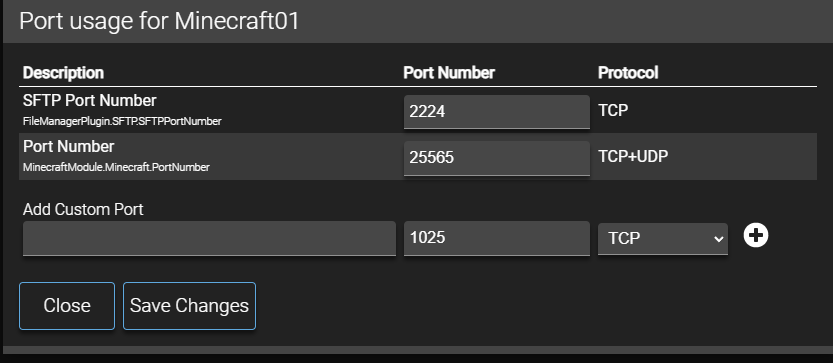
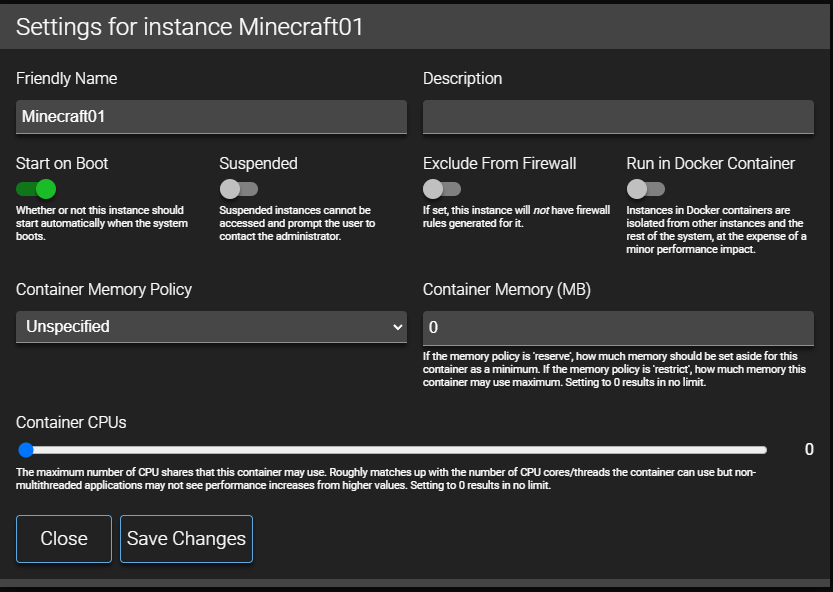
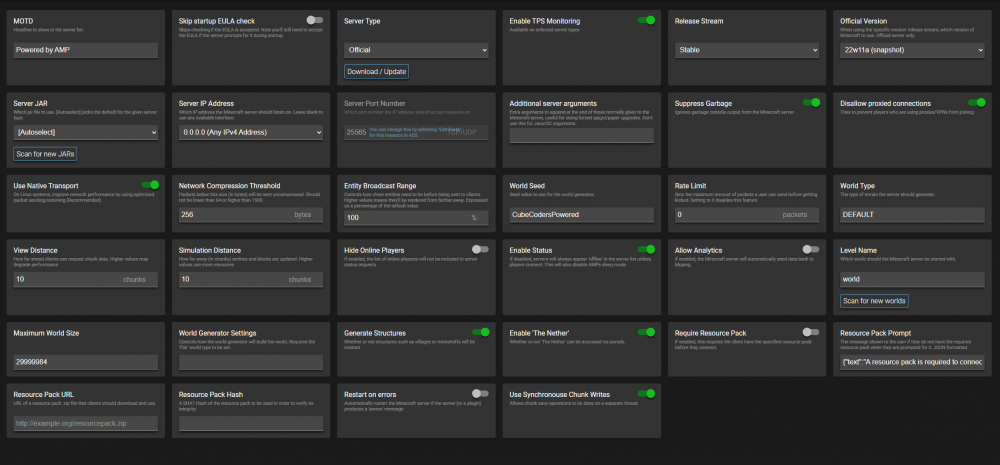
Can't seem to reach my Minecraft Java server. I watched the youtube tutorial which was by the same gentleman who made a Valheim server video. I've tried so many settings options and it all seems as though it would work, but my Minecraft client just doesn't see the server. The IP of my unRAID server is 192.168.1.10. Supposing the AMP Minecraft server default settings, shouldn't I be able to reach my server at 192.168.1.10:25565? Any thoughts?
-
That's exactly what I discovered. I apologize for taking so long to come back to this as I've been overloaded at work. Once I mapped them to /mnt/remotes (or I should say, once I figured out how to), all was well. Thanks!
-
Are there official docs for this plugin? I've mounted a couple of shares on my network, but in plex, those folders appear empty despite the fact they are not. I did see a message about /mnt/remotes but I don't have that directory in my structure it appears. I'd love some docs to read over. I'm sure I've just overlooked something.


