Azriel
Members
-
Joined
-
Last visited
Everything posted by Azriel
-
I have a question on this. Something that has been a huge pain for a while now. Sometimes I have power outages. Every time the server is rebooted after, what seems to happen is that an automatic parity check starts running, and when I check my dockers tab none of my dockers look like they are able to start running. The server will eventually lock up and stop functioning all together until I power it down. Then reboot it, and I have to manually cancel the automatic parity check so my dockers will start and then everything seems to work fine. What is this??? it's been super annoying. Can I disable automatic parity check all together?
-
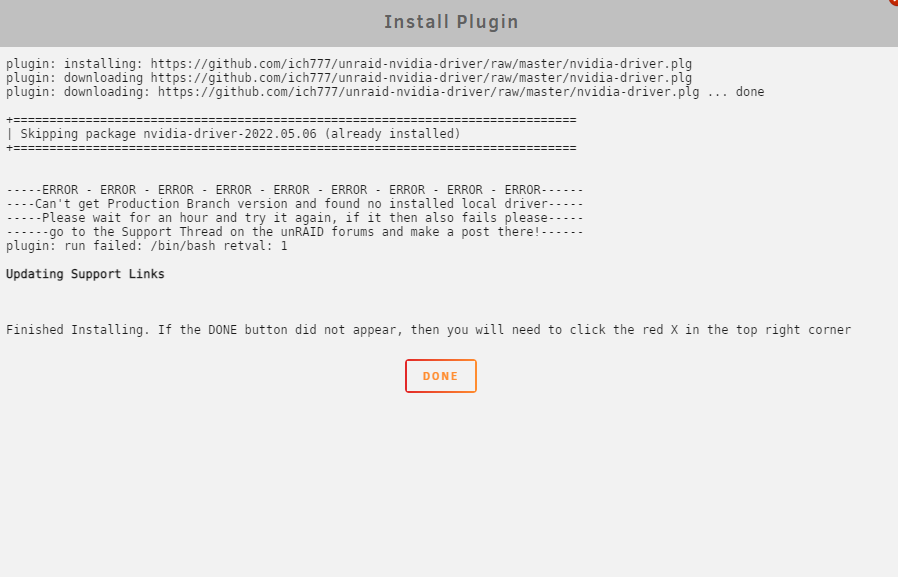
Hey I was wondering if someone could help me. I had the driver installed and was using it for transcoding in plex. Last reboot the driver doesn't show up in the plugins anymore, when I try to re install it, it says it's already installed...