





Shane Israel
Members
-
Joined
-
Last visited
Everything posted by Shane Israel
-
@Reziem Okay so looks like there was a bug (which I thought was working but apparently not) so I reverted that change for now. Update the container and also set the Network mode to "Bridge" or whatever your custom network setup is. Its being set to "None" by default which is wrong and I pushed a fix for that too. Then you should be able to change the 8080 port to whatever you want and start the container. Also, please note the application doesn't yet have the ability to automatically scan your media folder (I'm working on this feature now) so until that feature is ready you'll have to initiate a manual scan by clicking the "Scan" button which is located under the Admin avatar image at the top right of the app when logged in. Just click that button, wait like 30 seconds and refresh your page and you should see your videos.
-
The port within the container can not be changed from 80 at the moment. But you should be able to map any port to that 80. By default it should be mapping port 8080 -> 80. Let me double check that the default settings are still correct for Unraid and work, I may have fudged something in the xml.
-
<reserved>
-
Fireshare is an application that allows you to share your your media to anyone via publicly accessible share links. _________________________________________________________________ Have game clips you want to share to friends but don't want to deal with uploading them to YouTube or maybe they are too large to send in Discord? Simply add your game clips to a directory mounted to Fireshare and they will automatically have share links created for them. Application Name: Fireshare Docker Hub: https://hub.docker.com/r/shaneisrael/fireshare Github: https://github.com/ShaneIsrael/fireshare Please post any questions / issues relating to this docker you have in this thread. If you are not using Unraid, then please do not post here, rather report the issue on the Github project page.

-
Okay so I just tried restarting the container with my steam id in both adminlist.txt locations and the adminauth command still fails. I honestly have no idea what I could be doing wrong. This is what I have. and in the other location Any other ideas? The docker container is even up-to-date.


-
Okay quick question then. Do I need to restart the docker container after having put my Steam64 id in that file? I haven't tried that yet since there are currently people playing on the server. Somebody mentioned that you didn't need to.
-
Anybody else get the adminauth to work? I've tried putting my steam64 id (and all other formats) in the adminlist.txt files located at both /save-data/Settings/adminlist.txt and /VRisingServer_Data/StreamingAssets/Settings/adminlist.txt but nothing works, adminauth always fails.
-
Gotcha that makes sense.
-
In that case wouldn't it make most sense to just toss the 4TB drive that's currently in that PC into my Unraid server as an unassigned device and write backups to it more easily there? Wouldn't really be any different would it?
-
I have since completely cleaned up the old windows media pc. It has no GPU now and still retains the 250GB SSD main drive and a 4TB Drive... Though I have no idea what I should do with it. I don't feel like its really worth selling or even parting out but I also don't really want to throw it away.
-
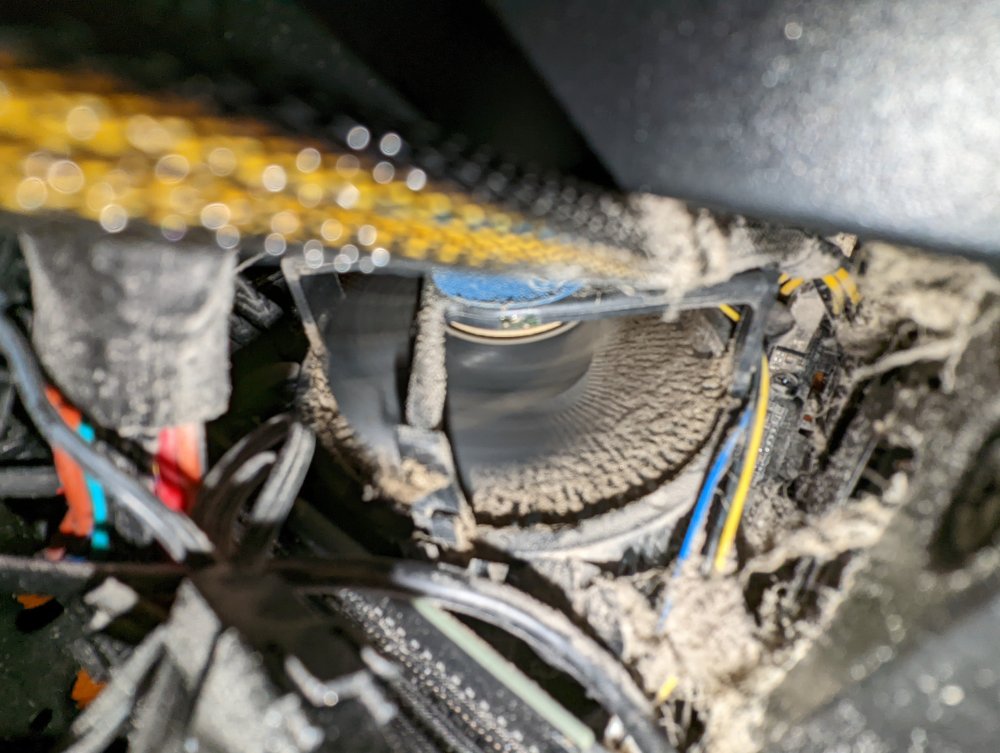
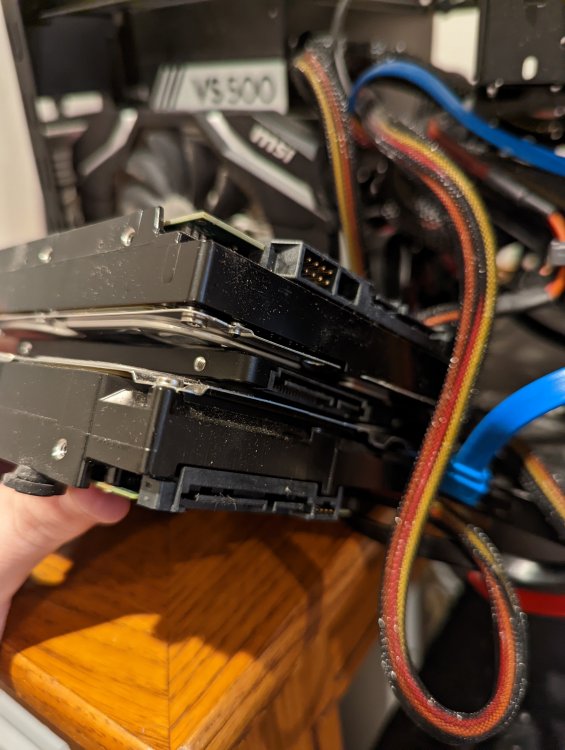
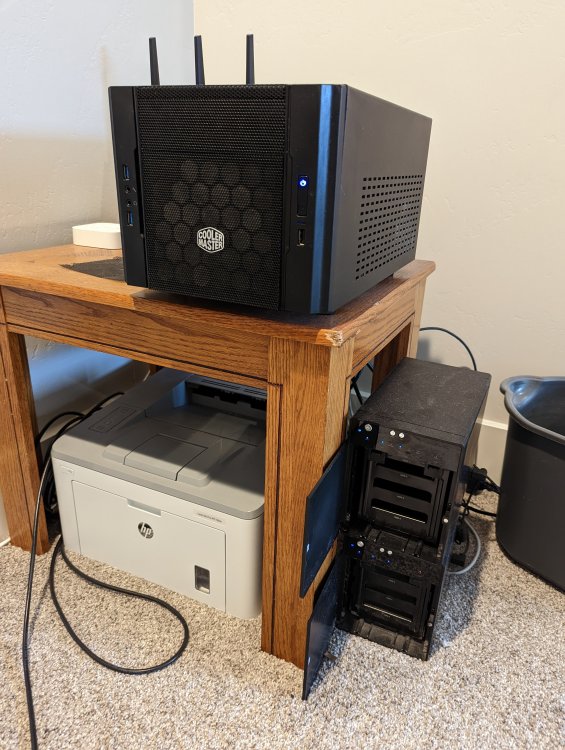
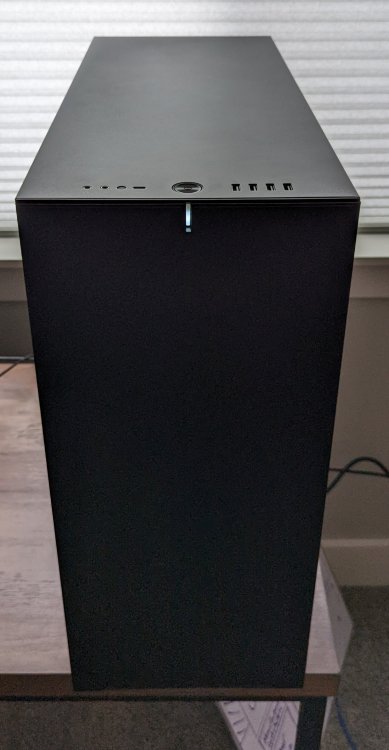
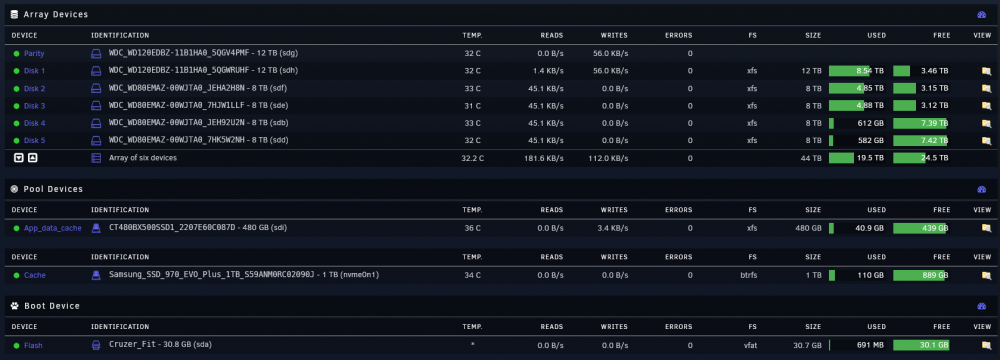
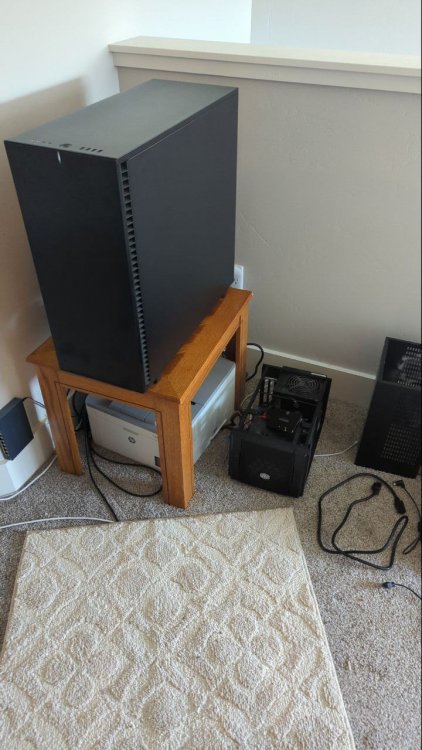
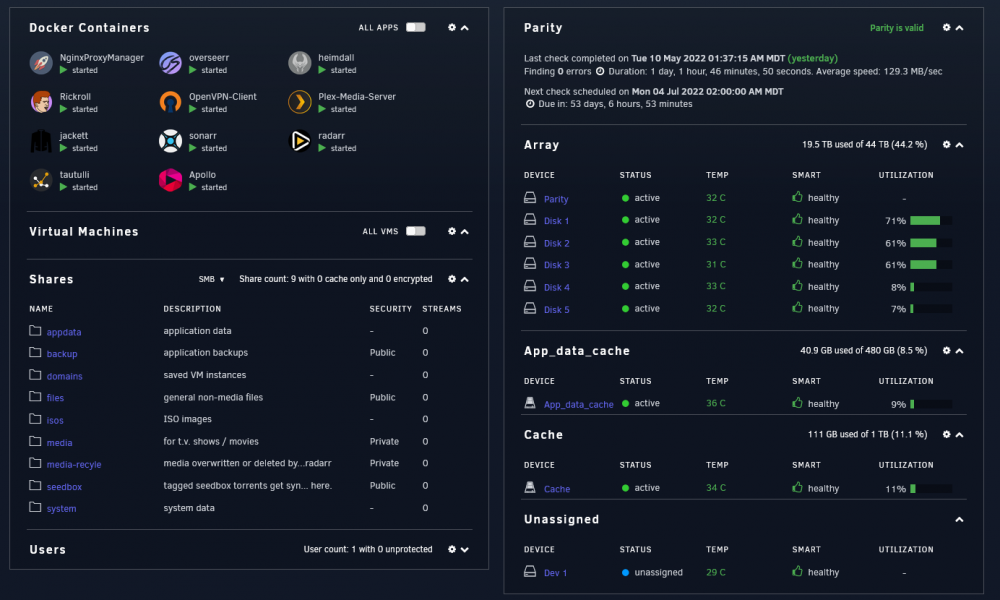
Back in early 2016 I put together a relatively low cost budget media PC. I spent around $300 total on a combination of new/used parts to put together a basic Windows PC to run Plex / Sonarr and Radarr with hardware transcoding using a 1050 Ti. Surprisingly this little computer worked great, I wrote a number of powershell scripts to automate syncing my files down from my seedbox and and then passing them to Sonarr/Radarr to organize into my media pool. For a good 6 years this setup ran great with hardly any issues. However, recently it has started to show its age. With the amount of media I have collected, and the lack of drive bays that the case can hold (had to go with a tiny cheap case) I have had to resort to using Proboxes over USB which works, but isn't ideal because they suck at staying cool. To keep my data safe I was running Snapraid with 2 parity drives but because of the amount of data I had on this thing, the lack of memory (RAM), and the low spec'd dual core CPU snapraid was starting to struggle. I also knew that if I was going to upgrade, it would be best to do it now rather than later when I have even more data to move. It became such a chore to keep this PC clean that at some point I just gave up. The Windows PC Build CPU - Intel i3-6100 3.7Ghz MOBO - ASRock H110M-ITX/ac RAM - 8GB DDR4 PSU - EVGA 500W (Non Modular) OS Drive - 250GB SSD STORAGE - 36TB + (2 x 12TB) Parity Drives CASE - Some super cheap Cooler Master. Yeah somehow this thing ran for 6 years and had no issues... I would just remote desktop into it whenever I needed to do anything which wasn't very often and I would access Sonarr/Radarr over the web. Oh and before I had the Proboxes to store my drives, I just double sided taped them together into this drive sandwich since there wasn't anywhere to properly mount them. I completely forgot I did that until I opened it up and started taking it apart and cleaning it last week while building the new PC. So after a bunch of research into solutions I came upon Unraid which is the perfect solution for my use cases. Docker built in. Awesome. Which will allow me to host many of my own personal projects that I code on and use, before this I was hosting them in docker on my mac mini, but I don't like to leave it running for extended periods of time. Data protection built in. Huge community and support. Great documentation. The Unraid Build CPU - AMD Ryzen 5 5600X 6-Core @ 3700 MHz GPU - Nvidia GTX 1050 Ti PSU - Seasonic 850W RAM - 16 GB DDR4 3200Mhz MOBO - Asus ROG STRIX B550-F GAMING OS Drive - 32 GB Cruzer Fit Flash Drive CACHE Drive - 1TB M.2 Samsung 970 EVO Plus APPDATA Drive - 480GB Crucial SSD STORAGE - (1 x 12TB Parity) (1 x 12TB / 4 x 8TB) CASE - Fractal Define 7 XL (plus additional drive bay mounts) Honestly the most expensive piece was the case, this time around I wanted a good case that is easy to work in and keep clean as well as proper space for all my potential drives. The PSU I already had and the GPU was cleaned up and still works great for hardware transcoding my Plex server. I also replaced all the case fans with Noctua fans. I currently only have 1 parity drive at the moment since I took one of the 12 TB I had before and moved it into the array for data storage since I wanted to get rid of some of my older 2TB and 4TB drives. So I am currently on the lookout for an additional 12TB drive so that I can have dual parity again as soon as possible. --
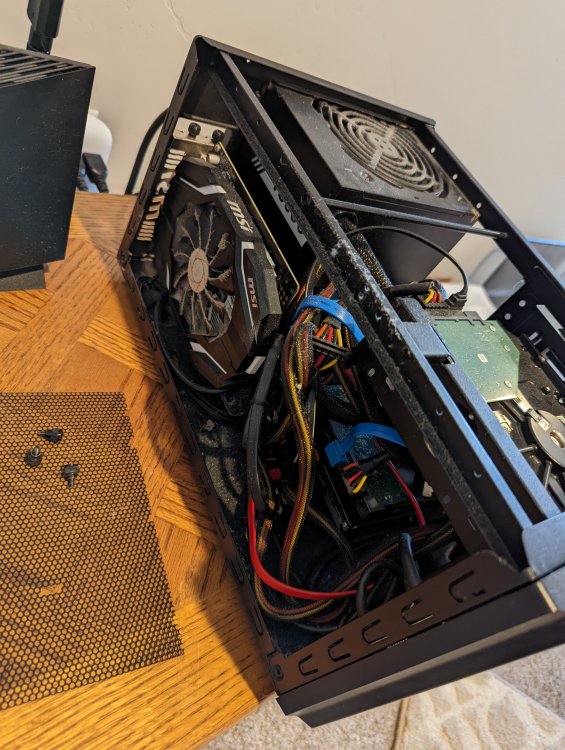
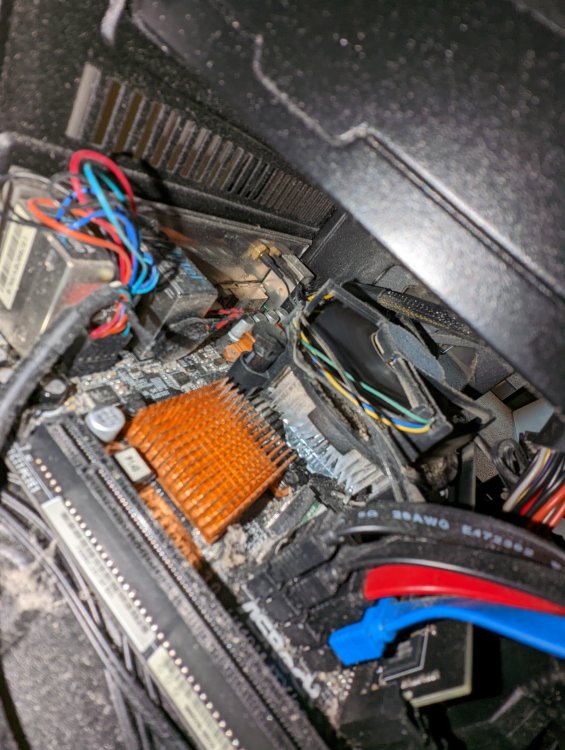
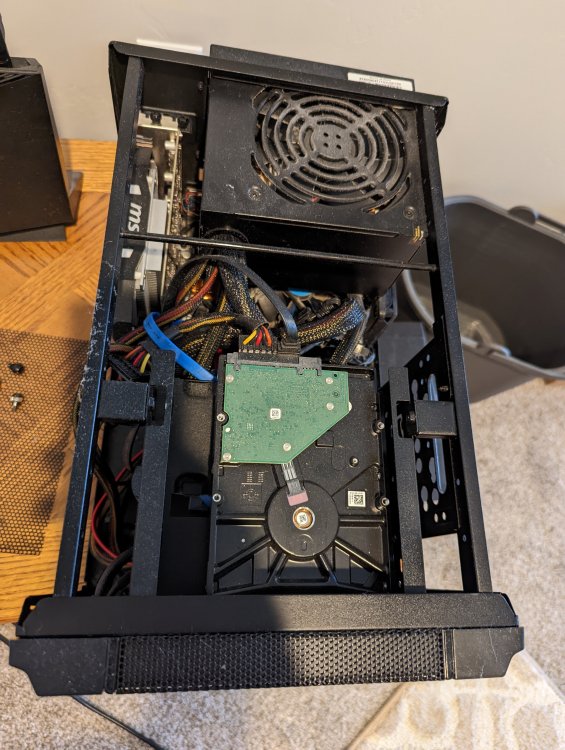
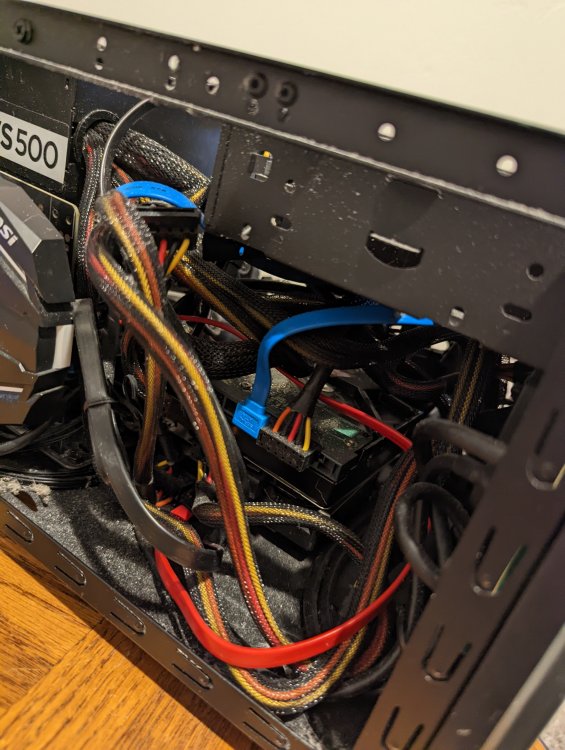
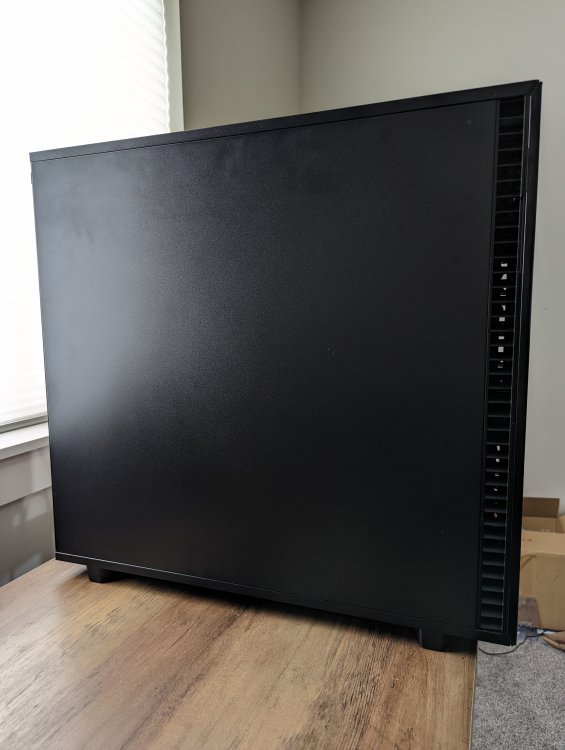
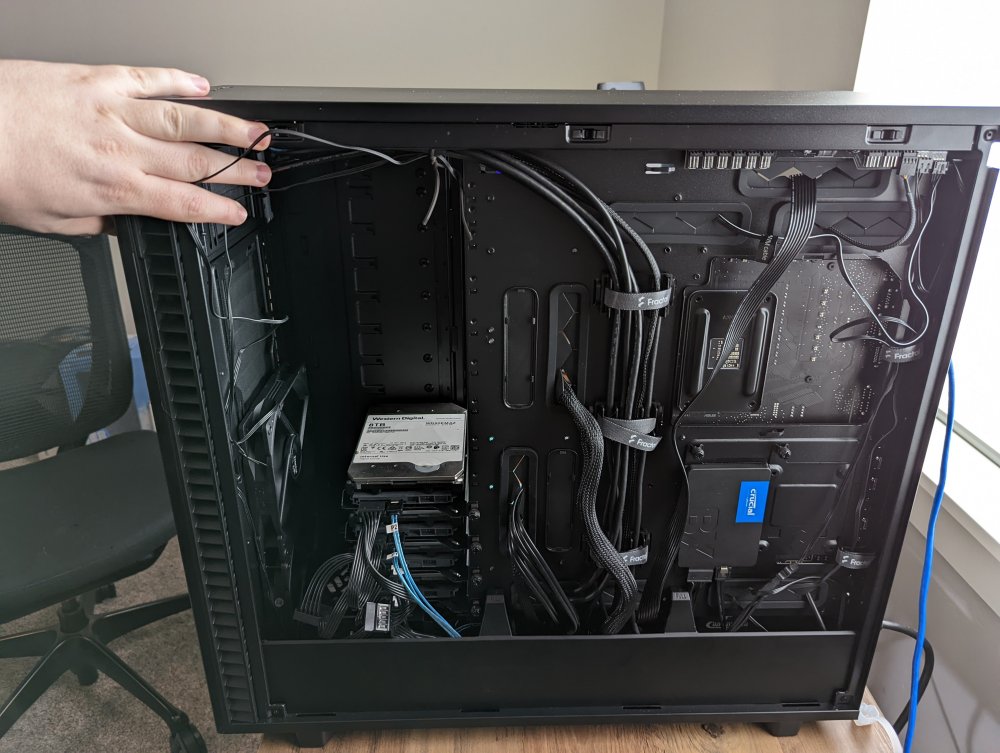
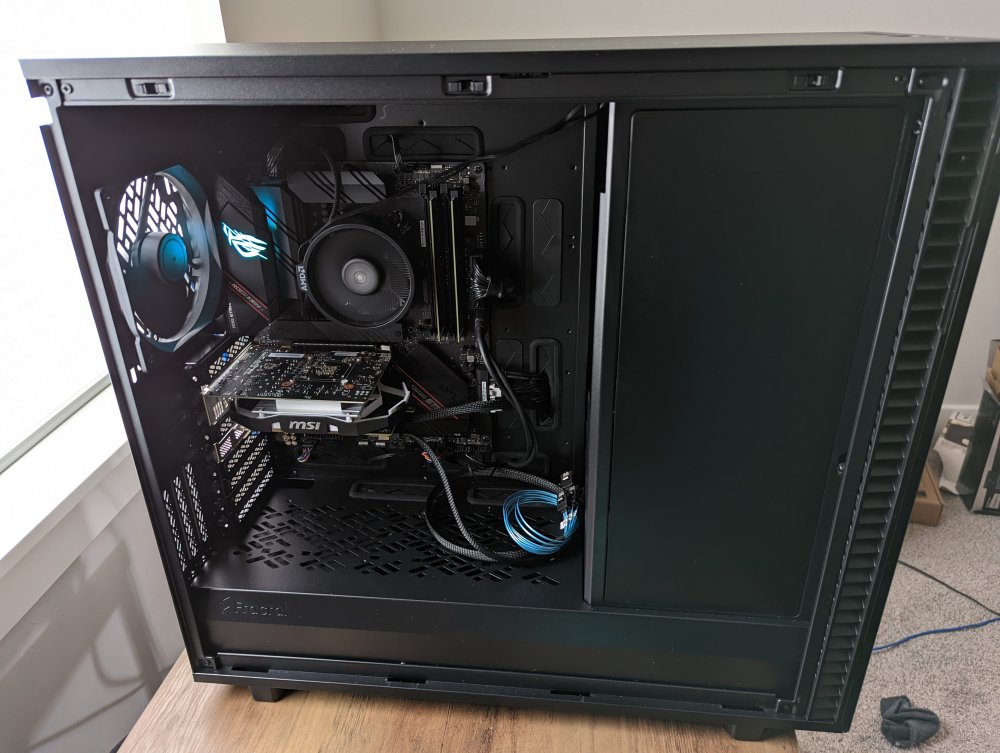
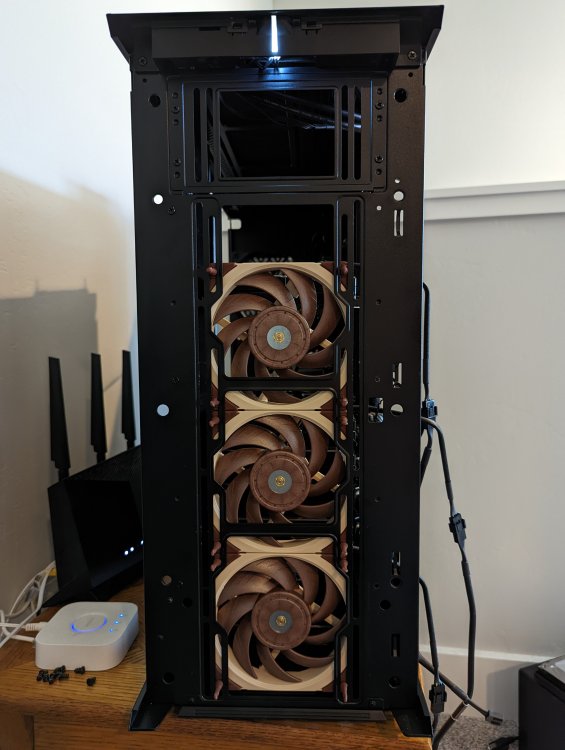
-
Looking at your logs I noticed you are using Plex. Plex does have the ability to delete files, maybe something you did in Plex? Or maybe somebody is gaining access to your Plex account?. Might be worth looking at your Plex logs, just search the logs for the title of something that was deleted. The logs can be found under Troubleshooting > Download Logs Search all of the Plex Media Server.#.log files (there's multiple) for logs that look like this. May 02, 2022 11:26:35.222 [0x14f7ce7e0b38] DEBUG - Deleting directory [Baccano!] (3559) May 02, 2022 11:26:35.222 [0x14f7ce7e0b38] DEBUG - Deleting directory [Baccano!/Specials] (3560) May 02, 2022 11:26:35.222 [0x14f7ce7e0b38] DEBUG - Deleting directory [Baccano!/Season 1] (3561) If you see those, then either you or someone told Plex to delete those directories since Plex never deletes anything unless a user initiates it.
-
I only just got setup with over the weekend so I can't provide much help on what might be deleting your files but I do not believe it to be caused by sonarr/radarr unless you recently messed with or changed settings in those. I've been using both since 2015 and have never had them delete anything. However, I have accidentally deleted stuff myself when messing with settings in them. I would recommend setting up the recycle bins in sonarr and radarr. This has saved me a number of times when I have accidentally deleted something or overwritten something that I didn't want to overwrite. In unraid I just created a /media-recyle share with a "sonarr" and "radarr" folder. I then volume mount the share into the Sonarr/Radarr contains. /mnt/user/media-recycle/sonarr -> /recycle /mnt/user/media-recycle/radarr -> /recycle Then in both Sonarr/Radarr set the recycle bin to /recycle Now whenever something gets deleted (at least if its deleted by sonarr/radarr) it should should get moved to that location. At the very least, you can more easily recover anything deleted by sonarr/radarr. If the files are not ending up in the recycle bin then you know for sure some external process is deleting them.
-
I have a ~/.netrc file that I create on startup so that I can use lftp to login to my seedbox. However, it seems that this file gets randomly deleted and I'm not sure why. In my /boot/config/go file I have this at the end. # Setup lftp username/password for seedbox echo "machine *****.seedbox.io login ****** password *****" > ~/.netrc # End lftp setup which creates my .netrc file in the home directory on start/restart. This works and things will be fine for most of a day and then suddenly my script will stop working and I'll go check and that file is missing. Any ideas?


