TheControlled
Members
-
Joined
-
Last visited
Everything posted by TheControlled
-
Good to know. I was actually wondering about that.
-
That's great news! Thanks for that. Yeah gratefully I have a separate SAS card I was easily able to plug into. The cable was loose and the metal clip was toast. Good advice, I'll do that from now on.
-
I was upgrading from three disks into one so I didn't have parity going yet. I was rechecking and moving files around on qBittorrent and got a ton of these errors. After finding out what the cause was, and after the moving was done, I fixed it. What I'm worried about is this files. Do the errors mean that it Unraid realized the mistake and all the files landed safely? Or does it mean that these files are stealthily borked? I read the Unraid documentation about CRC error and still not sure what the verdict is, especially since I didn't have parity. If you think there likely are borked files, how do I go about finding and replacing them? Thanks in advance. rainbowbridge-diagnostics-20241213-1441.zip
-
Thanks guys
-
How can I delete it if can't get it to it? Maybe you mean plug in a monitor?
-
I was changing the macvlan thing, and got cocky. I changed some other settings that I cannot remember except one: I went from ipv4 to ipv4 + ipv6. Anyway, I'm totally at a loss on how to get back in. My version was the latest before the most very recent update.
-
TIL what help blocks are. That solved it. Thank you soooooooo much. Simple, but made my day! I just recently lost all my appdata and it was devastating losing all my Plex data. Now I can breathe easy. Thanks again.
-
Hello! I'm trying to get this app to work but the above keeps happening. It happens with qBitTorrent too. Thanks! d8f3925c-6e39-4577-b996-071baf38aef8 newflesh-diagnostics-20230828-1240.zip
-
Okay, that's a start lol But nothing is working. Got to "btrfs restore" and seemed promising that it saw that "device 4 is missing". But it also says "/mnt/disk2/restore/system: No such file or directory". I know the directions say to place a folder onto disk2 but I have no idea how to do that. My docker is broken and even if I could get into Krusader idk how to write to a specific disk. I tried Googling some elementary Linux commands but again couldn't get any folder to write to "disk2" or at least it wasn't recognized by this fix.
-
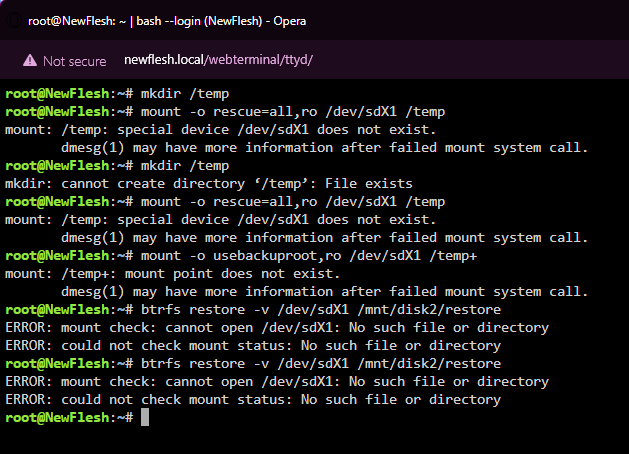
Recently did a full upgrade of my NAS and basically everything I could fuck up, I did. The latest of genius moves was to format one of my crappy cache pool drives because I thought I could just spin up the other three and they'd fill in the data. Putting the drive back and starting the array gives "Unmountable: Unsupported or no file system" for all the pool drives. Lovely. Anyway, I tried the "safe" commands off of this post but all I got was the screenshot posted, ie nothing. I'm not a console jockey, I don't know Linux, FYI. newflesh-diagnostics-20230725-1551.zip
-
-
I'll try that. Crossing my fingers updating to latest version fixes it first.
-
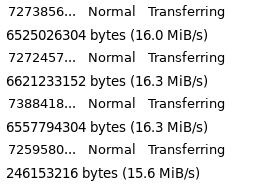
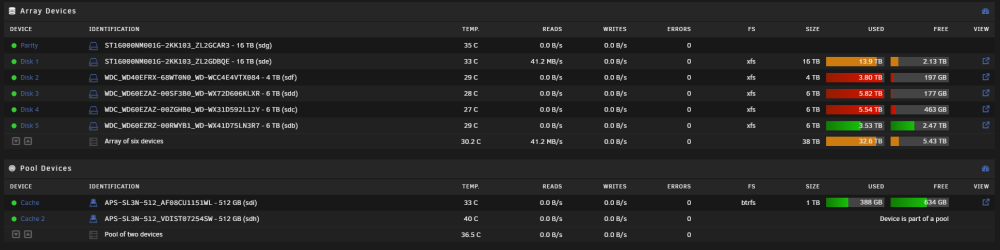
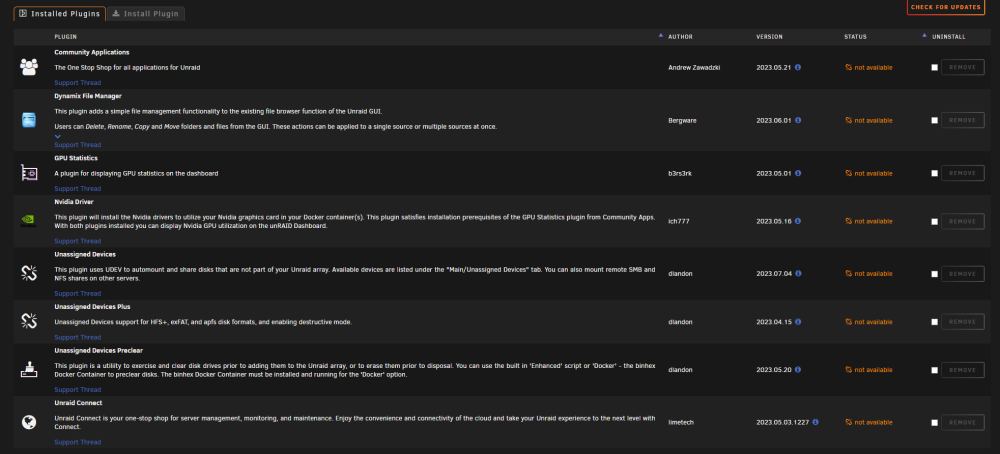
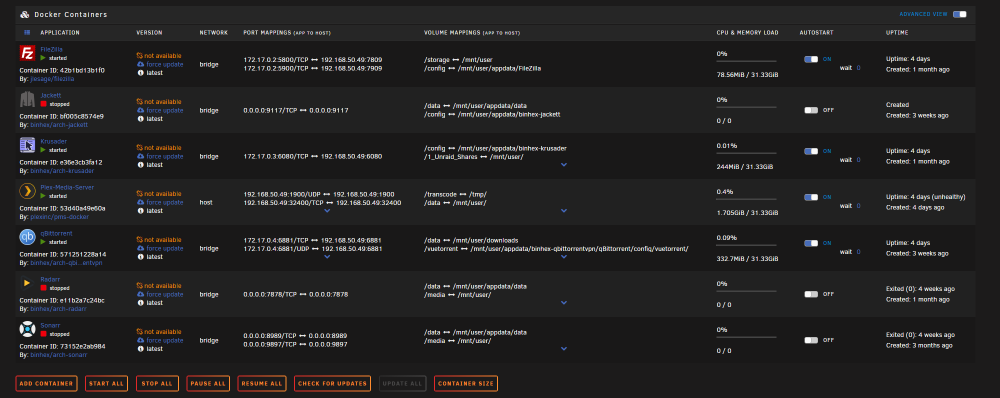
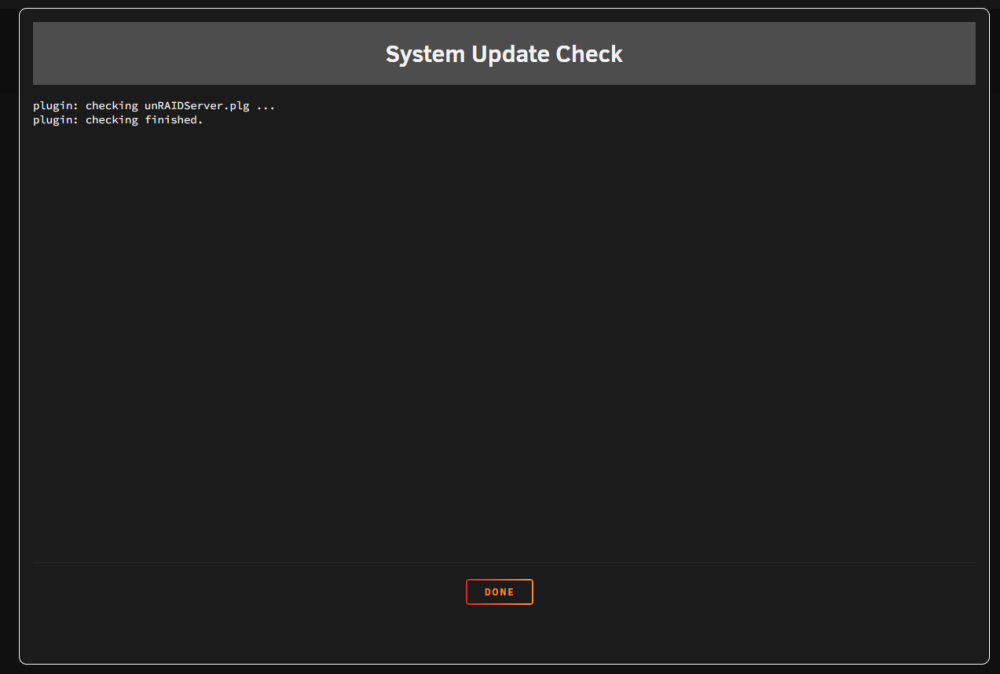
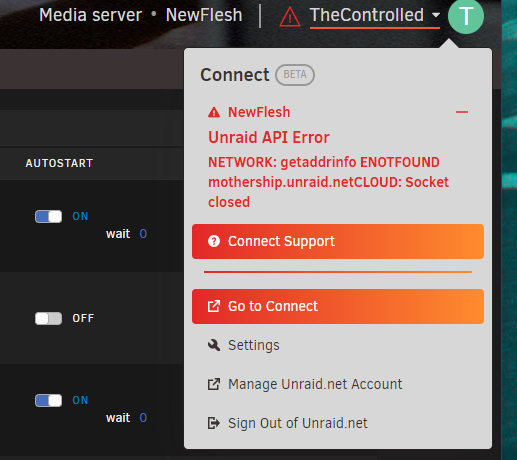
This is the fourth time this has happened. I restart the system, and it's temp. fixed, then happens again. I'm frustrated :[ Picture speaks a 1000 words, so here's 5000 words worth of pictures and 10,000,000 more in logs Seriously though, I don't know what to do, so any help is greatly appreciated. Thanks. newflesh-diagnostics-20230708-1919.zip

-
That tool is dope, thanks. Any ideas on the writing straight to array or the other weirdness I mentioned? Is this diagnostics better? newflesh-diagnostics-20230517-1232.zip
-
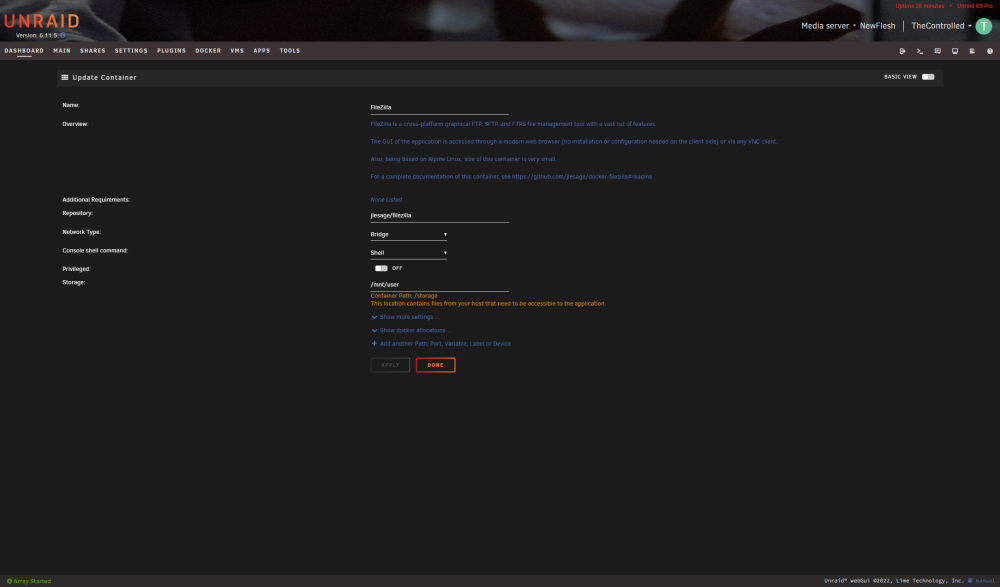
What was really weird to me was the even though I was downloading stuff from my FTP server, the only thing that was active was a disk on the array and it was only "Reading" not writing. Stranger still, was when I checked on things early before work today, my cache was suddenly full, even though it was holding steady despite me downloading around 500GB via FileZilla, and Mover kept saying it was finished. So it's like it was going straight to an array disk, then moved to cache, then got moved back after I manually turned on Mover this morning. I guess?? So I will say that at one point, I was downloading stuff straight into a folder inside "Unraid_Shares_1" using Krusader to make a folder there. I'll be honest, I was just following a SpaceInvaderOne tutorial and mostly forgot how I initially made shares and Krusader bookmarks etc. How do I get to those .cfg files so I can delete them? Thanks for your help.
-
Yeah, sorry, I messed that up. FileZilla was going straight to the array. Just weeks ago it was for sure going to the cache as intended. Not sure when it switched exactly. Regarding FileZilla, do you mean the docker's settings or the settings in-app? newflesh-diagnostics-20230516-0310.zip
-
Hello, First and foremost, my cache pool is suddenly being circumvented and FileZilla is downloading straight to the Array, seemingly. Second, is despite FileZilla reporting full speeds of around and up to 64 MBps, Unraid's Main tab is reporting... confusing results. Reading = writing? Please help/tell me what to do. Thanks!