The_Target
Members
-
Joined
-
Last visited
-
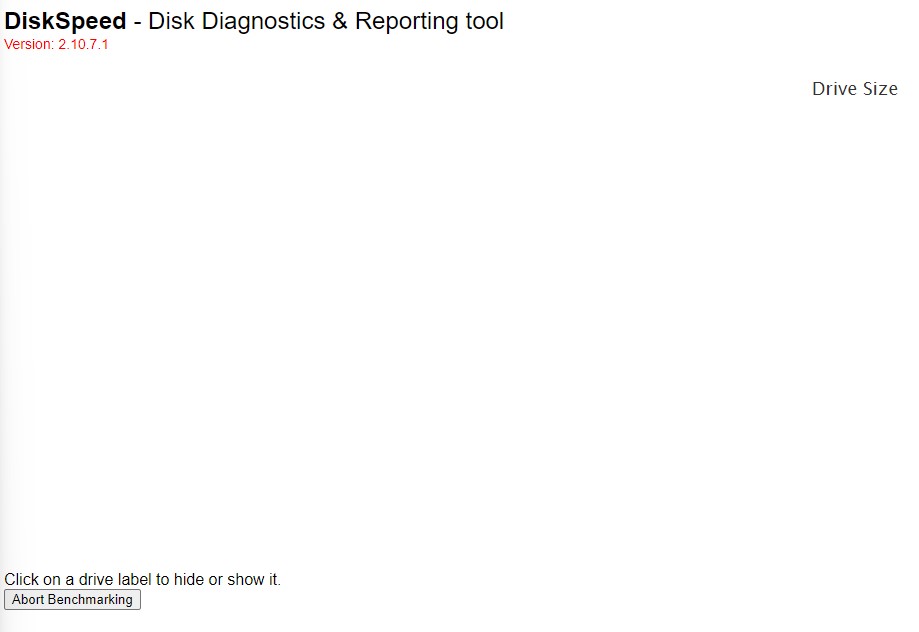
Is there a fix yet for when the benchmark fails to run? I get exactly the same problem as SShadow where I can't click the dots so I can't give any more info as to what is happening. DiskSpeed.html
-
Nothing happens when I try and click the orange area I have tried multiple browsers etc nothing happens. The abort button changes to aborting benchmark and then just hangs there.
-
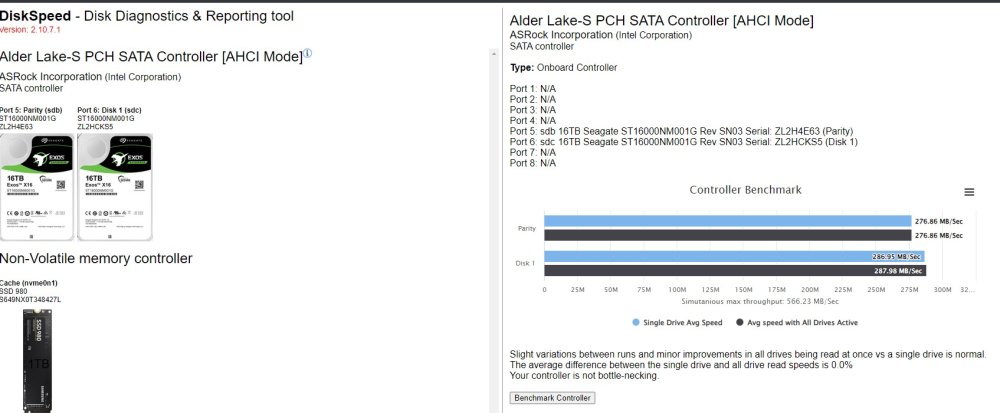
I am getting the same problem as others where I try and start the benchmark my drives and nothing happens. There also isn't and text displayed when I mouse over the end of the text "Click on a drive label to hide or show it." I have been able to benchmark my SSD cache drive once I added the UNRAID paths so that part works. If I benchmark the controller that does appear to be able to run some tests against the disks.