





error311
Members
-
Joined
-
Last visited
Everything posted by error311
-
reserved for future
-
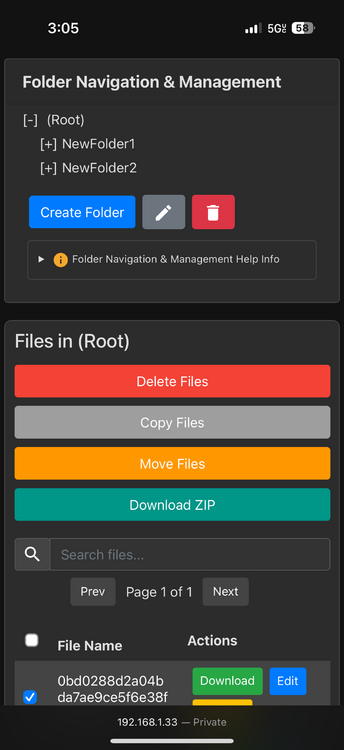
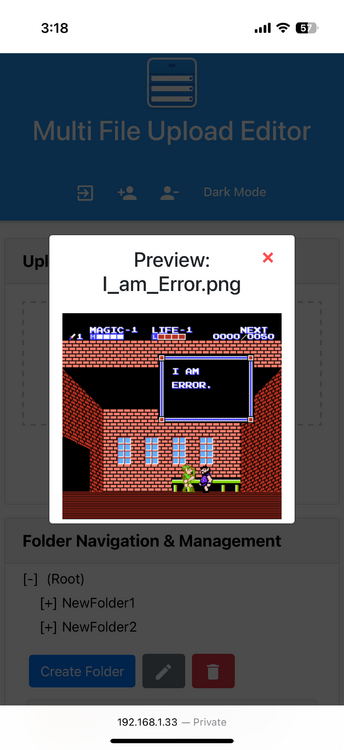
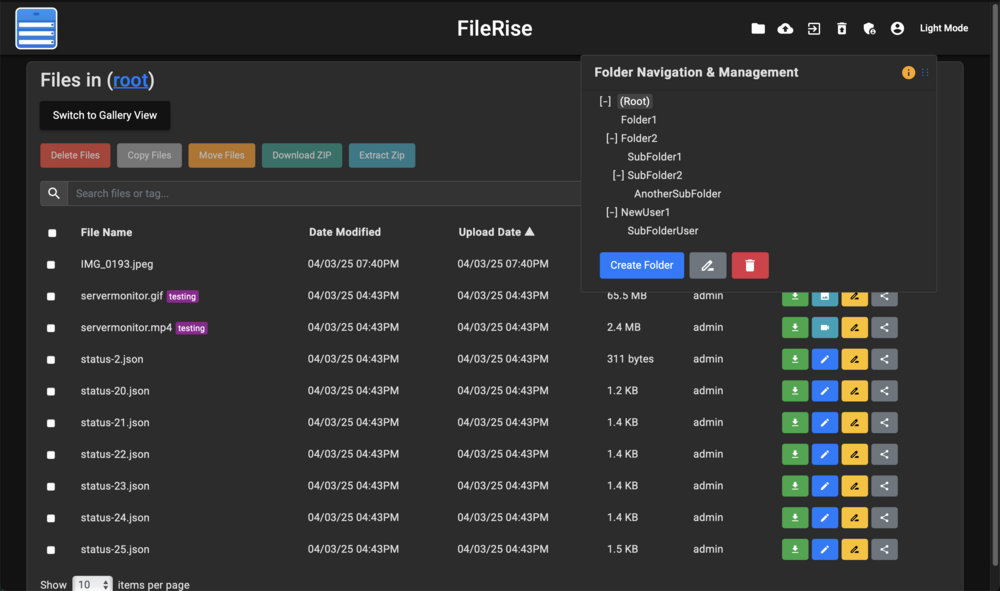
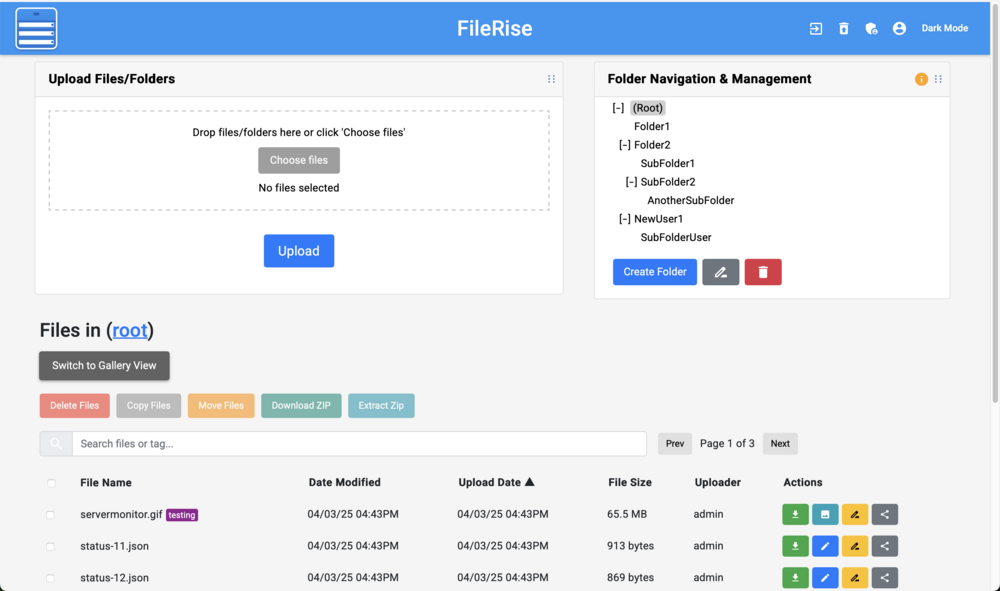
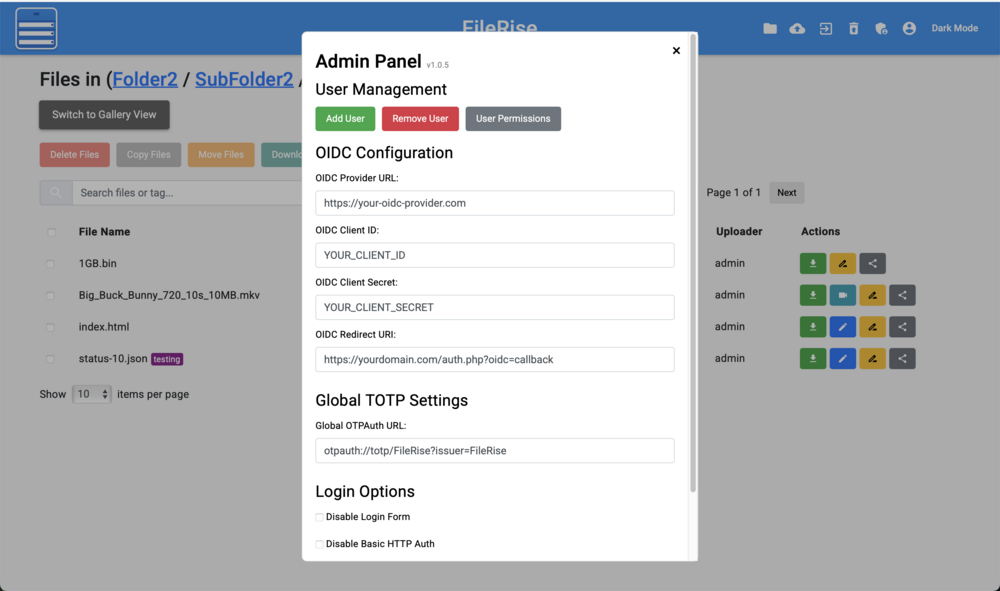
Additional images Dark mode: Admin Panel: Light mode: iPhone:
-
FileRise_Demo2.mp4 FileRise is a lightweight, secure web application for uploading, editing, and managing files. It’s built with an Apache/PHP backend and a modern JavaScript frontend (ES6 modules) to provide a responsive, dynamic file management interface. The application is ideal for scenarios like document management, image galleries, firmware file hosting, or any situation where multiple files need to be uploaded and organized through a web interface. Project GitHub: https://github.com/error311/FileRise Docker GitHub & full changelog: https://github.com/error311/filerise-docker Docker Hub: https://hub.docker.com/repository/docker/error311/filerise-docker/general My usage is mainly for firmware ota updates, quick edits of the json, upload of firmware and other file management since you can just run multiple containers. Please let me know if you have any questions or issues. I am still working on this project and will continue to update for security purposes and additional features. Current configurable options start.sh controls: UPLOADS PATH: path is used to upload your files to USERS_DIR: path is used to store your users.txt file META_DIR: path is used to store your file metadata json TIMEZONE: variable allows you to change your timezone DATE_TIME_FORMAT: variable goes with TIMEZONE for displaying on Upload Date & Date Modified TOTAL_UPLOAD_SIZE: variable changes apache upload size allowed HTTP_PORT: variable changes apache http port (if changed use this with your container ip:port) HTTPS_PORT: variable changes apache https port (if changed use this with your container ip:port) BASE_URL: variable changes apaches base url Features Check GitHub for full feature list. https://github.com/error311/FileRise Notes: On first start you will need to create the admin user.


