





Jon Geo
Members
-
Joined
-
Last visited
Everything posted by Jon Geo
-
Thanks Jorge, it worked out to be the storage location exhausting the disk allocation for the VM, I have now increase the VDISK storage location and now stays active! I did also check the sleep and hibernate settings, confirmed they are set to "never" in the windows settings. Much appreciated! 🤙🏼
-
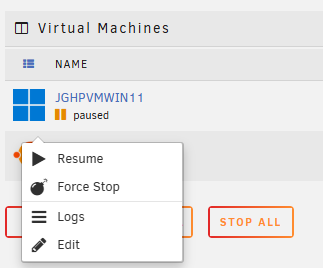
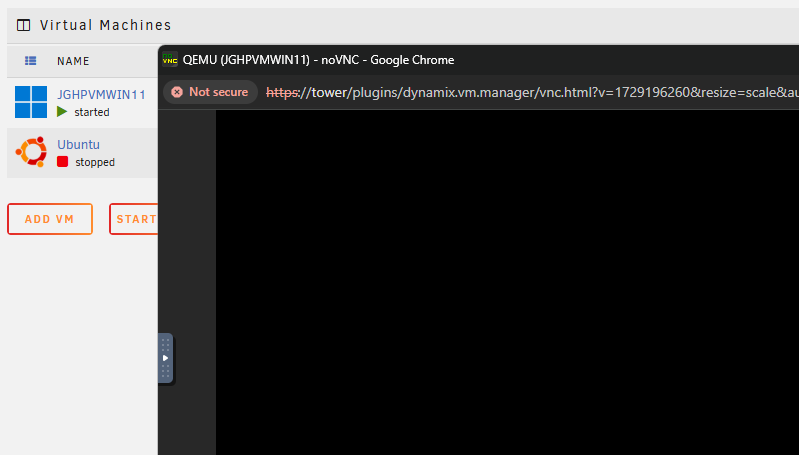
Hi All, I have built a Windows 11 VM, which boot and operates correctly though after a period of time the machine falls into a "paused" state and does not resume once selected - it seems the VM enters a stuck state! Any idea on how to disable the resume function for the VM? The only way to restore is to forcefully stop the VM (bomb) and start it again manually.
-
Hey guys, New to this plug-in, working well though is there any possibility to change the Motherboard / CPU sensor icons instead of hovering over the image for identification?

-
Fair enough, all good! For now the plugin works great and I can view console telemetry thanks again.
-
Hi Connor, That's what I was missing, Though how can I display the CoreFreq output via the Dashboard? thanks
-
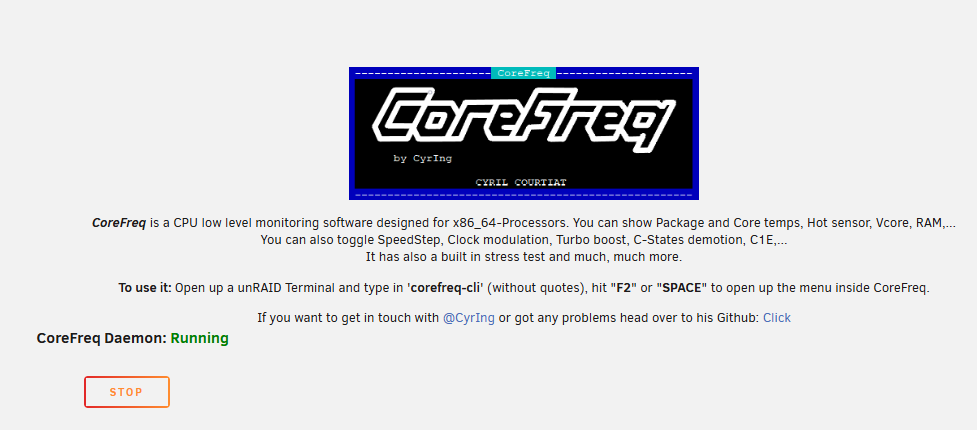
Hey ich777 & Cryling, I have installed CoreFreq plugin though cannot run the command as per screenshot below, once installed and running I would like to have a visual on CPU resources and performance via the dashboard page, is this possible? I am running UNRAID version 7.1.4 I have also uploaded the diagnostic file as requested thanks. tower-diagnostics-20250731-0942.zip

-
Thanks!
-
Hi Itimpi, Assuming I go with option 2, I would have to ensure enough connection SATA ports for connecting all 8TB + the 3TB drive to copy to the new array?
-
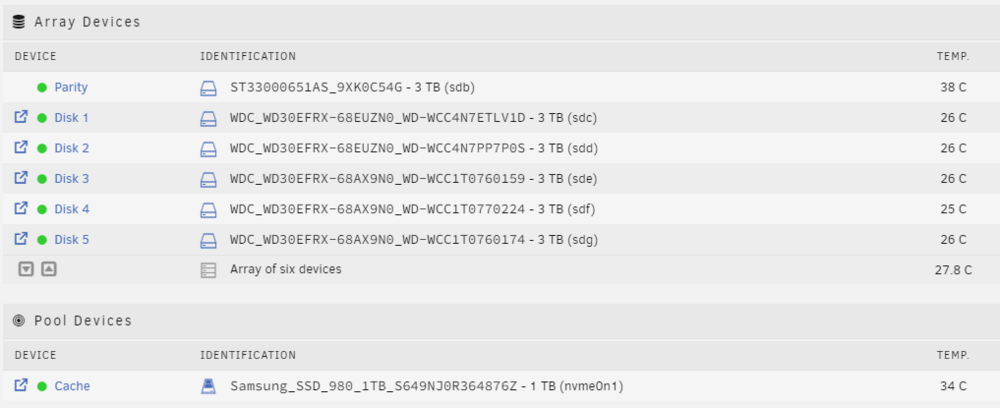
Hi All, I currently have an array of 6 disks including the parity drive which are all 3TB in size each, I am planning to increase storage capacity to larger volumes (8TB). What is the best method in performing this upgrade assuming I will replace all array devices?
-
Ok thanks! I shall test it out and see how it goes!
-
The external USB device is WD_My_Passport_25E2 (4TB), though not sure if that's relevant. In regards to share permission; for example the "Movies" share is set as "cache" so I now know that when copying to the array it will store here first. Is there a way to copy data directly to the array or disks without disabling the "yes:cache" option?

-
Hi unraid community, I am new to UNRAID and have begun to kick off a copy from an external USB device ("unassigned device"), though I need to directly copy the data to the disk array instead of the cache pool. The error I am receiving is the cache pool (NVMe) drive 1TB is filling up. How can I ensure that copying data from external devices directly to the disk array is enabled. The cache pool is much smaller in size as compared to the disk array and as this is the initial copy of ALL external data i need to resolve the disk full issue. Thanks


