





bawfuls
Members
-
Joined
-
Last visited
Everything posted by bawfuls
-
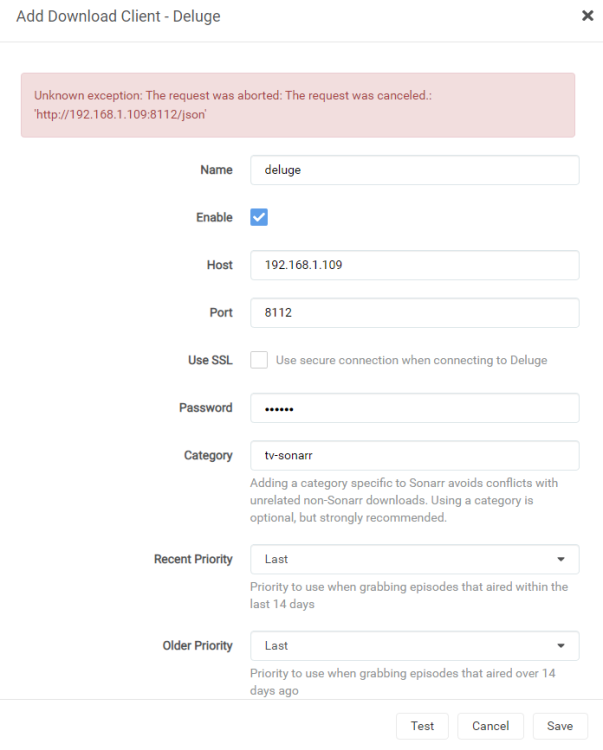
same error edit: I've also tried several different ports with both IPs (8112, 8118, 58846, 58946)
-
This is my first go with a home server/NAS, and for the most part it's been easy to set things up with guides online, however I've hit a snag with Sonarr and Deluge. I am running binhex-delugevpn and it is successfully using my vpn via openvpn for the manually added torrents I have tested. The trouble is getting binhex-sonarr to connect to Deluge as it's download client. The setup seems pretty straightforward but I'm clearly missing something. The host is my local server IP. If I put that IP and port into a web browser it goes right to the Deluge webui. Haven't changed the default Deluge password. I can't figure out what else to try here. edit: fixed this issue by using a non-binhex version of sonarr
-
edit: moved to binhex-sonarr thread
