





LayerCake
Members
-
Joined
-
Last visited
-
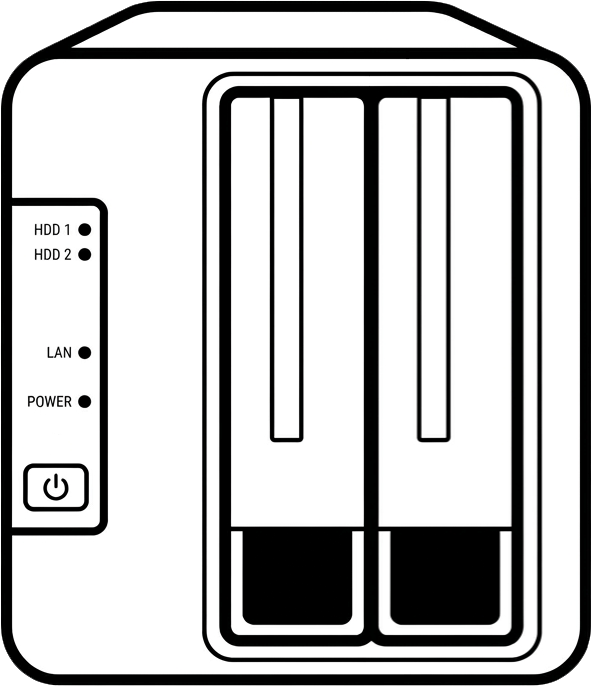
Went ahead and modified it with some more Affinity and good old Paint to get the F2-423 covered too.
-
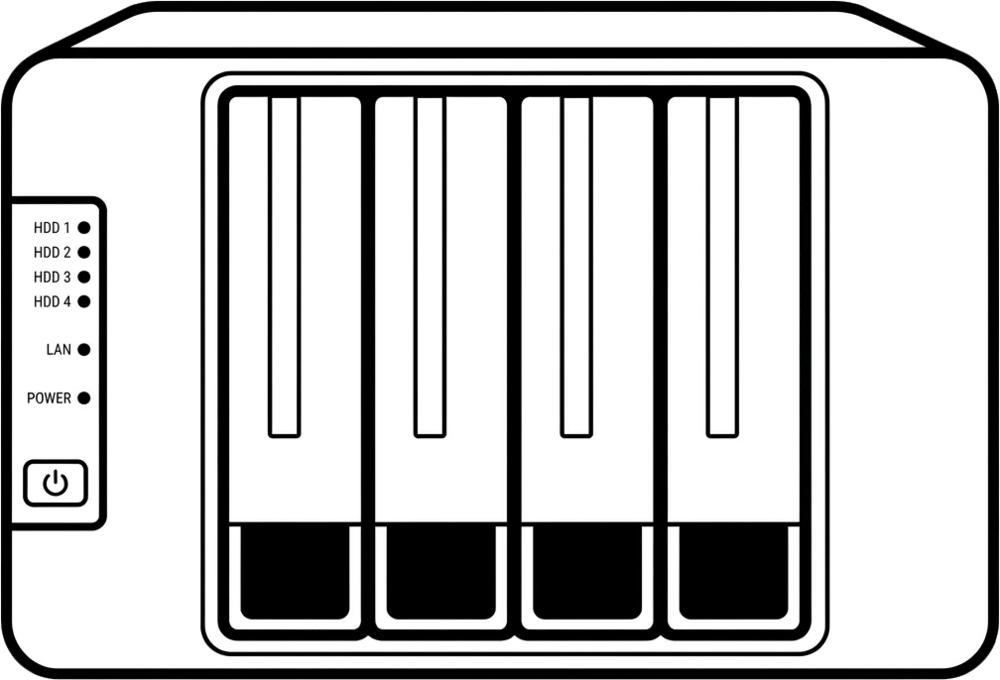
I generated one for the Terramaster F4-423 with Gemini and cleaned it up with Affinity.
-
Docker Stacks/Compose support similar to how Dockge does it but natively in Unraid. I would prefer having an easy way to setup my stacks but also assign appropriate icons to containers etc.
-
The Update OS link in Tools is broken when using Brave Browser (see attached images). Updating is possible through the Downgrade OS link though. This has been reproduced with multiple NAS'. It works fine for through Firefox on the same machine.
-
If this resumes at some point I'd appreciate icons for the Terramaster F2-423 and F4-423 which seem to be nice and quick setups to get the rest of my family some quality NASs.


