






Haigotron
Members
-
Joined
-
Last visited
-
Removing the Steam folder and reinstalling worked! thank you very much!
-
Project Zomboid gives me this error where it cannot find the server files. This is the case where i reinstaled the container. I have deleted and remade the docker image, as well as pruned any unused images but many files are misisng from the appdata. ---Ensuring UID: 99 matches user--- usermod: no changes ---Ensuring GID: 100 matches user--- usermod: no changes ---Setting umask to 000--- ---Checking for optional scripts--- ---No optional script found, continuing--- ---Taking ownership of data...--- ---Starting...--- ---Update SteamCMD--- ---Update Server--- ---Prepare Server--- ---Setting up Environment--- ---Looking for server configuration file--- ---Server configuration files found!--- ---Checking for old logs--- ---Server ready--- ---Start Server--- Cannot exec '/serverdata/serverfiles/ProjectZomboid64': No such file or directory
-
thanks!
-
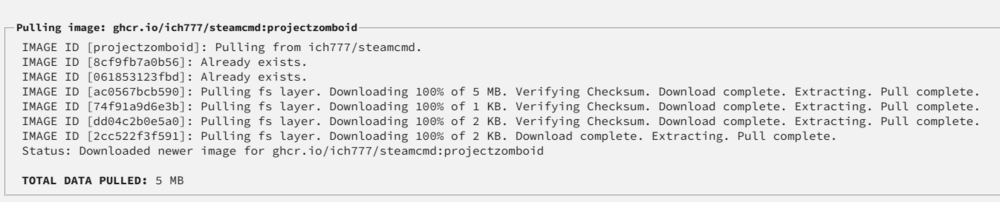
another example is project zomboid where it does the same thing, but here it says the images already exist. in this scenario, again, after this screen, its appdata will be empty
-
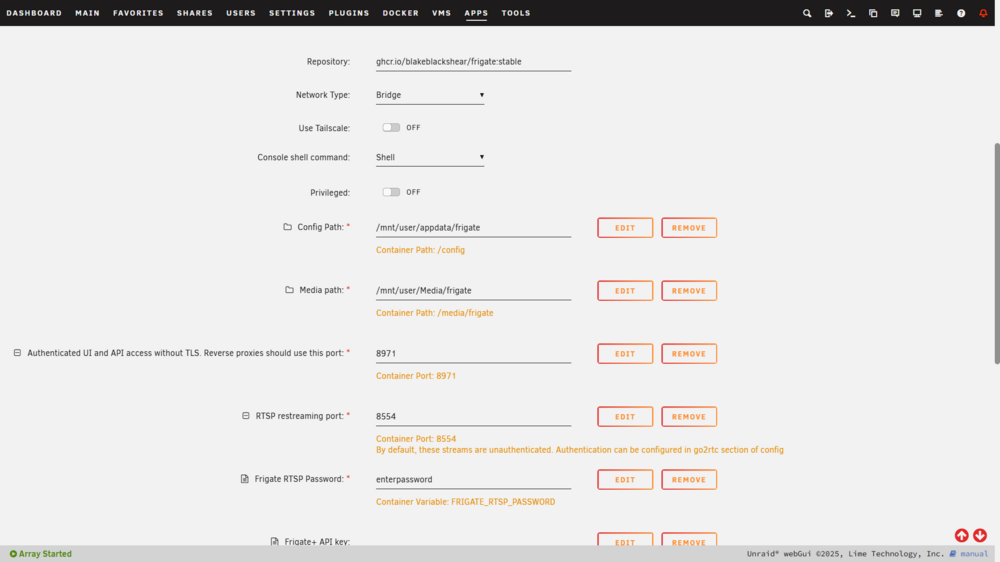
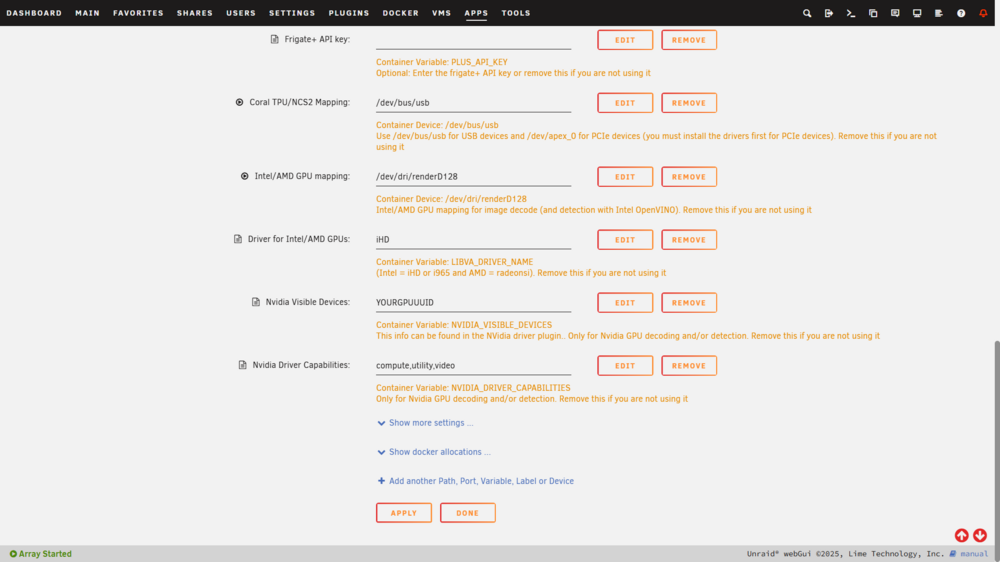
sorry, I also activated advanced view for the template Extra Parameters: --shm-size=256m --mount type=tmpfs,target=/tmp/cache,tmpfs-size=1000000000 --restart unless-stopped
-
It's the latter (no new appdata is created for that container):
-
Haigotron changed their profile photo
-
Hello, Several times I have uninstalled a docker container and later tried to reinstall it from the app store. The process looks normal: installation window appears (it's succesful), container appears in the docker tab (but stopped). However, the appdata folder is completely empty. I have tried mover, I have tried to reinstall many times, and even deleted the docker image to have it regenerate. But it does not work. Any adive to help? Thanks in advance servertron-diagnostics-20250924-1302.zip
-
Edit: I had to go back and set up the Network to Host for the apps that were not working. Thanks for helping! I tried both steps, same problem. Plex is the only one that works, while the others start but refuse to launch the WEB UI. Bitttorent and Deluge will not even start up. New diagnostics attached. servertron-diagnostics-20240121-1947.zip
-
Hello, I swapped my cache drive with a new cache drive. - However, some of my docker apps will start but not launch the web ui. - While others do not start at all. I attached the diagnostics. thanks in advance, Haig servertron-diagnostics-20240121-1131.zip




