bogdanb
Members
-
Joined
-
Last visited
-
In order to set up duckdns, you can go to https://www.duckdns.org/ and setup an account Check out this video for how to do it step by step. It also shows you how to run a duckdns container to keep your IP in sync 24/7. You should be to continue spaceinvaderone's tutorial/s afterwards.
-
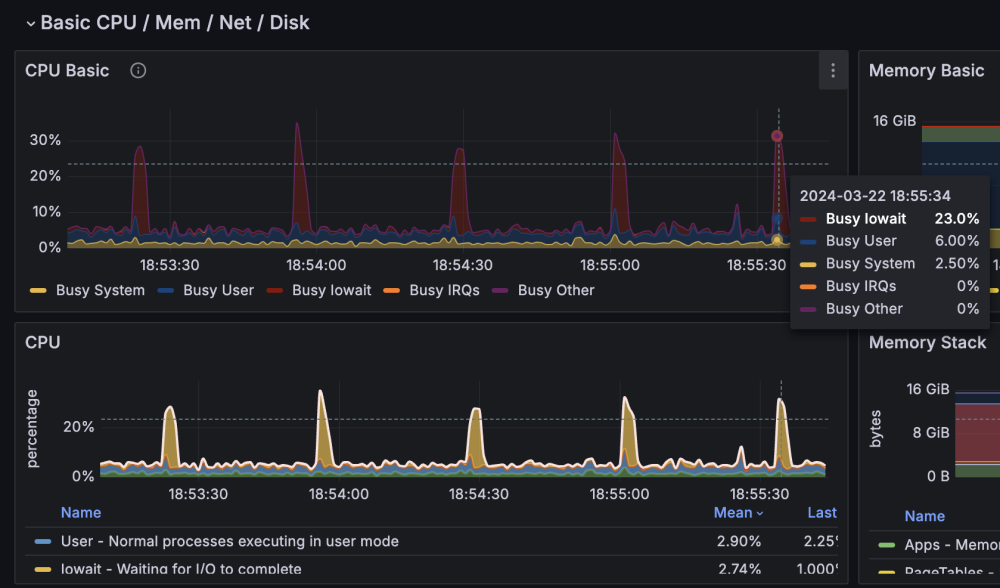
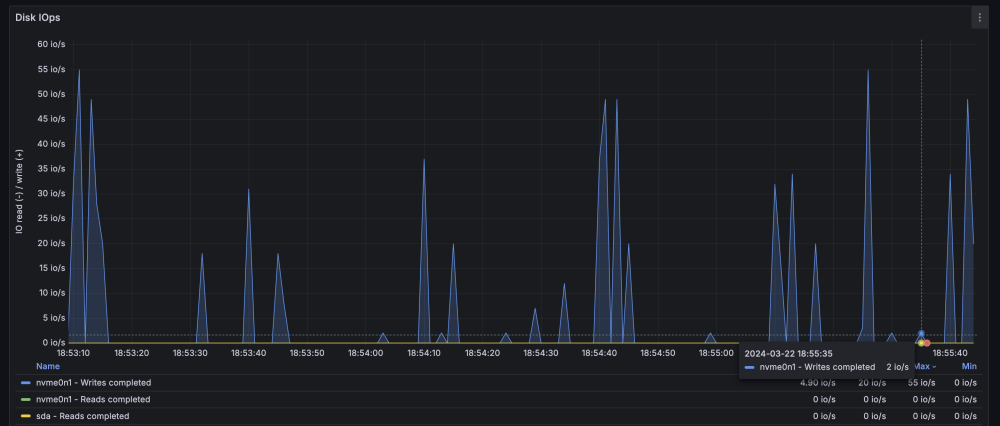
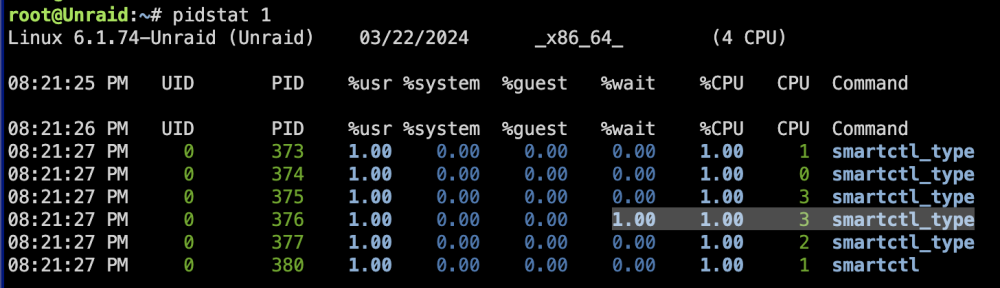
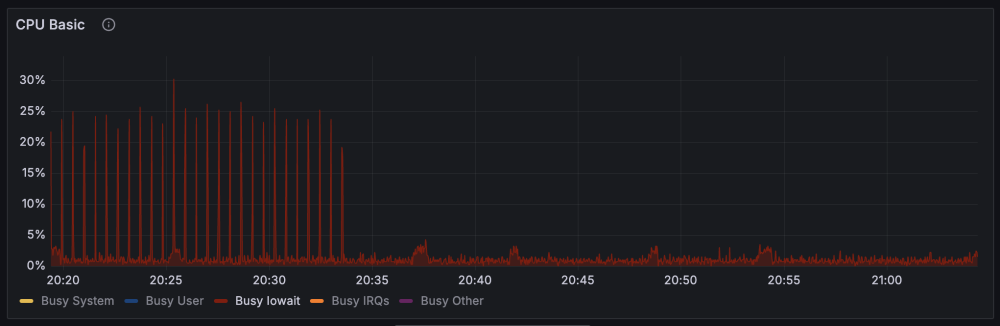
UPDATE: looks like php smartctl_type process does not properly shut down, we see some zombie processes. The short-medium term fix I found was to simply rename the smartctl_type script to something else so it wouldn't get triggered anymore Still no idea what triggers it thought This is the before and after:

-
follow the guide and setup everything after you are sure everything is working, install tailscale as usual after installing tailscale on your server and your phone for example, you will be able to access your containers by the tailscale_ip:port eg, if your radarr is accessible on your server network at http://192.168.1.100:7878/, on tailscale you will acess it with http://<server_tailscale_ip>:7878/
-
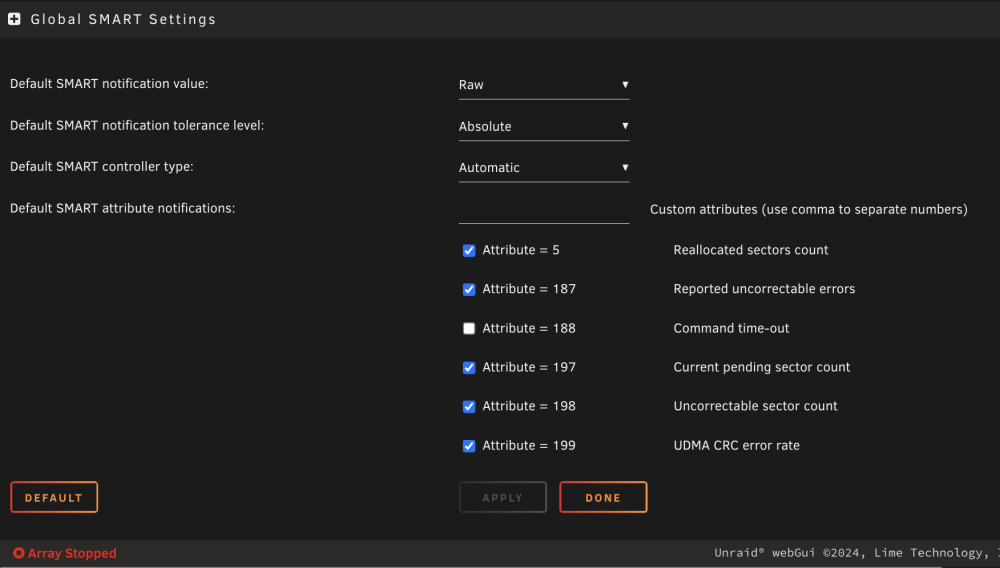
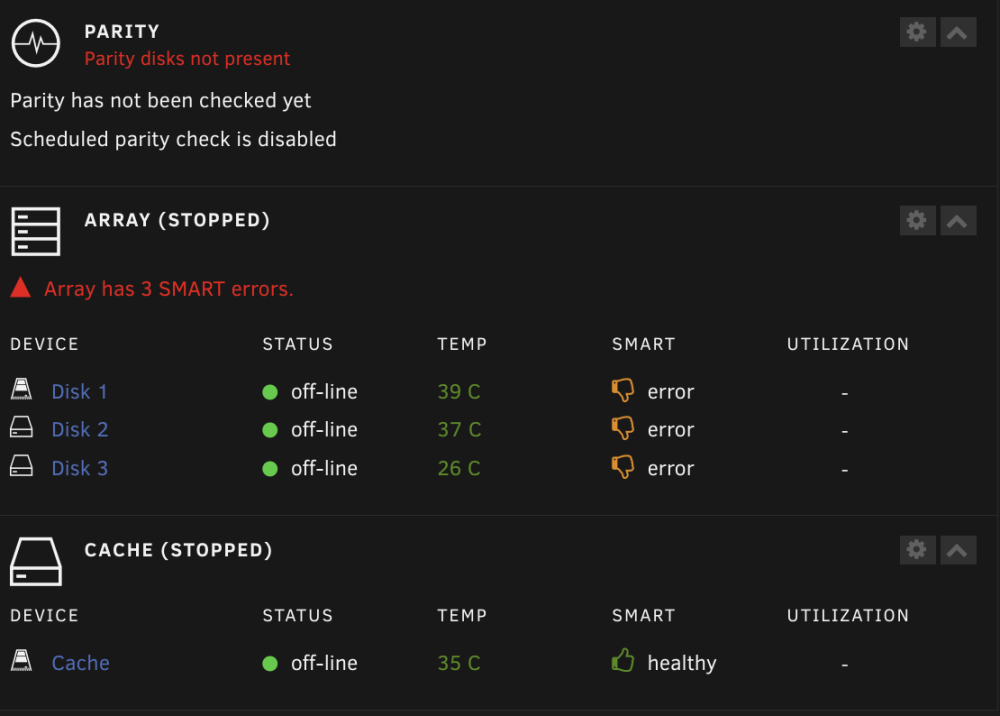
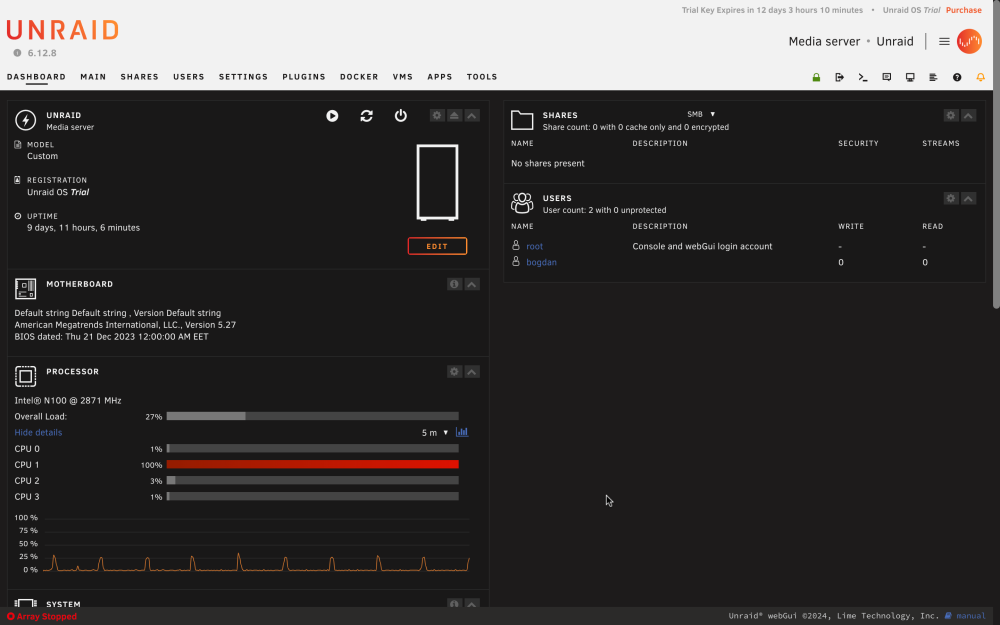
Hello! I have an annoyance / issue where each ~30s I get a CPU spike. Looks to be from the smartctl_type processes (which I understand they are related to SMART). Any idea what exactly makes smartctl_type cause the spikes and how to stop it? (or at least, have the processes run once 30m not 30s) This has been ongoing since the day I installed unraid. I have only 2 apps, Community Applications and Compose.Manager. Thanks!