





cyberspice
Members
-
Joined
-
Last visited
Everything posted by cyberspice
-
hello, im having an issue with community apps connecting to internet. No apps are being displayed docker containers are fine. i have changed the dns and turned on cloudflare CDN (Settings - Community Applications) Please help. x-diagnostics-20260915-1458.zip
-
im have issue connecting to community apps as well
-
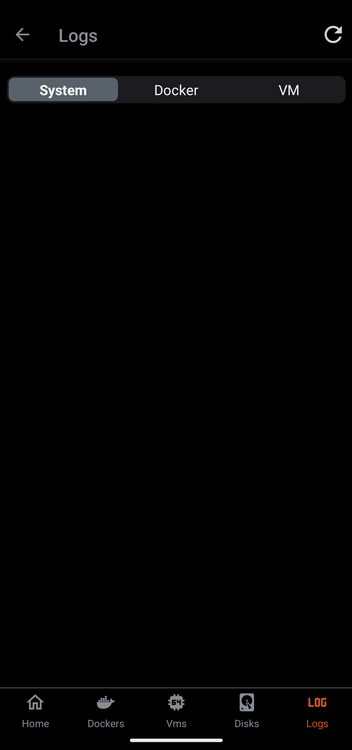
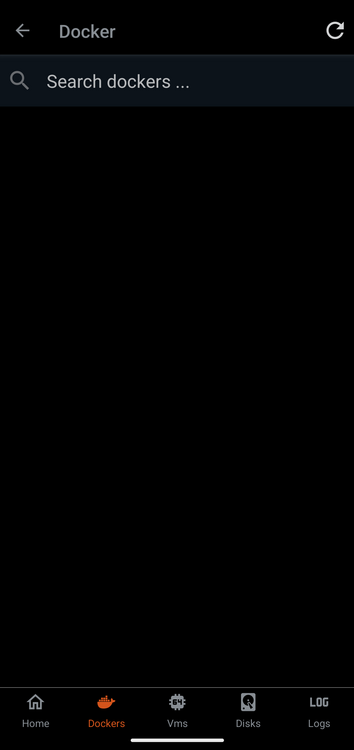
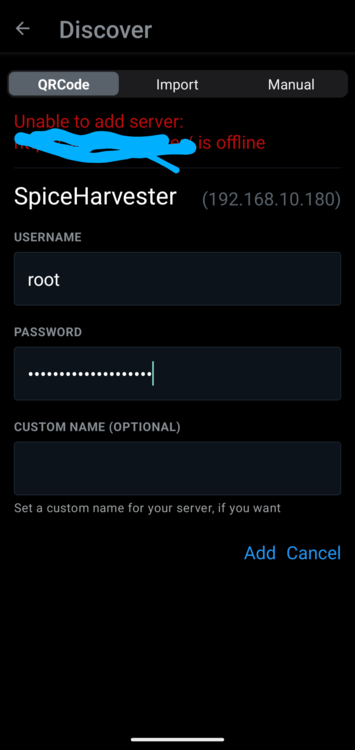
Sep 3 11:13:49 xxxxxxxxx webGUI: Successful login user root from 192.168.xxxxx Sep 3 11:14:43 xxxxxxxxx nginx: 2024/09/03 11:14:43 [error] 5294#5294: *262918 FastCGI sent in stderr: "Primary script unknown" while reading response header from upstream, client: 192.168.xxxxxx, server: 192-168-xx-xx.85exxxxxxxxxxxxxxxxxxxxxxxxxxxxxxxxxxxxxxxxxxxxxxxxxxx.myunraid.net, request: "POST //plugins/controlr/Api.php HTTP/2.0", upstream: "fastcgi://unix:/var/run/php5-fpm.sock:", host: "192-168-xxxxxxxxxxxxxxxxxxxxxxxxxxxxxxxxxxxxxxxxxxxxxxxxxxxxxxxxxxx.myunraid.net" Sep 3 11:14:43 xxxxxxxxxxxxxxx nginx: 2024/09/03 11:14:43 [error] 5294#5294: *262918 FastCGI sent in stderr: "Primary script unknown" while reading response header from upstream, client: 192.168xxxxxx, server: 192-168-xxxxxxxxxxxxxxxxxxxxxxx.myunraid.net, request: "POST //plugins/controlr/Api.php HTTP/2.0", upstream: "fastcgi://unix:/var/run/php5-fpm.sock:", host: "192-168-1xxxxxxxxxxxxxxxxxxxxxxxxxxx.myunraid.net" Sep 3 11:14:44 xxxxxxxxxxxxxxxxxxxxxnginx: 2024/09/03 11:14:44 [error] 5294#5294: *262918 FastCGI sent in stderr: "Primary script unknown" while reading response header from upstream, client: 192.16xxxxxxxxxxxxxxx, server: 192-168-xx-xxxxxxxxxxxxxxxxxxxxxxxxxxxxxxxxxxxxxxxxxxx.myunraid.net, request: "POST //plugins/controlr/Api.php HTTP/2.0", upstream: "fastcgi://unix:/var/run/php5-fpm.sock:", host: "192-168-xxxxxxxxxxxxxxxxxxxxxxxxxxxxxxxxxxx.myunraid.net" hi, scanning qr code from plugin does not work. import and manual work on android app. docker,vm and logs dont work.
-
thanks OP


