





Brenex
Members
-
Joined
-
Last visited
-
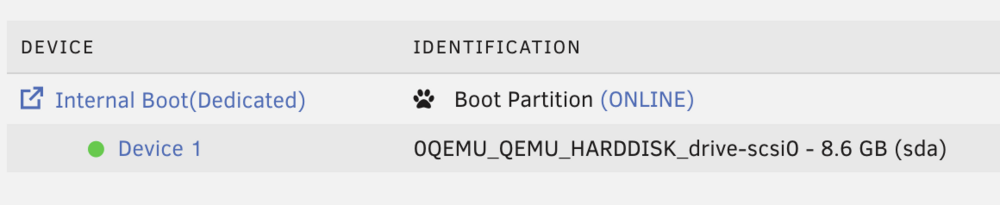
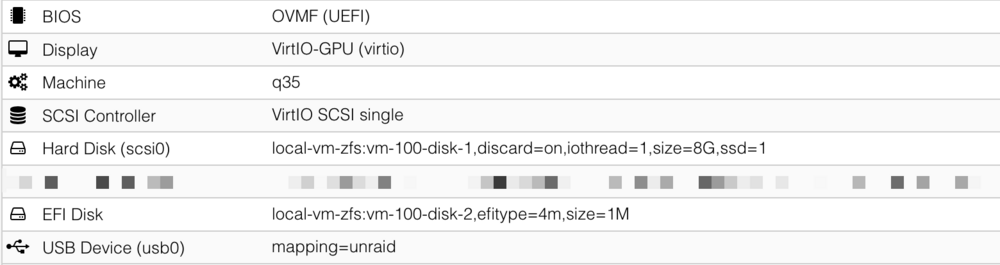
From another direction, I updated my Unraid 7.2.2 to 7.3 and was able to get it to boot from an internal, virtual drive. The only issue is you have to continue to pass through the USB for the "License Dongle" method of registration with its valid hardware GUID for registration. I did have to manually synchronize the transfer of data from the USB to the internal drive as it didn't do it as part of the wizard as well.
-
Thanks, I think that fixed it for me.
-
Mine is doing the same thing. See:
-
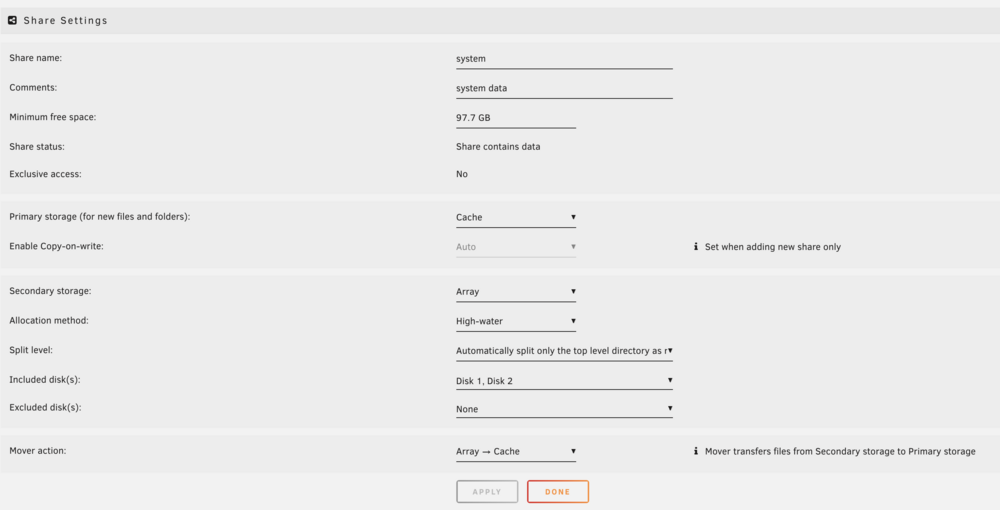
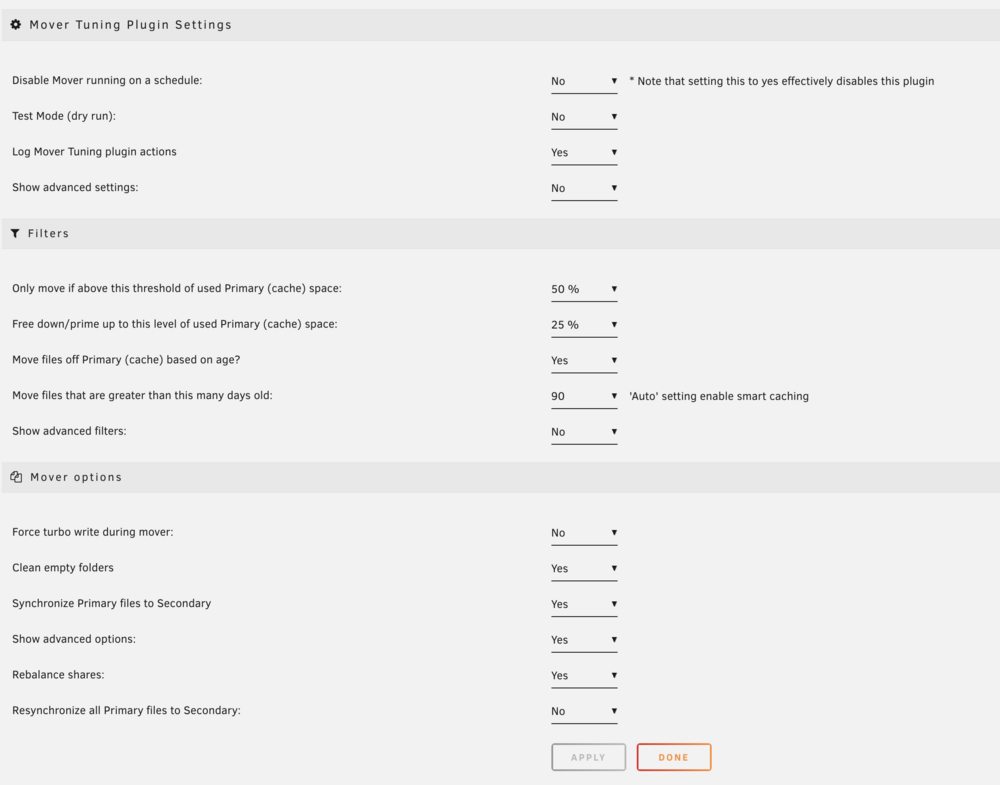
I am having trouble with appdata and system folder files being moved off the cache and on to the array when I have the following settings: Are these not correct to have the files kept primarily on the cache? I also have and use mover tuning as well. unraid-diagnostics-20241014-1136.zip
-
Wow, that’s great. Thanks! Happy to see it continue in an easy to install fashion


