





Flixlover
Members
-
Joined
-
Last visited
-
I downloaded synchthing and it's prompting me to a username and password but I haven't set up one. How can I reset it?
-
I having a lot issues with unraid. Today, I came home from work and the docker tab disappeared. I restarted the server and when tried restarting the array getting a message that fatal error on disk occurred.
-
Hello, I have reset my server and reinstalled the sabnzbd and it gave me an error message "execution error, server error" How can I fix this?
-
Hello! Newby here, I been getting can't reach page. Refuse to connect page. I don't know what else to do. I have reset the server and nothing works.
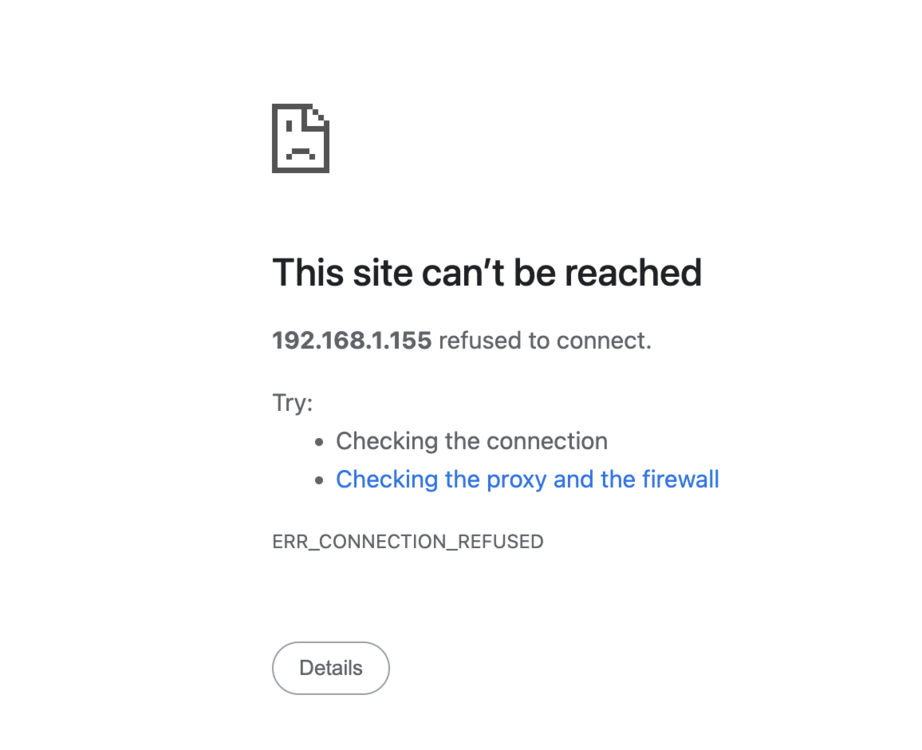
-
I would've but today the array stopped working. I'm getting fatal error message.Array isn't starting up properly. It was working fine yesterday, but now the dockers won’t start, and today the array won’t start either, giving me a disk error. I'm at a loss on what to do next. Can anyone help? How can i mstart from scratch. I tried it and it didnt work its giving me more problems than ever.
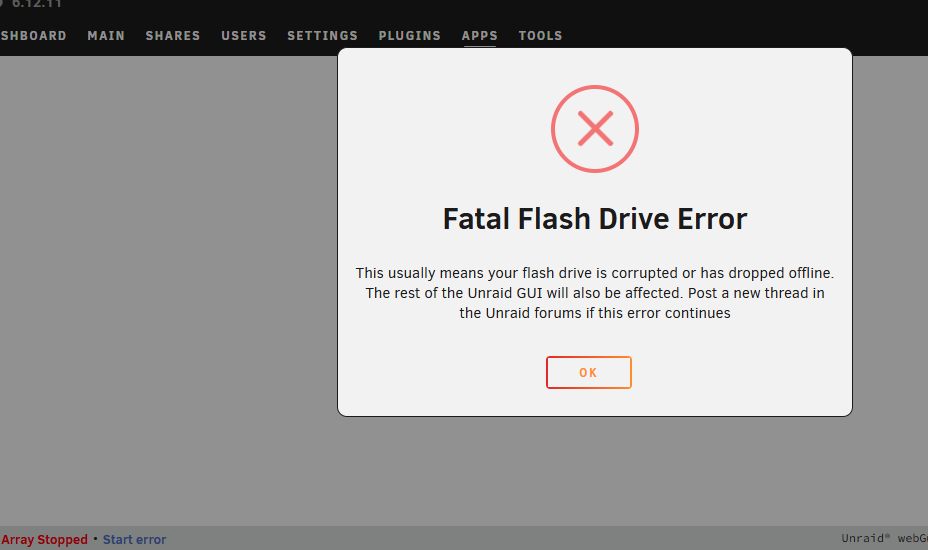 Hello y'all, I’m in need of some help here. I had four binhex apps running smoothly, but now three of them (binhex-syncthing, binhex-sonarr, and binhex-radarr) have suddenly stopped working. I also added a new app Nginx Proxy Manager for reverse proxy, which isn't functioning either. The logs indicate that the issue might be related to running out of memory. I’ve tried unmounting the disk, formatting it, and reinstalling everything, which restored the memory, but the apps still won’t open. Any suggestions on how to resolve this? Can someone please help me. Thanks in advance. .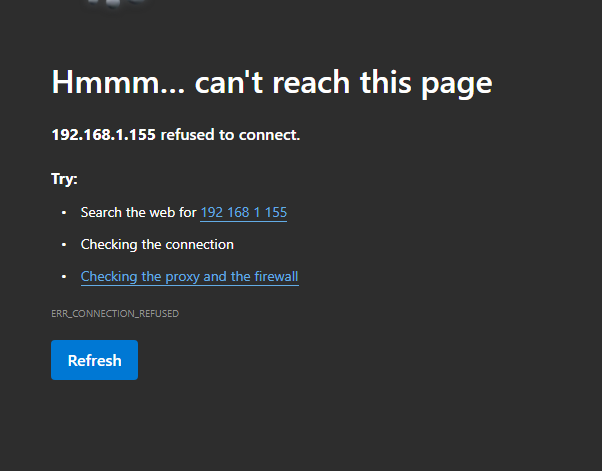
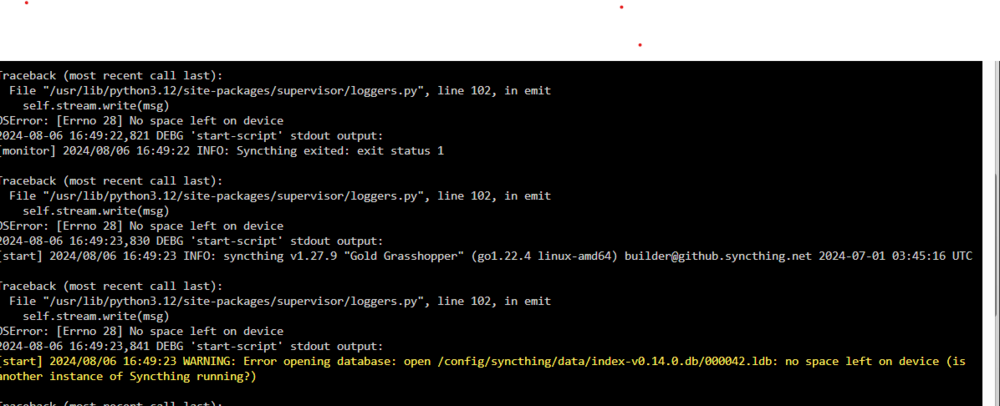 Oh goodness.. thank youOk... I'll check for instructions on how to do that. Thank youEverything seems to be in place, I'm using the right ports. When I use the WebUI is when I get that that message. Unless I can get to the docker another way? This is what I get on the logs. It seems that disk on is full. That's my bootable drive. I don't know how to change it. I have 2 1TB storage that's not being used.
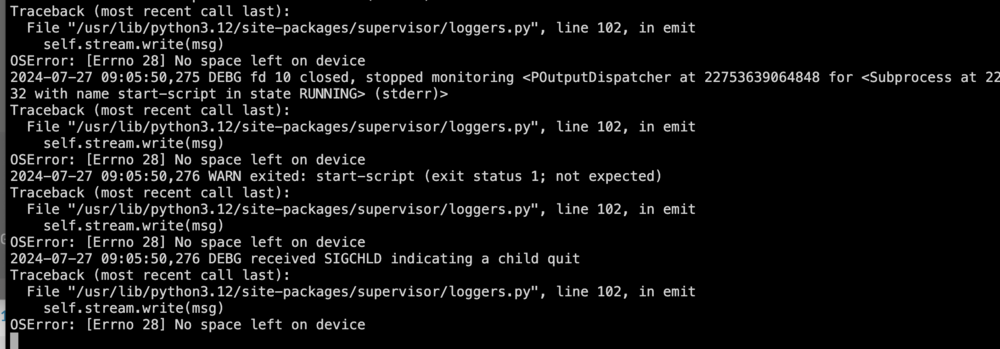 newby here, I been having a difficult time with dockers( radarr, sonarr, deluge and syncthing). everything worked well the first day then The next day it gave me a message "This site can’t be reached" I try downloading a reverse proxy and all failed. any help its greatly appreciated. thanks


