





l0n3
Members
-
Joined
-
Anyone know the location for the SandboxSettings files in Abiotic Factor? I "think" i have found them, but they are in .sav format which I cannot figure out how to unencode into a text format for editing for the world I am hosting. Looking for the file name? I assume SandboxSettings, but not seeing it. Any guidance on how to edit is appreciated. Essentially, the gravity cube is not respawning so we only have one trinket.
-
Thank you mate!
-
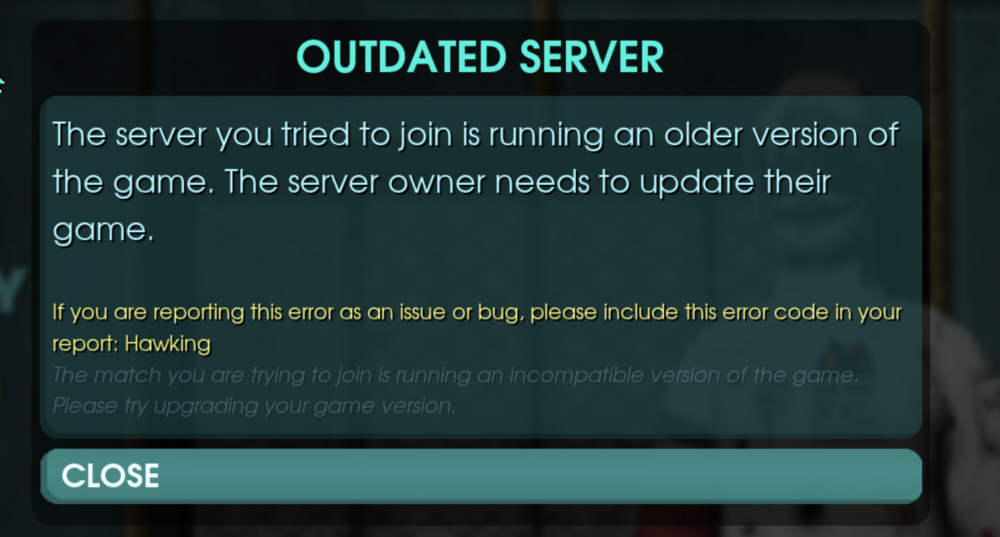
Hello, I wanted to first thank you for all the containers, I've used both your Abiotic Factor and Project zomboid containers and have had so much fun with with some buddies during a weekly gaming session. I wanted to ask if there is a new image/update for Abiotic factor to 1.0? It seems the 1.0 update broke the container and it is no longer join-able from the game UI. Any help is appreciated. The server no longer shows up during searching and doirect connecting gets me thje error that the the container is out if date
-
Fixed with support's help, thank you!
-
Same issue here.

